








Get sales advice from our team 7 days a week
0871 244 0934HDMI docking stations add a monitor and more useful connections to your laptop. Our range includes options from HP, Dell, Lenovo, Microsoft and other trusted brands. Connect screens, keyboards, mice, storage and wired networks through one handy hub. Selected models can also charge compatible laptops, helping you keep cables under control. Compare screen support, ports and power output to find a dock that suits your desk.




SKU: 9X472UT

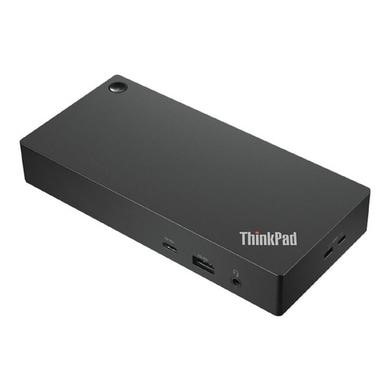

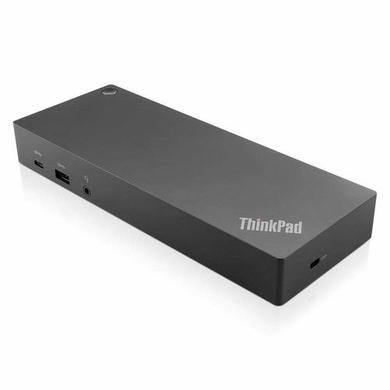


SKU: DELL-WD25


An HDMI docking station brings your monitor and other desk connections together in one place. Depending on the model, you can connect a screen alongside USB devices, Ethernet, storage and audio equipment.
Some docks also send power to a compatible computer through the same main connection. This can make moving between meetings, home and the office much easier. Just connect your laptop when you’re ready to work.
Before buying an HDMI docking station for laptop use, check the display limits of both your computer and the dock. Look at the number of supported monitors, plus the maximum resolution and refresh rate.
Your laptop’s USB-C or Thunderbolt port must also support the video features needed by the dock. Two HDMI sockets on a dock don’t always mean that every laptop can run two screens at their full resolution.
Think about everything you want to leave connected at your desk. HDMI handles compatible monitors, while USB-A and USB-C ports can cover keyboards, mice and storage. Ethernet is useful if you prefer a wired network.
If you want one cable to charge your laptop too, check the dock’s power output against your computer’s needs. It’s also worth checking whether the required mains adaptor comes with the model you choose.



