








Get sales advice from our team 7 days a week
0871 244 0934Laptop charging trolleys keep shared devices charged, secure and ready to use. They combine storage and charging in one tidy unit, so laptops, Chromebooks, iPads and tablets are easier to organise. Choose compact units for smaller sets or wheeled models that can move between rooms. Selected options add lockable doors, separate device slots and cable management, helping to cut clutter and keep everyday charging simple.




Start with the devices you need to store. An iPad charging trolley for schools often uses slim bays that suit tablets, while a Chromebook charging trolley needs enough room for the device and any protective case.
You may also see the misspelling charging trolleyz in search results. Whatever the label, check bay width, device size and the charging connection before you buy. Lockable doors and separate slots on selected models can also help keep shared devices secure and reduce knocks while they're stored.
Charging method is just as important as capacity. AC models use individual power adaptors, while selected USB-C models come pre-wired for a cleaner setup.
Check the number of charging ports, the power output and whether chargers are included. USB-C plugs can look the same but deliver different power levels, so match the unit's output to your device. A lower output may mean slower charging. For a full class set, choose enough bays for every device and any spares.
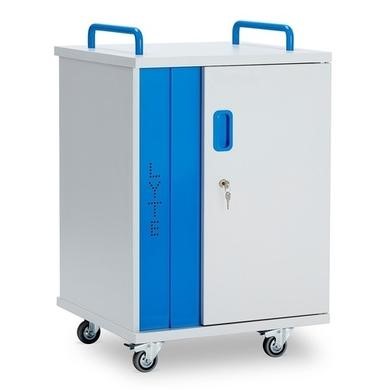
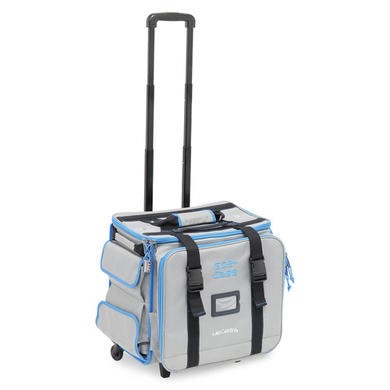
On selected mobile models, sturdy castors and handles make it easier to move a full set between rooms. Cable management keeps leads tidy and helps reduce snags, while lockable doors add useful storage security. Keep vents clear and follow the maker's charging instructions.
For UK settings, guidance recommends keeping plugs and cables in good condition, storing leads so they don't trail and checking them for damage. These simple checks matter even more when the unit is moved often.



