








Get sales advice from our team 7 days a week
0871 244 0934HDMI and DisplayPort docking stations let you connect the screens and accessories you already use with flexible video ports. Choose from models with HDMI, DisplayPort, USB, Ethernet and laptop charging, with options from brands such as HP, Dell and Lenovo. Having both common display connections can make it easier to use different monitors across home offices, hot desks and business workspaces. Compare screen support, ports and power output to find the right fit for your setup.




SKU: 9X472UT

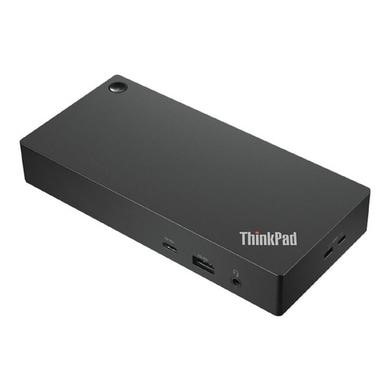

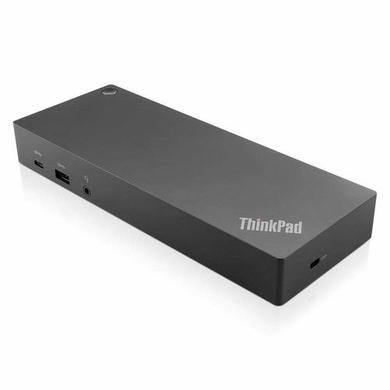


SKU: DELL-WD25


A docking station (HDMI and DisplayPort) gives you more choice when connecting monitors to a laptop. You may be able to use an HDMI screen, a DisplayPort monitor or both, depending on the dock and computer.
Many models also add USB ports and Ethernet, while powered docks may charge compatible laptops. This can keep a permanent desk setup neat and make it quicker to connect when you start work. Multi-screen support still depends on the laptop and dock specification.
An HDMI DisplayPort docking station can suit desks where monitors use different connections. Before buying, check how many external displays your laptop supports, along with the resolution and refresh rate you need. A dock may have several video sockets without being able to run them all at once. Laptop graphics, available display bandwidth and the host connection can all affect the final setup.
A docking station with HDMI and DisplayPort is about more than screen connections. Check the USB ports for your keyboard, mouse and storage, plus Ethernet if you use a wired network.
If you want one cable to charge your laptop too, compare the dock's power output with your computer's needs. It's also worth checking whether the required power adaptor is included and whether your laptop's USB-C or Thunderbolt port supports the features you need.



