








Get sales advice from our team 7 days a week
0871 244 0934Chromebooks are a popular alternative to traditional Windows and Mac laptops, but they work a bit differently. Instead of Windows 11, they run on Google's ChromeOS.
A Chromebook is a laptop that runs ChromeOS, an operating system designed by Google. It's built around the Chrome web browser and cloud-based apps. Think of it as a simple, fast, and secure computer that's perfect for everyday tasks.
They start up in seconds, have built-in virus protection, and update themselves automatically in the background, so you always have the latest, most secure version.
If you're wondering why you should choose a Chromebook, it comes down to these key areas:

Chromebooks are famously fast. They boot up almost instantly. Plus, the background updates make sure to consistently deliver performance that's full speed ahead.
Chromebooks are famously fast. They boot up almost instantly. Plus, background updates ensure consistent performance.

Because ChromeOS is so lightweight and efficient, most Chromebooks offer exceptional battery life, often lasting up to 10-12 hours on a single charge.
Because ChromeOS is so lightweight, most Chromebooks offer exceptional battery life, lasting up to 10-12 hours.

If you use the Chrome browser, you already know how to use a Chromebook. They have multi-layer security built-in, so no extra antivirus is needed.
Built around the Chrome browser you already know, with multi-layer security that removes the need for extra antivirus software.
Today's Chromebooks are incredibly versatile, handling everything from spreadsheets to streaming.
Use Google Workspace or access Microsoft 365 apps via the web. Perfect for productivity.

Ideal for Netflix, Disney+, and YouTube with a fast, smooth browsing experience.
Access millions of apps from the Google Play Store for creativity and light gaming.
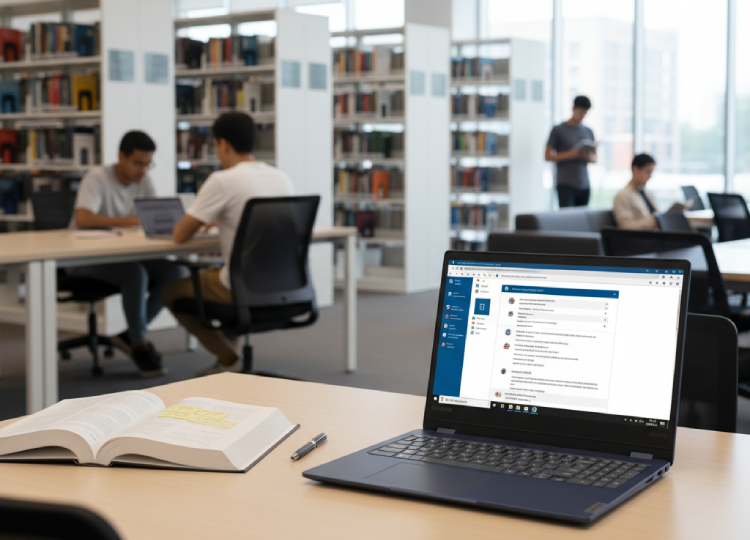
Lightweight and long-lasting—ideal for lectures and research.
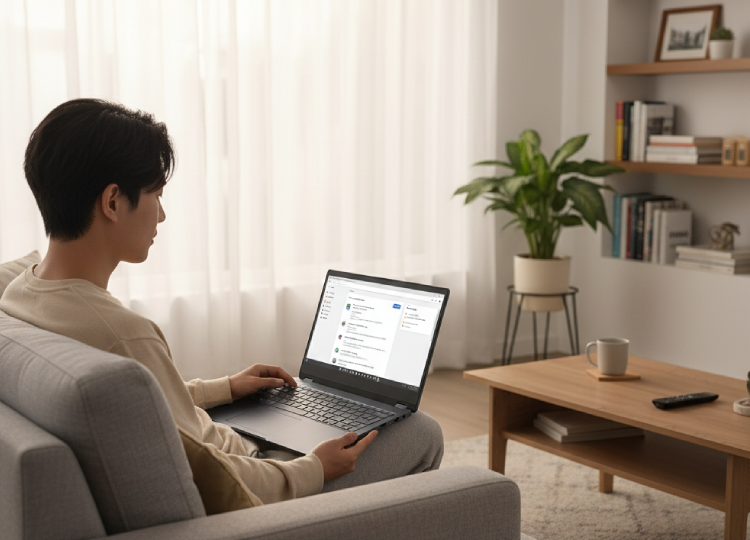
A frustration-free option for shopping, emails, and social media.
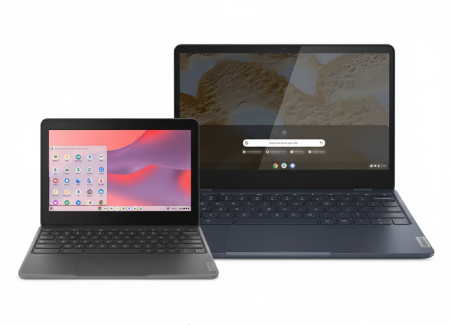
Choose from compact 11.6" models for travel or 15.6" for streaming at home.
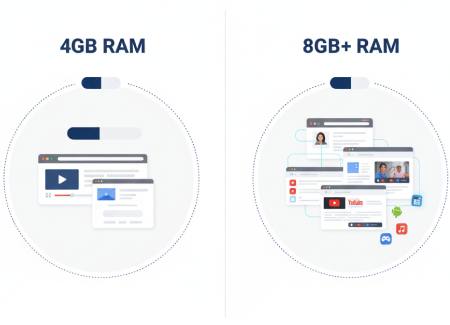
4GB is great for basics, but choose 8GB if you like to keep dozens of tabs open.
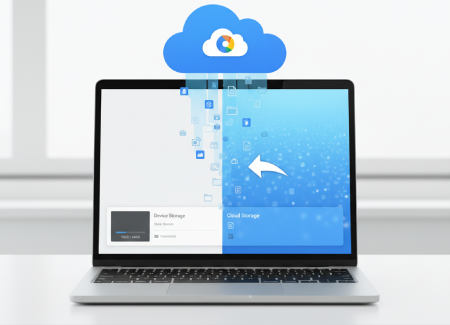
64GB is standard, while 128GB offers more room for offline files and apps.



