












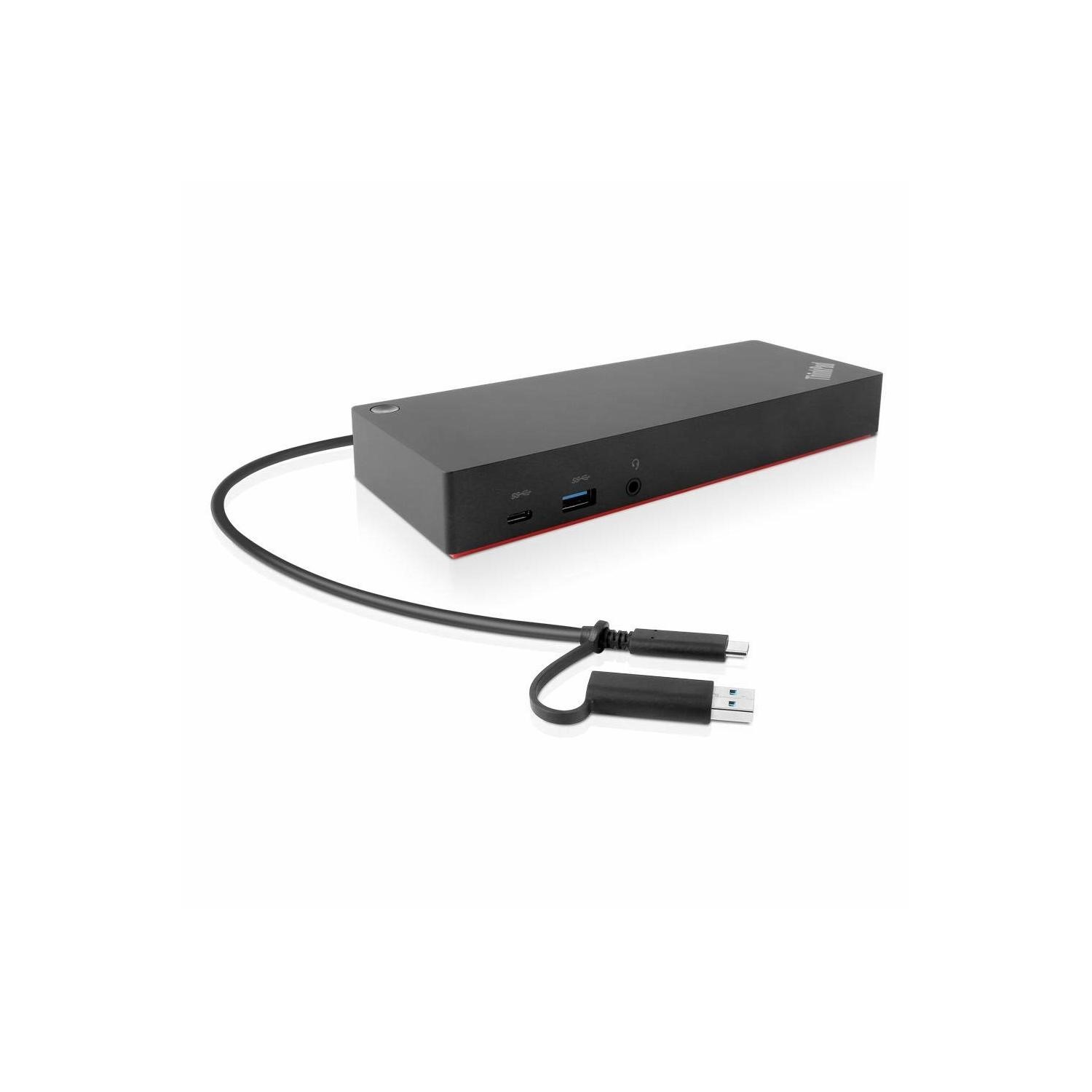



Enterprise-class Universal Docking
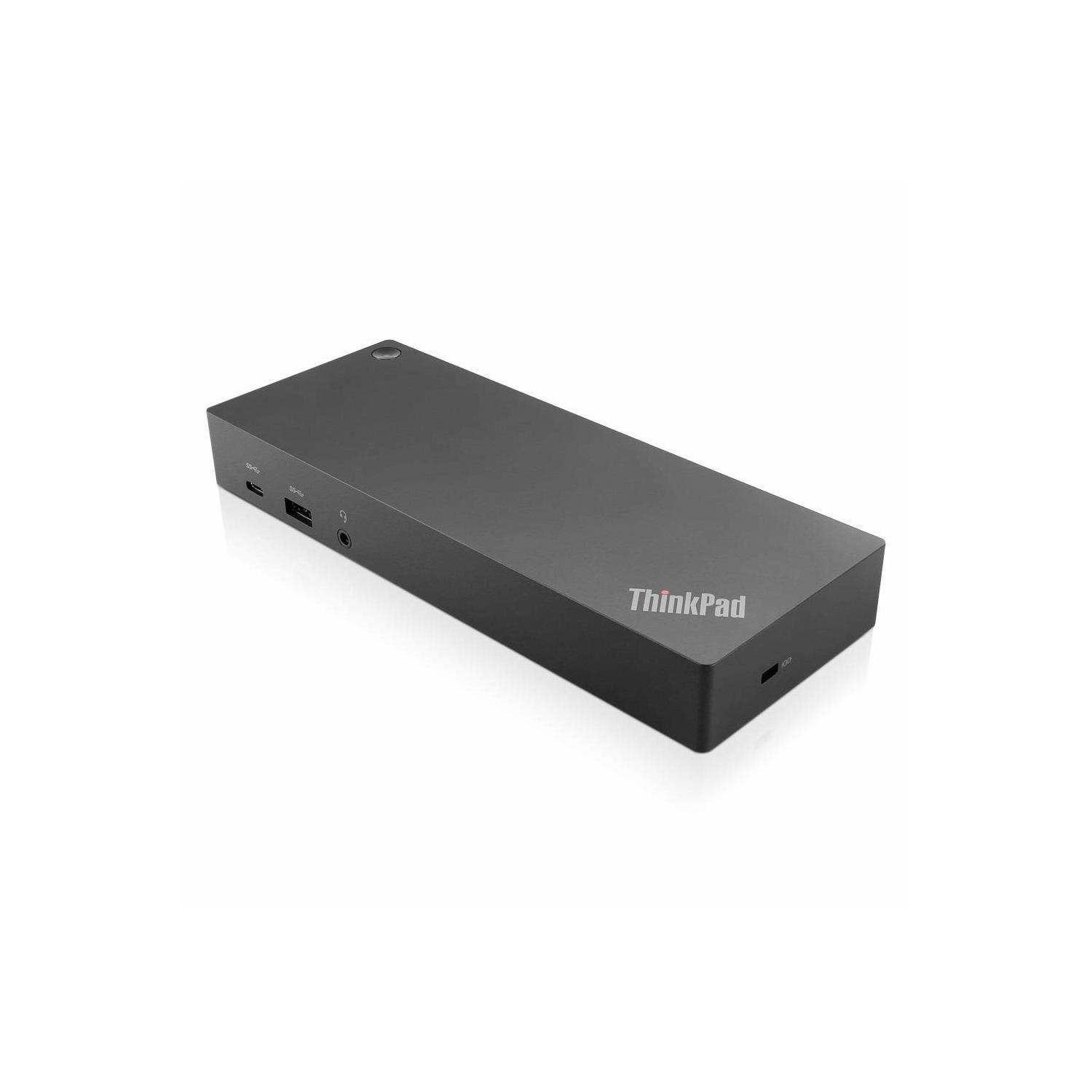
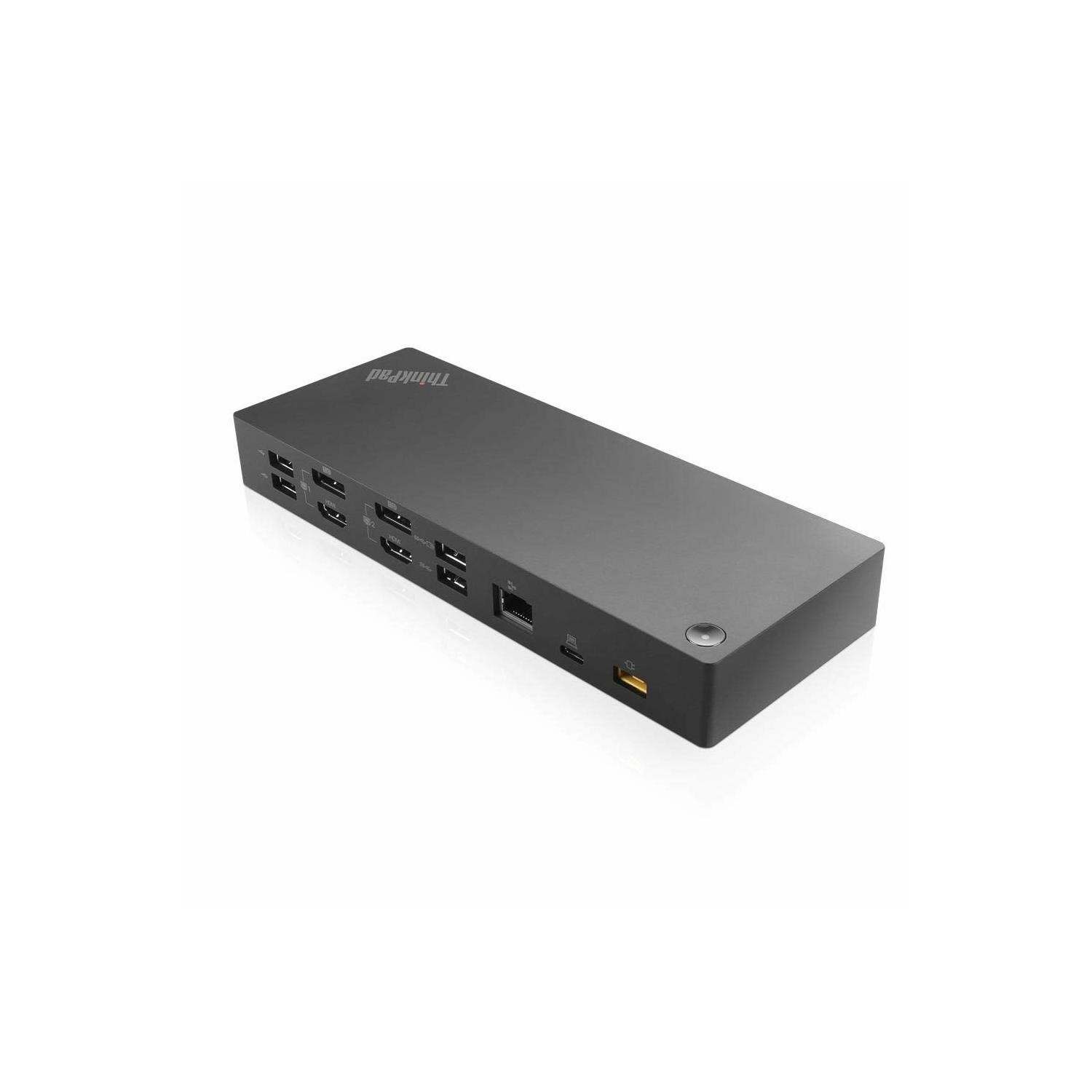
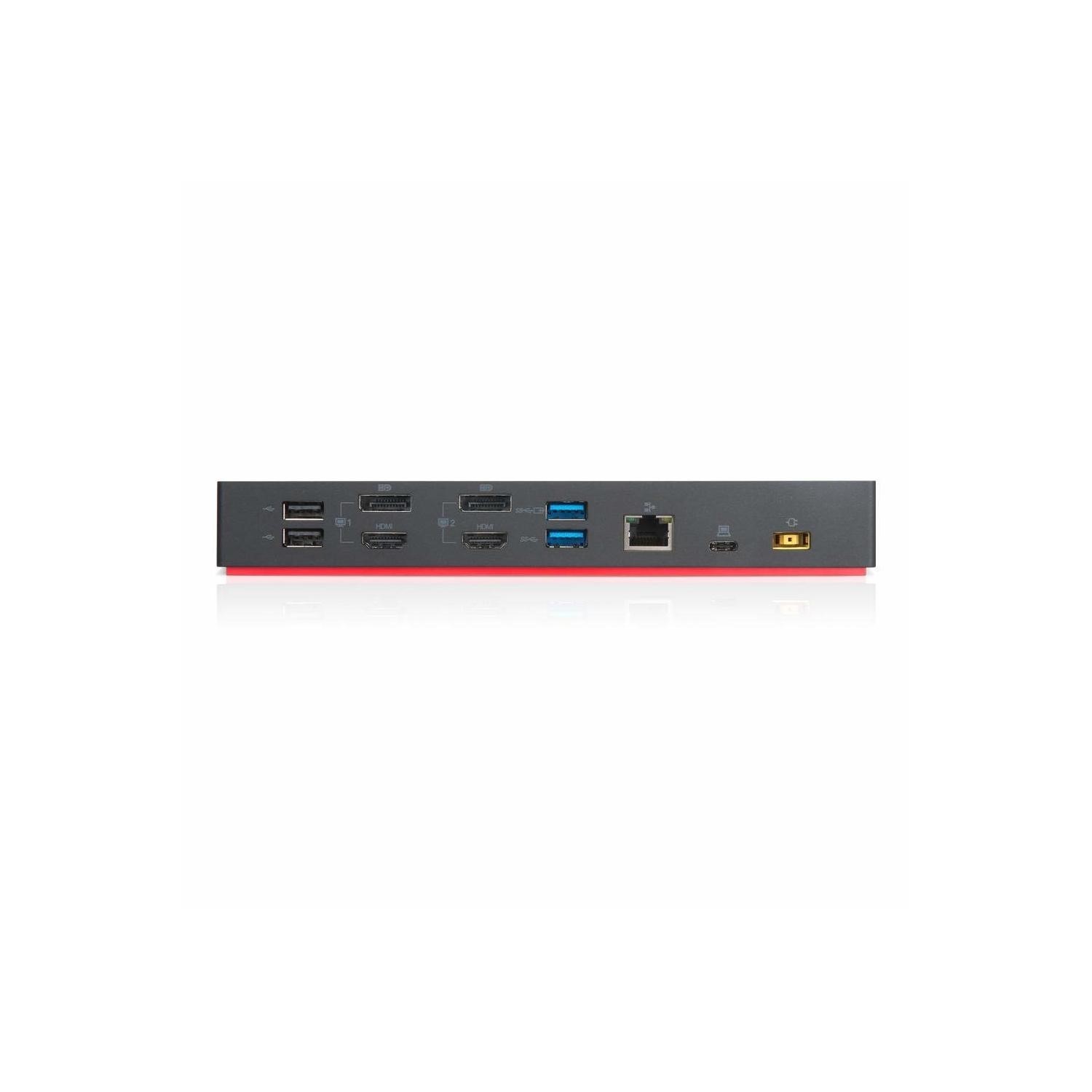
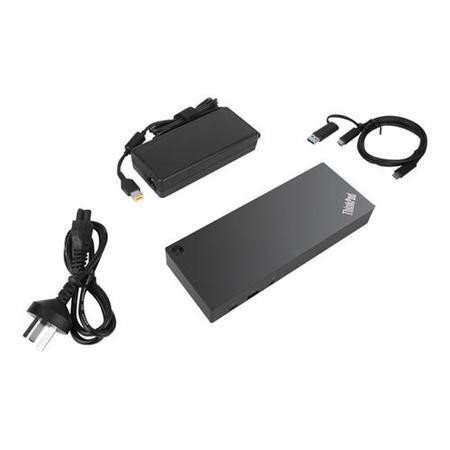
The ThinkPad Hybrid USB-C with USB-A dock expands the capabilities of most laptops, new or old, making it perfect for enterprise customers with mixed-PC or shared-desk environments. Featuring enterprise-class manageability like PXE boot and MAC address Pass-through, the ThinkPad Hybrid USB-C with USB-A offers three high-speed USB3.1 ports, up to dual UHD 4K resolution and rapid charging on ThinkPad notebooks. In addition, with the included USB-C to USB-A adaptor, it can also provide port replication to non-Lenovo or USB-C notebooks.
One dock for all notebooks
Enhances the performance of Lenovo USB-C notebooks and tablets through USB-C connection, as well as previous generation and market notebooks through the USB-C to USB-A adaptor.
Rich performance
Provides up to dual UHD 4K display with DP and HDMI ports. Up to 10 Gbps data transfer speed on three USB3.1 gen2 ports, and rapid charging for ThinkPad family notebooks.
Enterprise manageability & simplification
Host of manageability features like PXE boot, Wake-On-Lan from sleep mode, and MAC address pass-through. Ideal for enterprise customers.

Question from Andrew: Asked on 25/02/2026 Hi I am interested in this dock but just want to check will it be okay to connect my current Lenovo V15 G2 ITL Laptop Core i7 16GB 512GB SSD 15.6 Inch Windows 11 Pro Laptop to two external monitors and if so do I need anything else to connect it all up.
Hi, The Lenovo ThinkPad Hybrid USB-C with USB-A Docking Station (40AF0135UK) lets your Lenovo V15 G2 ITL Core i7 laptop connect to two external monitors using DisplayLink technology, since the laptop’s USB-C port does not natively support video. Simply install the DisplayLink drivers on Windows 11, connect your monitors via HDMI or DisplayPort, and plug the dock into USB-C or USB-A (adapter included). No additional hardware is needed, and it is ideal for office and general productivity use.
Thank you.