

















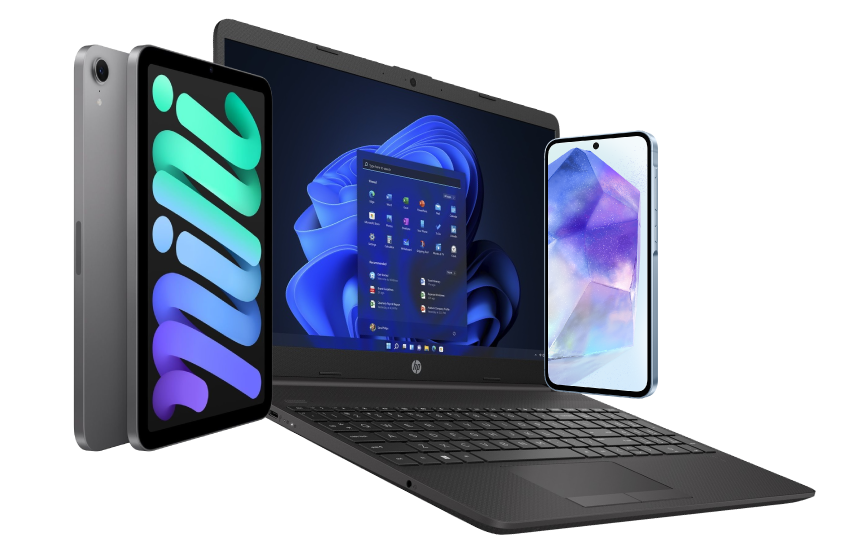






Excellent cosmetic condition - looks like new and saves you money.


Save money
Enjoy significant savings without compromising on quality.

Reduce waste
Reduce electronic waste and lower your carbon footprint.

Extensively tested
Every refurbished device is rigorously tested and repaired by certified technicians.
BSI Kitemark Certified
This device meets the BSI Kitemark™ certification standards, guaranteeing its quality and safety.

Warranty included
This device is protected with a warranty covering both parts and labour.
Not called a “personal computer” for nothing
Between processor, memory, storage, graphics, and display options, the ThinkPad T14 laptop offers nearly unlimited configurations, making it one of the most personal computers on the market. With epic battery life, you’ll never be tethered to your desk. Confidently go wherever the road or the sky takes you.
Made for downtime too
The ThinkPad T14 laptop is everything you need for work—and everything you want for off-the-clock enjoyment. Combined with Dolby Audio™ Speaker System for enhanced sound, streaming movies or listening to music has seldom been this rewarding.
Durability = smarter
ThinkPad T14 laptops are tested against 12 military-grade requirements and more than 200 quality checks to ensure they run in extreme conditions. From the Arctic wilderness to desert dust storms, from zero-gravity to spills and drops, you can trust these laptops to handle whatever life throws your way.
Security that works for you
As part of ThinkShield security solutions, we offer a combination of hardware and software that work together to ensure what’s on your display is for your eyes only.
Because waiting is so yesterday
The ThinkPad T14 laptop includes productivity-enhancing features like Modern Standby, which enables the system to wake in one second and connect to the internet one second later. With Wake on Voice, when the lid is open you can simply speak from across the room to wake the system. What’s more, with just the touch of a button, you can easily answer, make, and disconnect from conference calls by using the F9-F11 function keys.
What's in the Box?
- Laptop
- Power adaptor
When setting up your new unit you will need to activate your Microsoft License Key. Follow the simple step by step guide to find out how to do so, it is really quick and easy to do!
How to activate your Microsoft License Key »





Question from Stuart: Asked on 22/07/2026 Does the USB-C port charge the laptop and output video to the monitor? Thank you
Hi, yes. The Lenovo ThinkPad T14 Gen 1 supports charging via USB-C (USB Power Delivery) and video output through USB-C DisplayPort Alt Mode. This allows you to connect a compatible USB-C monitor or dock to provide display output and charge the laptop through a single cable.
Thank you.
Question from Darwin: Asked on 31/10/2025 Is this a touchscreen version?
Hi Darwin,The Lenovo ThinkPad T14 (10th Gen) does not feature touch functionality; it comes with a standard 14-inch LED display.Thanks!
Question from Colin Bell: Asked on 22/10/2025 Please advise if this Lenovo laptop has the following software installed :-
a) The latest Windows 11 Pro software installed.
b) Again the latest Office Pro software installed.
In each case please confirm the current version/dated of each software above.
Together, if the installations are designated purchases, only or if they are lifetime use only inclusive of associated software updates.
Regards Colin
Hi Colin, this laptop comes with Windows 11 Pro pre-installed (64-bit, genuine OEM license, receives updates). Microsoft Office Pro is not included; it must be purchased separately, either as a subscription (with updates) or a one-time license (no ongoing updates). You may want to check the "Recommended Accessories" section of the product's page for available Microsoft Office for purchase. Thank you.