








Get sales advice from our team 7 days a week
0871 244 0934USB-C docking stations let you connect more of your desk through one simple connection. These docks can add monitors, keyboards, mice, storage and wired internet to a compatible laptop, while selected models can also provide charging. Choose from compact hubs and larger desktop docks from brands such as HP, Dell, Lenovo and Microsoft. Compare display support, ports and power output to find a setup that fits the way you work.





SKU: 9X472UT

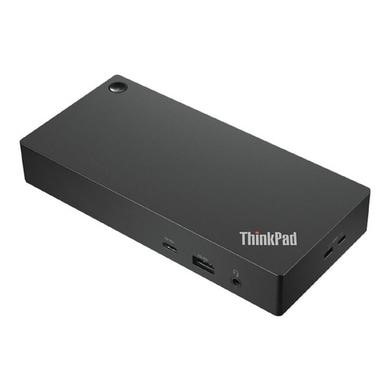

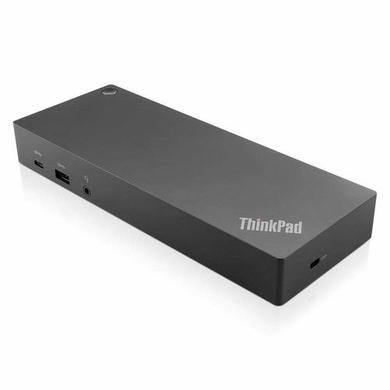


SKU: DELL-WD25





A USB-C docking station can turn one laptop port into several useful connections. Depending on the model, you can add HDMI or DisplayPort screens, USB devices, Ethernet and other accessories. Some docks also pass power to a compatible laptop through the same cable. This can make hot-desking and home working much simpler, with fewer leads to connect each time you sit down.
A USB-C docking station dual monitor setup needs support from both the dock and your laptop. Check how many external displays your computer can run, along with the resolution and refresh rate you need. The ports matter too, so match HDMI or DisplayPort outputs to your screens. Dual-screen support varies between devices, which is why checking your laptop specification before buying can save a fair bit of hassle later.
Don’t judge a dock by the USB-C plug alone. Look at its power output, data speed and display connections. If you want the dock to charge your laptop, compare its Power Delivery rating with the wattage your computer needs. USB Power Delivery can support much higher power levels on compatible hardware, but the dock, cable and laptop all need to support the required level. Ethernet, spare USB ports and card readers are also worth checking if they’re part of your daily setup.



