








Get sales advice from our team 7 days a week
0871 244 0934A camera monitor, one with a built-in webcam, is a smart pick when space and tidiness matters. It helps you jump into online lessons or remote meetings without needing extra gear on your desk. Plus, the monitor with camera sits at the right height, so you don’t have to adjust it or deal with messy wires.
Read more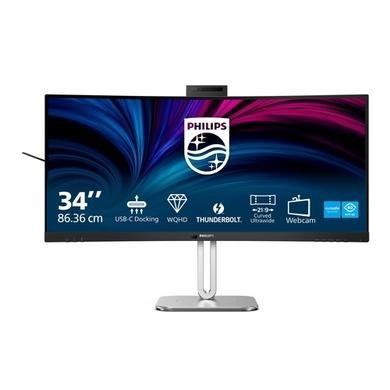




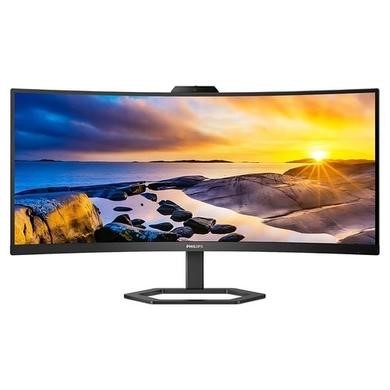

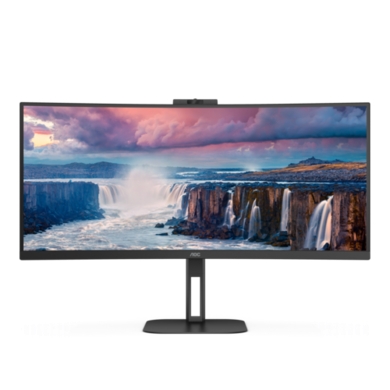

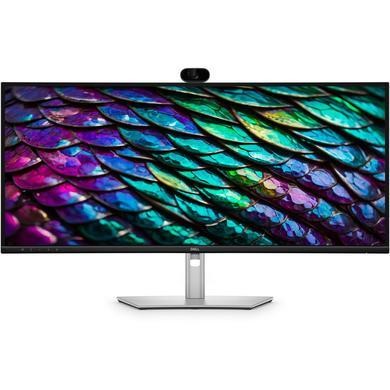



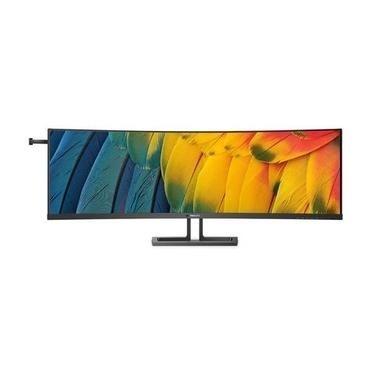
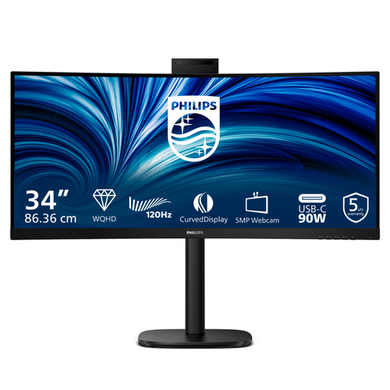
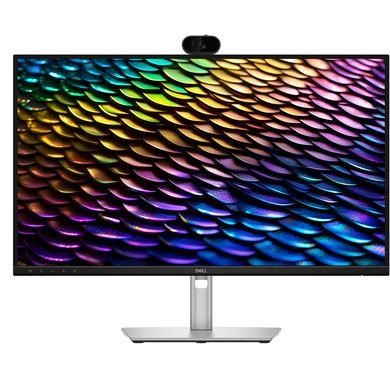

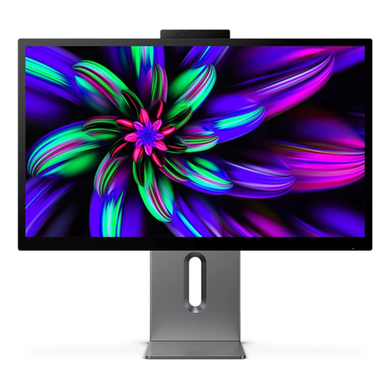

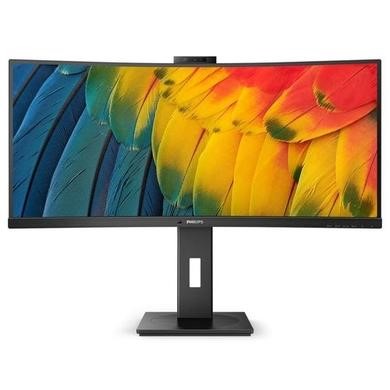
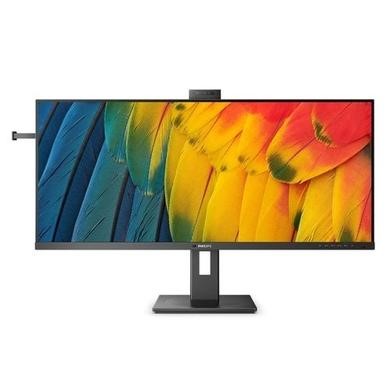
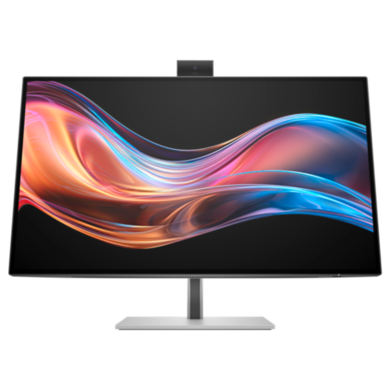

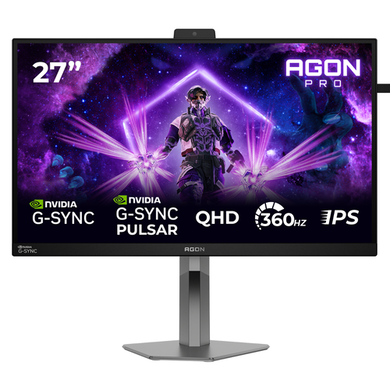




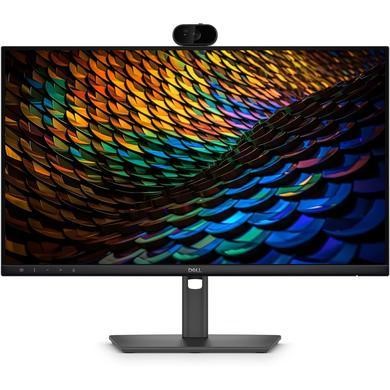
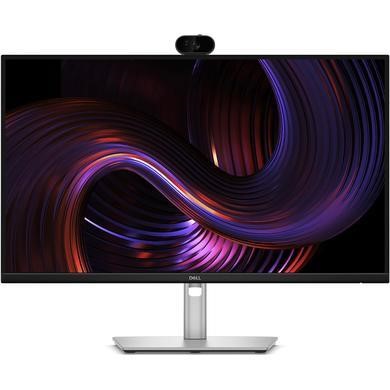
Camera monitors save you space and time. You don’t need to set up extra gear or find cables. Just plug it in and you’re ready for video calls, meetings or schoolwork. This setup works well for homes where desks also hold work, study and entertainment. A monitor with webcam is also useful for shared spaces, like kitchen tables or bedroom desks, where clutter-free is better.
If you’re on Teams, Zoom or doing remote interviews, a monitor with camera makes your screen look clean and your setup feel simpler. You can sit at a comfortable distance without worrying about angles or separate tools falling over. These screens still give you sharp image quality for browsing, editing or working in apps. You can stay focused with fewer parts to manage.
A monitor with built-in webcam is a smart pick if you switch between video calls, emails and apps often. You don’t need to unplug anything between tasks.
Some camera monitor options also come with built-in microphones and speakers, so you can hear and be heard clearly without adding extras. This is handy if you want a quiet and tidy setup, especially in rooms used for both work and rest.
You’ll find a monitor with webcams in sizes that suit real desks, from 24-inch models to 40 inches and above. Whether it’s in the corner of a living room or a small office, these screens help you keep things simple. Most connect quickly with a single cable and support the apps you already use for work or school. It’s an easy upgrade that makes life smoother, especially if you’re tired of poor camera angles or missing gear.
Looking for a screen that also handles calls and meetings? Check the monitors buying guide to compare built-in webcam options and setup tips.



