




















Excellent cosmetic condition - looks like new and saves you money.


Save money
Enjoy significant savings without compromising on quality.

Reduce waste
Reduce electronic waste and lower your carbon footprint.

Extensively tested
Every refurbished device is rigorously tested and repaired by certified technicians.
BSI Kitemark Certified
This device meets the BSI Kitemark™ certification standards, guaranteeing its quality and safety.

Warranty included
This device is protected with a warranty covering both parts and labour.
This bundle includes:
x1 Refurbished Lenovo ThinkPad T14s G2 Core i5 11th Gen 8GB RAM 256GB SSD 14 Inch Windows 11 Pro Laptop
x1 Norton 360 Deluxe
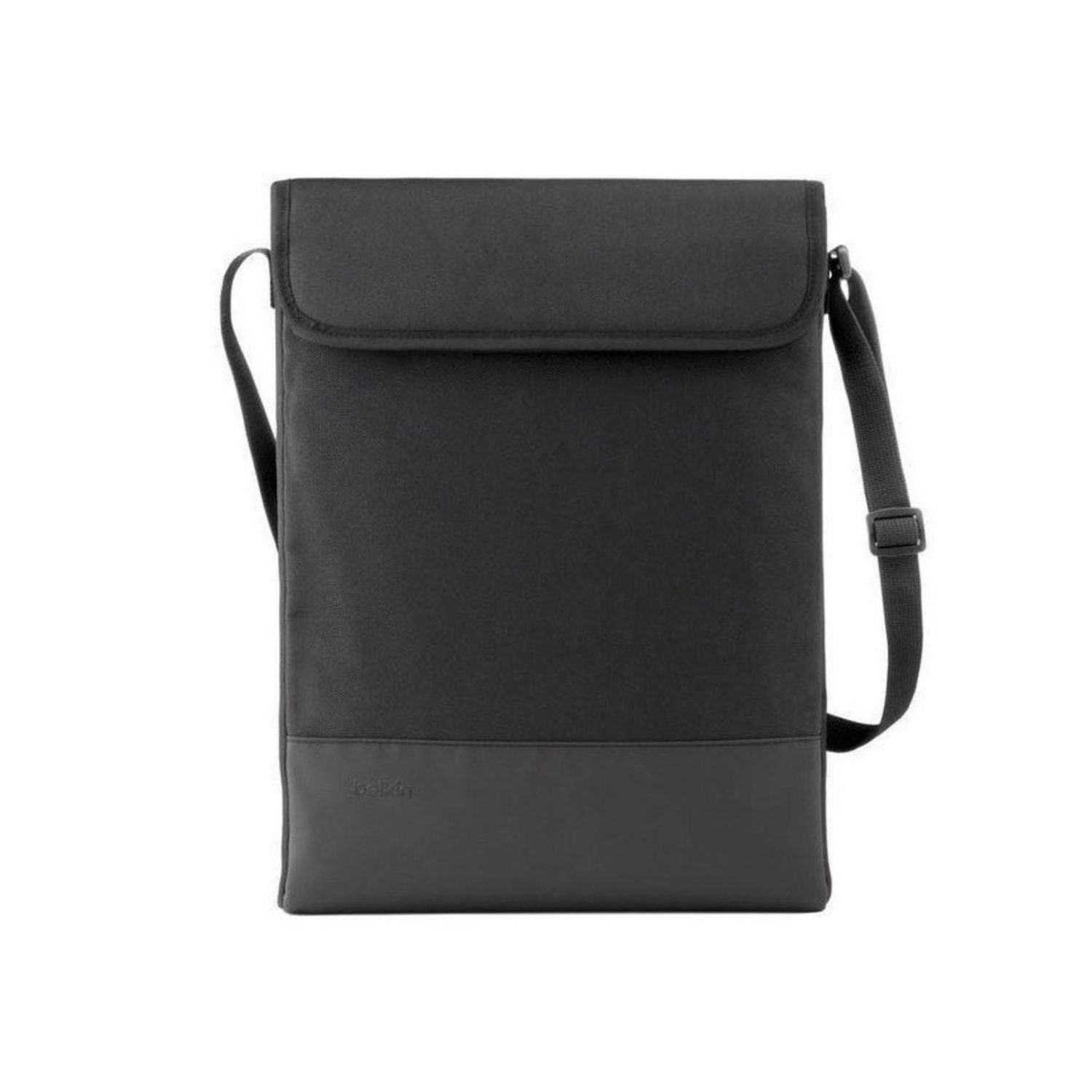
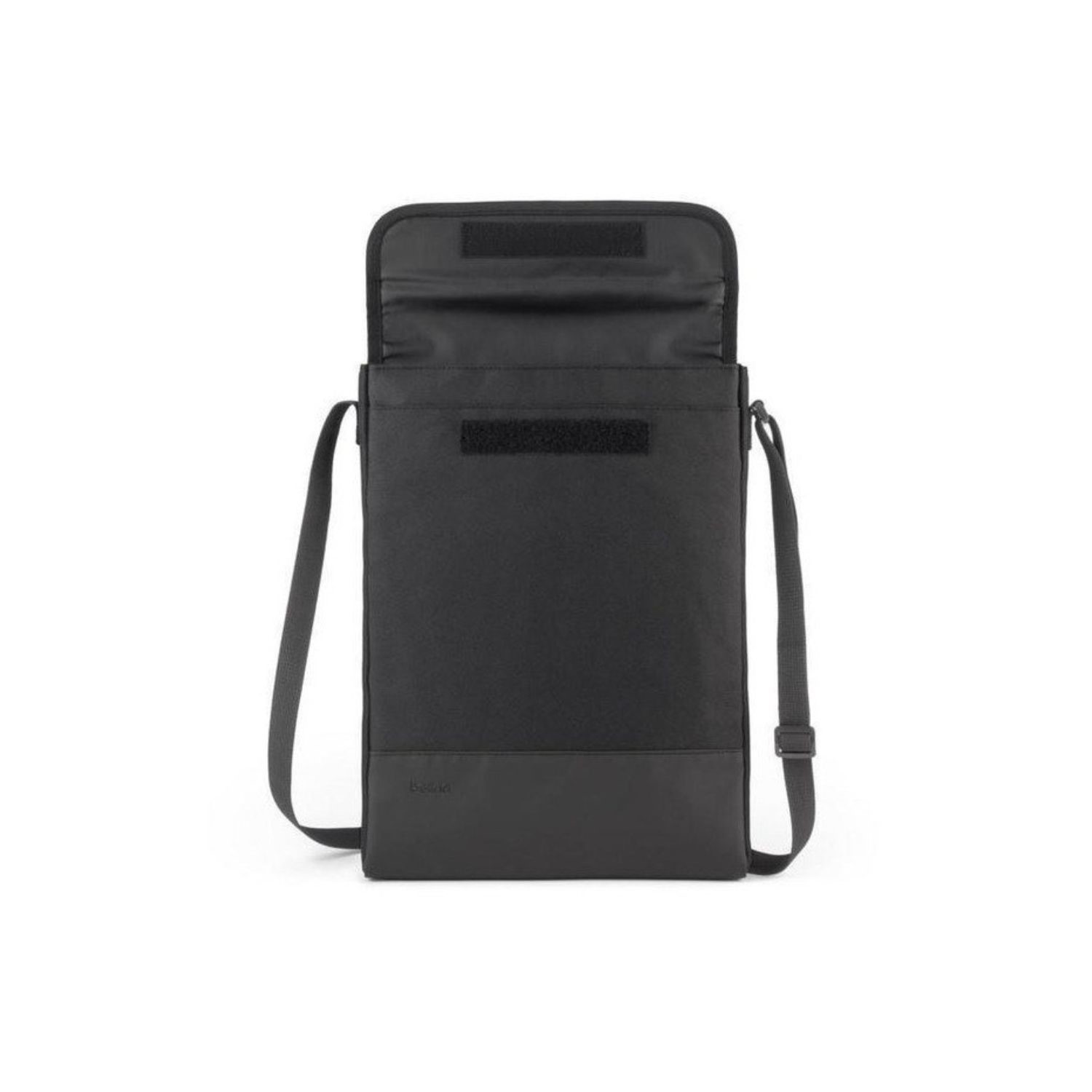
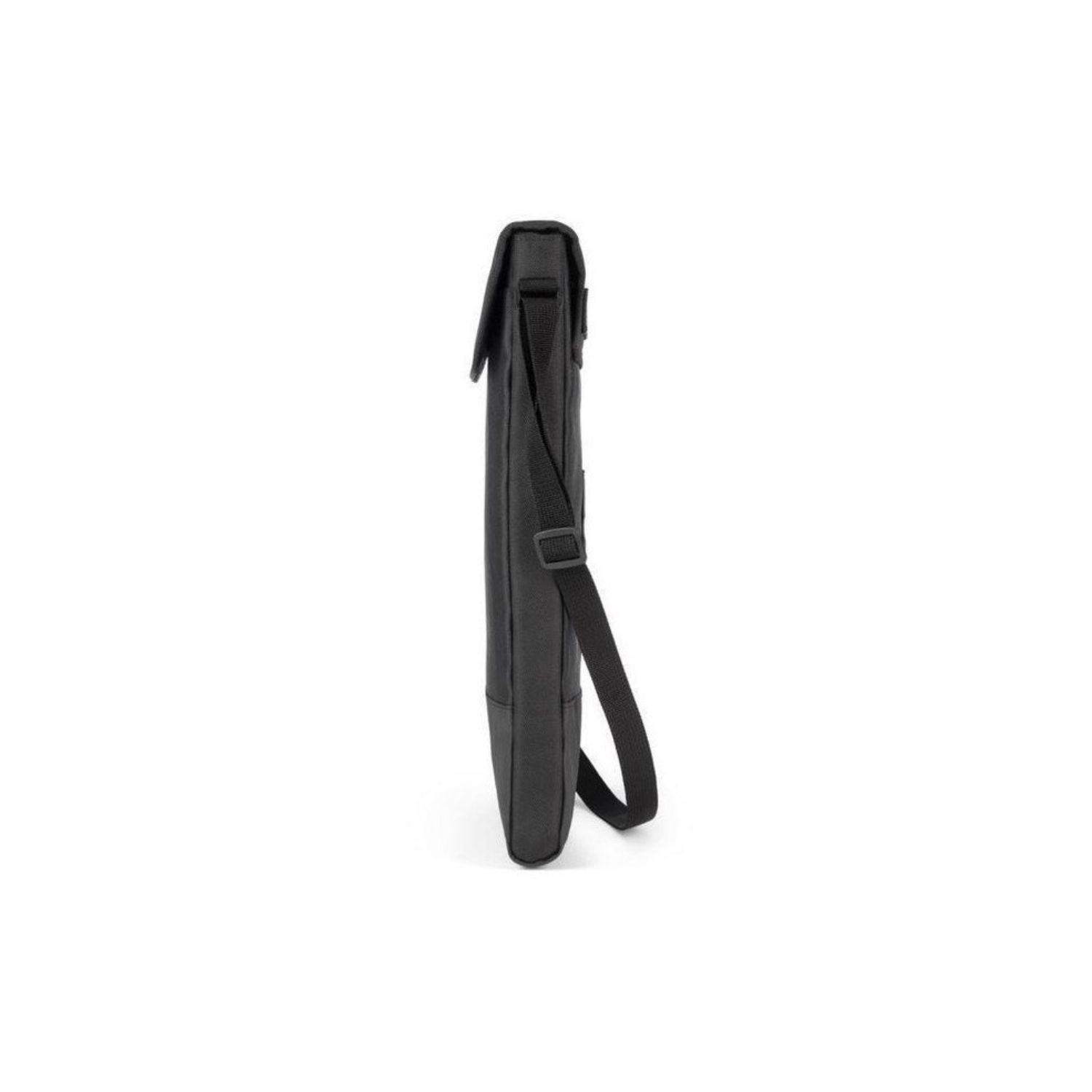
x1 Belkin 15.6 Inch Protective Laptop Sleeve with Shoulder Strap - Black
Refurbished Lenovo ThinkPad T14s G2 Core i5 11th Gen 8GB RAM 256GB SSD 14 Inch Windows 11 Pro Laptop
The Lenovo ThinkPad T14s Gen 2 is the ultimate tool for professionals who demand performance, portability, and security without compromise. With its ultra-thin, lightweight design and robust build quality, this 14-inch business-class laptop is made to go wherever your work takes you. Powered by Intel’s high-efficiency processors, loaded with 8GB of RAM and a 256GB SSD, and running on Windows 11 Pro, the T14s Gen 2 brings together power and precision in a premium package that's designed for business, productivity, and long-term reliability.
14-Inch Full HD Display: Crystal-Clear Visuals in a Compact Frame
The 14-inch Full HD display is engineered for clarity and comfort. With a resolution of 1920 x 1080 pixels, it offers a vibrant, sharp viewing experience that is perfect for detailed spreadsheets, professional presentations, and streaming content during downtime. The anti-glare coating ensures visibility in a variety of lighting conditions—whether you’re working outdoors or under fluorescent office lights. Slim bezels maximize screen real estate without increasing the laptop's footprint, offering a perfect balance between immersion and practicality for professionals on the move.
Efficient Multitasking with 8GB DDR4 RAM
Multitask with ease thanks to 8GB of high-speed DDR4 RAM, ideal for running multiple applications simultaneously without slowdown. Whether you’re working with large Excel files, managing dozens of Chrome tabs, or using software like Microsoft Teams, Zoom, and Adobe Acrobat, the T14s Gen 2 ensures smooth and responsive performance. The ample memory allows for effective multitasking between business apps, ensuring that your workflow remains uninterrupted even during high-demand situations.
Speed and Space: 256GB Solid State Drive (SSD)
Equipped with a 256GB PCIe SSD, this ThinkPad offers quick boot times, ultra-fast file access, and reliable data storage. Unlike traditional hard drives, SSDs have no moving parts, making them more durable and significantly faster. You’ll notice the difference immediately when launching applications or transferring large files. The generous storage space ensures you have plenty of room for business documents, project files, multimedia, and even large data sets—all accessible within seconds.
Powered by Windows 11 Pro for Business-Grade Productivity
The Lenovo ThinkPad T14s Gen 2 runs on Windows 11 Pro, bringing a fresh interface and a host of productivity-enhancing features tailored for business users. With advanced security protocols like BitLocker encryption, Hyper-V virtualization, and remote desktop capabilities, Windows 11 Pro ensures your sensitive data remains protected. Enhanced task management, a redesigned Start menu, and support for modern hardware optimizations allow you to work more efficiently than ever before.
Durable and Ultra-Thin Design with Military-Grade Toughness
Built with premium materials like magnesium and aluminum, the T14s Gen 2 offers an ultra-thin, lightweight profile without compromising durability. Weighing just over 2.8 pounds, it’s incredibly easy to carry between meetings or during travel. It’s also been MIL-STD-810H tested, meaning it can withstand extreme temperatures, drops, vibrations, and spills. Whether you're working from the office, the airport, or a job site, this laptop is built to perform in the real world.
Robust Security Features for Peace of Mind
Security is a top priority with the ThinkPad T14s Gen 2. This laptop features IR facial recognition, dTPM 2.0 encryption, and a ThinkShutter camera cover for physical webcam protection. These features ensure that your work, data, and identity stay secure at all times. Integrated with Lenovo ThinkShield, a comprehensive suite of security solutions, your laptop is protected from every angle—ideal for professionals who handle sensitive or confidential information.
Belkin 15.6 Inch Protective Laptop Sleeve with Shoulder Strap - Black
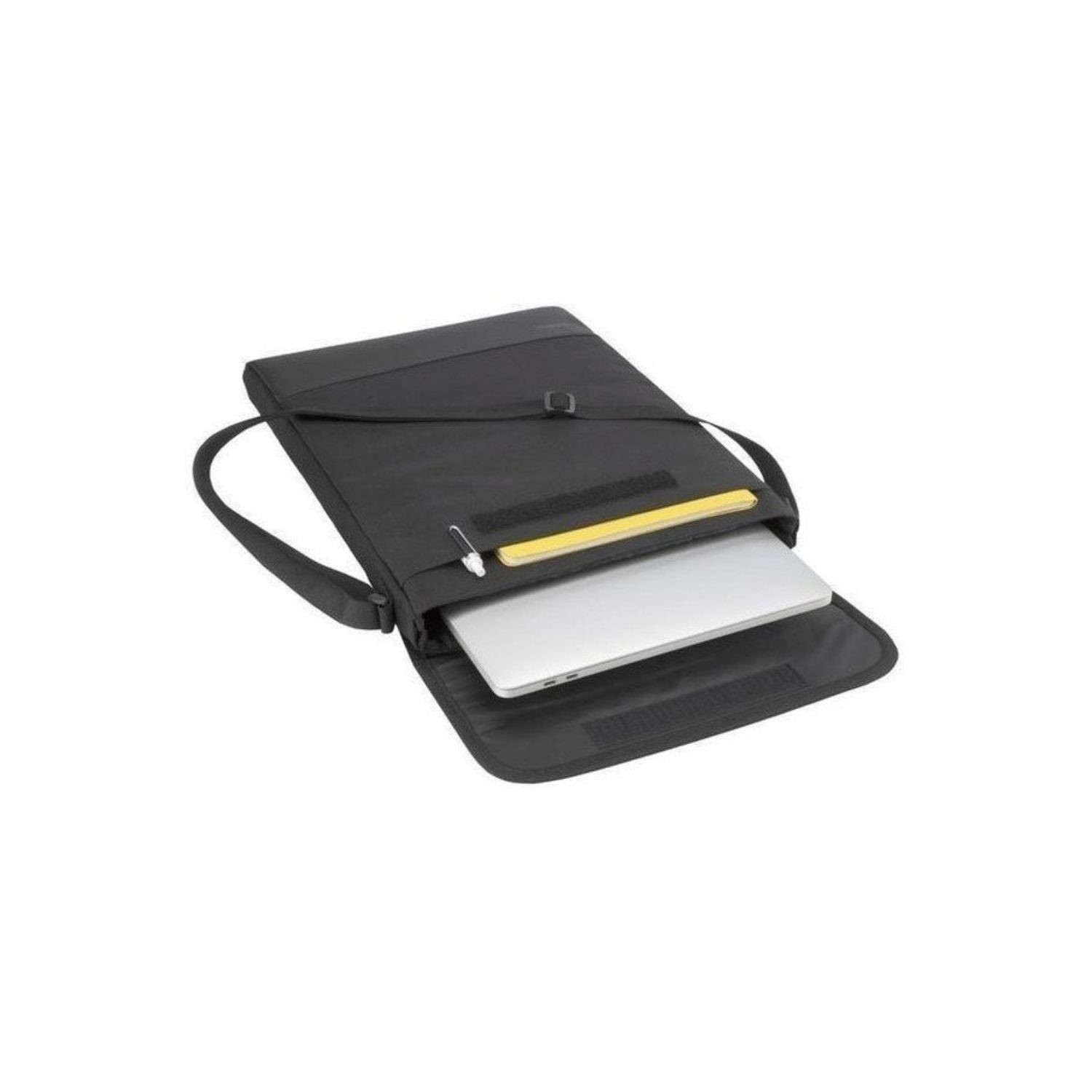
Keep your laptop protected from daily wear and tear with our Protective Laptop Sleeve with Shoulder Strap for 14-15” Devices. Ideal for classroom and professional use, these lightweight sleeves are designed to protect a MacBook, Chromebook, or other laptop when not in use. It’s easy to transport with its convenient shoulder strap and carrying handle. The easy-to-clean black finish maintains a sleek look even after heavy use. Our Protective Sleeve fits most 14-15" laptops
At a Glance
- Fits MacBook, Chromebook, and other laptops and devices up to 15”
- Ideal for the classroom as well as professional settings
- Comes with a shoulder strap and carrying handle
- Designed to slip easily inside a backpack
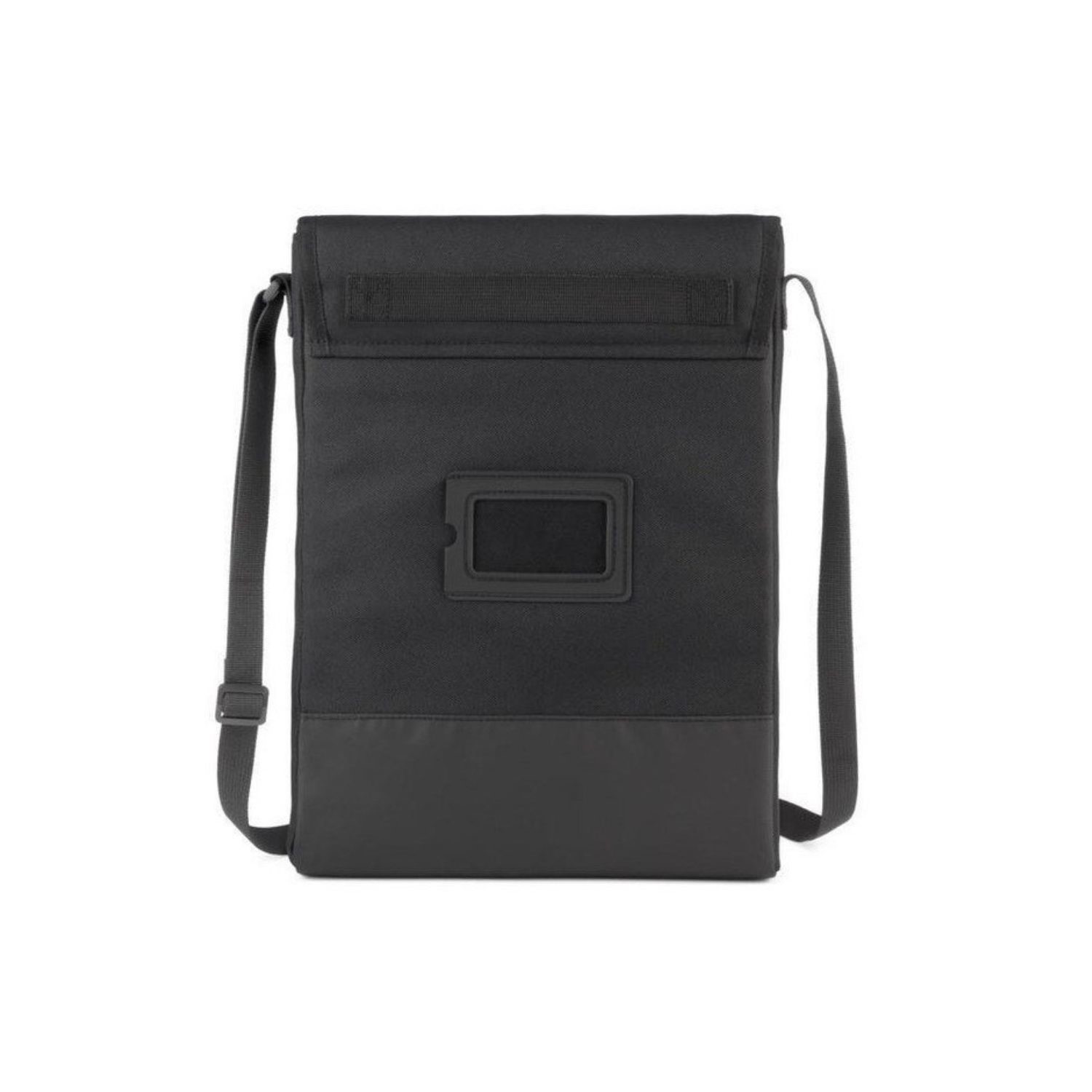
- Name tag to identify which device is theirs
Reduce Wear and Tear
Our Protective Laptop Sleeve with Shoulder Strap provides scratch and wear and tear protection for your MacBook, Chromebook, or other laptop while on the go and in the classroom, office, or home.
Lightweight and Portable
Our lightweight laptop sleeve comes with a shoulder strap and carrying handle for easy portability. Its thin exterior makes it a cinch to store inside a backpack or briefcase.
Fits 14-15” Laptops
Our Protective Laptop Sleeve with Shoulder Strap is designed for use with 14-15” devices.
Includes Name Tag
Our Protective Laptop Sleeve with Shoulder Strap features a name tag so you can easily identify which device is yours.
What's in the Box?
- Laptop
- Power adaptor
When setting up your new unit you will need to activate your Microsoft License Key. Follow the simple step by step guide to find out how to do so, it is really quick and easy to do!
How to activate your Microsoft License Key »



