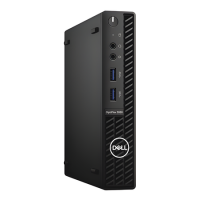


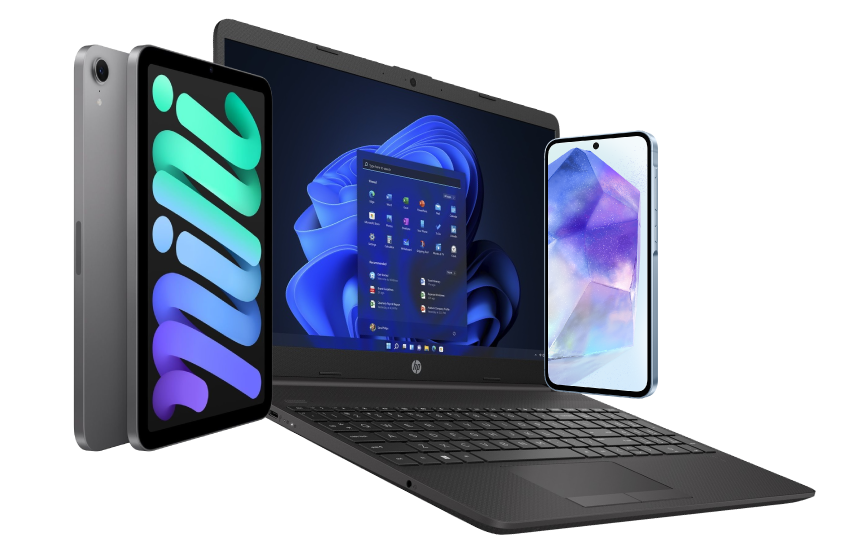







Excellent cosmetic condition - looks like new and saves you money.


Save money
Enjoy significant savings without compromising on quality.

Reduce waste
Reduce electronic waste and lower your carbon footprint.

Extensively tested
Every refurbished device is rigorously tested and repaired by certified technicians.
BSI Kitemark Certified
This device meets the BSI Kitemark™ certification standards, guaranteeing its quality and safety.

Warranty included
This device is protected with a warranty covering both parts and labour.
10th Gen Core i5 Processing Power
6-core processing capability delivers smooth performance across complex spreadsheets, browser sessions with dozens of open tabs, and daily multitasking.
16GB DDR4 High-Speed RAM
Streamline heavy application switching, video conferencing, and data management with zero system lag or stutter.
256GB Solid State Drive
Enjoy sub-15-second boot times, instant file retrieval, and rapid application loading speeds compared to traditional hard drives.
Ultra-Compact Micro Design
Fits virtually anywhere—mount it behind a monitor, under a desk, or in minimal workspace layouts.
Optimized Thermal Cooling
Custom shift-venting airflow architecture maximizes cool air intake, keeping internal temps low and operation whisper-quiet during peak workloads.
Toolless Maintenance
Designed with effortless, tool-free chassis access so you can easily clean, service, or upgrade hardware down the line.
Windows 11 Pro Pre-Installed
Enterprise-ready security right out of the box, featuring BitLocker data protection, Remote Desktop access, and modern workflow features.
HDMI Connectivity
Native HDMI connection easily power dual-monitor setups for maximum office productivity.
When setting up your new unit you will need to activate your Microsoft License Key. Follow the simple step by step guide to find out how to do so, it is really quick and easy to do!
How to activate your Microsoft License Key »