

















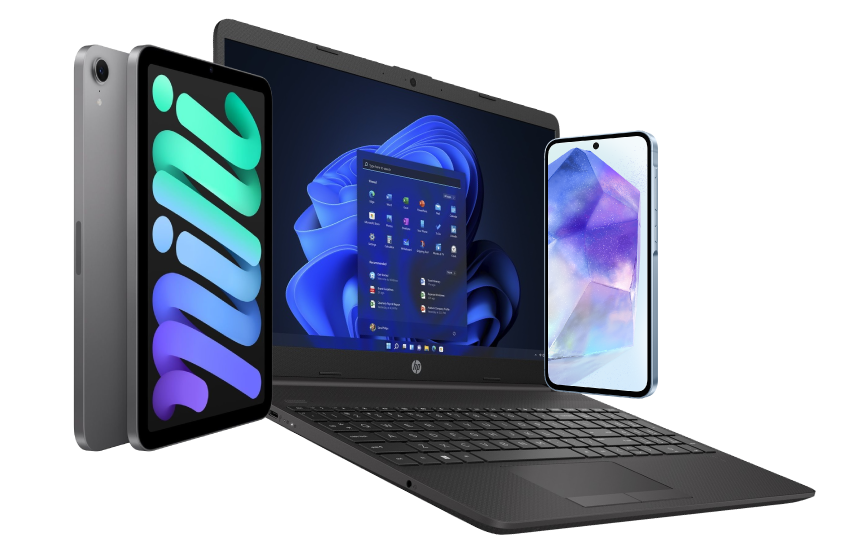





Very good condition - may display light cosmetic marks.


Save money
Enjoy significant savings without compromising on quality.

Reduce waste
Reduce electronic waste and lower your carbon footprint.

Extensively tested
Every refurbished device is rigorously tested and repaired by certified technicians.
BSI Kitemark Certified
This device meets the BSI Kitemark™ certification standards, guaranteeing its quality and safety.

Warranty included
This device is protected with a warranty covering both parts and labour.
Stand out features
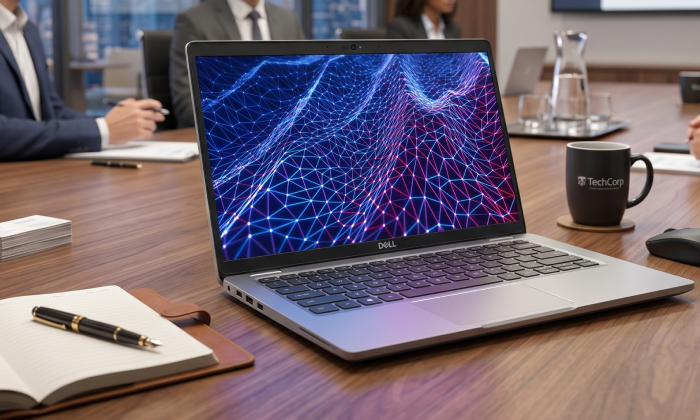
12th Generation Intel Core i5 – Built to Multitask
At the heart of the Latitude 5430 lies a powerful Intel Core i5 12th Gen processor, engineered for modern workflows and multitasking demands. With a hybrid architecture that balances performance and efficiency cores, this CPU is perfect for running heavy applications, managing spreadsheets, video conferencing, and tackling multiple tasks simultaneously without lag or slowdown.
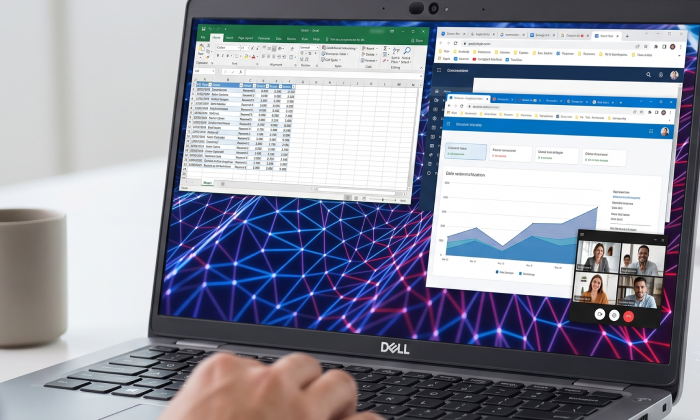
High-Speed Memory for Seamless Workflow
Fitted with 16GB of DDR4 RAM, the Dell Latitude 5430 ensures smooth operation across a wide range of tasks. Whether you’re switching between dozens of browser tabs, working in Excel while streaming video, or running multiple virtual machines, this system delivers reliable performance without slowdowns. The memory can also be upgraded to support future-proofing your investment.
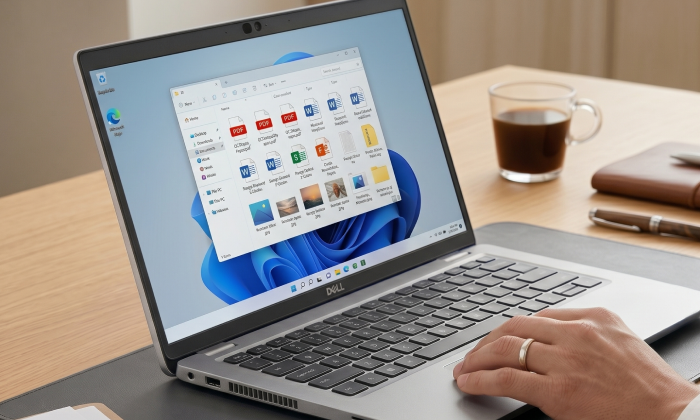
512GB SSD Storage – Fast and Efficient
This model comes equipped with a 512GB Solid State Drive, offering lightning-fast boot-up times, near-instant file access, and ample space for business-critical data and software.
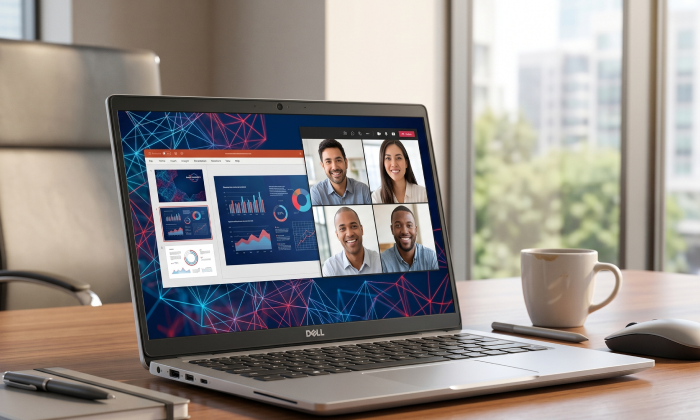
Vibrant and Professional 14" FHD Display
The 14-inch Full HD (1920x1080) display provides sharp, clear visuals for presentations, content consumption, and daily work tasks. The anti-glare coating ensures comfortable viewing in bright environments, reducing eye strain during long work sessions. Whether you're editing documents or joining video calls, this display offers accurate colors and crisp detail, ideal for professional use.
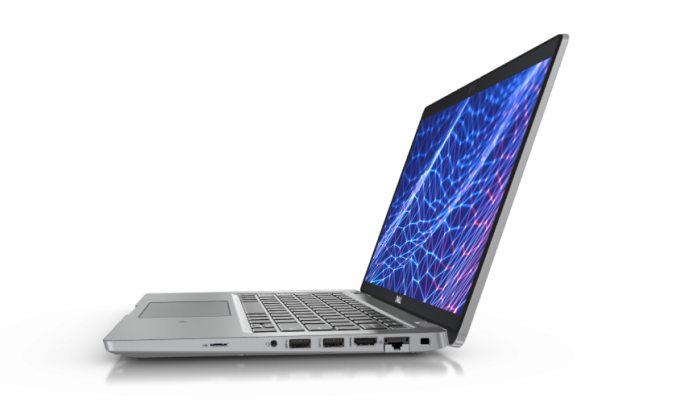
Port-Rich Connectivity and Durability
Stay effortlessly connected with a full range of ports designed for modern working — including Thunderbolt™ 4 for ultra-fast data transfer, charging, and multi-display support from a single cable. Built-in HDMI and RJ45 ensure seamless connectivity to monitors and wired networks, while USB ports and a memory card reader make it easy to plug in and get started instantly.
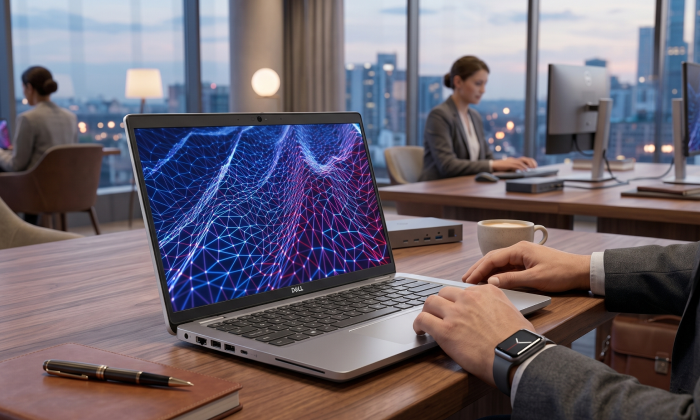
A Future-Proof Investment for Business and Productivity
The Dell Latitude 5430 blends cutting-edge hardware with the business features professionals demand. Its compact 13" size doesn’t compromise on power, making it a reliable tool for productivity whether you're at the office, working from home, or on the move. Backed by Dell’s global support network and trusted Latitude design lineage, this laptop is an excellent investment for long-term performance and efficiency.
Business-Class Security and Manageability
Dell has included robust security features in the Latitude 5430 to safeguard sensitive business data. From TPM 2.0 encryption and optional fingerprint reader to Dell SafeBIOS and remote manageability, IT departments will appreciate the ease of maintenance and control. Optional smart card readers and IR cameras for facial recognition add extra layers of enterprise-grade protection.
What's In The Box?
- Laptop
- Power Adaptor
When setting up your new unit you will need to activate your Microsoft License Key. Follow the simple step by step guide to find out how to do so, it is really quick and easy to do!
How to activate your Microsoft License Key »



