











Apple Macbook Comparison guide
Compare MacBooks: MacBook Neo vs Air vs Pro
If you want to compare MacBooks, start with the work you need to do rather than the name on the lid. MacBook Neo covers everyday tasks, MacBook Air is the portable all-rounder and MacBook Pro is built for demanding creative and professional workloads. This UK guide compares the range with current Apple pricing references.

The short answer depends on your workload
Choose the level of performance and screen space you need, then use the table and UK price guide to check the details.
Choose MacBook Neo if you want a simple Mac for everyday tasks
Neo is the entry point for browsing, streaming, documents, video calls and light creative projects. It has a 13-inch Liquid Retina display and a compact 1.23kg design.
- A18 Pro chip with 8GB unified memory
- 256GB or 512GB SSD storage
- Up to 16 hours of video streaming and two USB-C ports
Choose MacBook Air if you want the most flexible everyday option
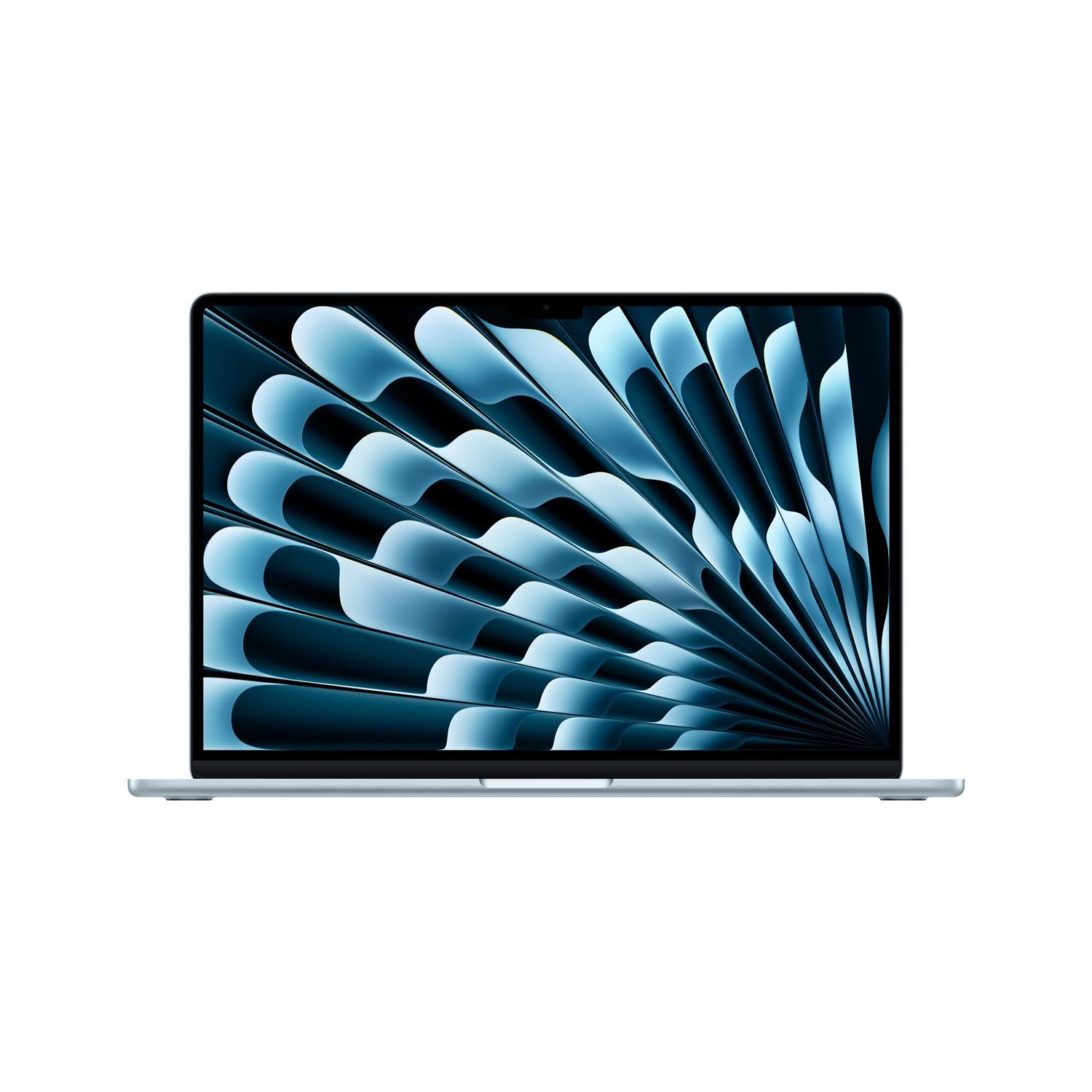
Air balances portability, performance and battery life for study, work, travel, browsing and creative apps that do not need the extra headroom of Pro.
- M5 chip with 16GB unified memory as standard
- 13.6-inch or 15.3-inch Liquid Retina display
- Up to 18 hours of video streaming, MagSafe 3 and Thunderbolt 4
Choose MacBook Pro if your work is demanding or display quality matters most
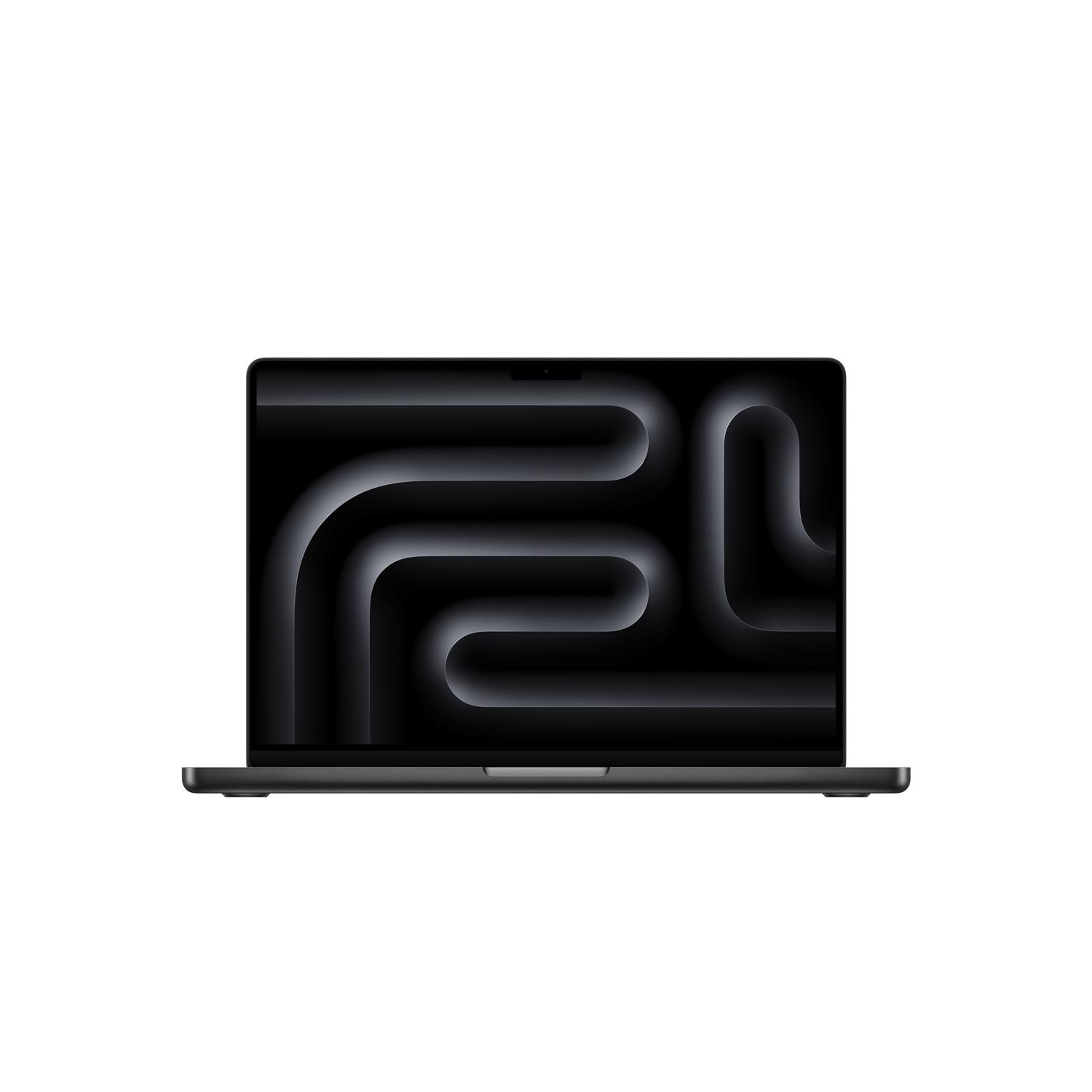
Pro is aimed at video editing, 3D work, software development, large photo libraries and other tasks where sustained performance, memory and ports can save time.
- Choose M5, M5 Pro or M5 Max depending on the workload
- 14.2-inch or 16.2-inch Liquid Retina XDR display
- More connectivity, including HDMI and an SDXC card slot
Compare MacBooks by the specifications that change daily use
MacBook Neo, Air and Pro overlap in some tasks, but the chip, memory, display and ports change how much work each model can handle.
| Feature | MacBook Neo | MacBook Air M5 | MacBook Pro |
|---|---|---|---|
| UK starting price reference | From £599 | From £1,099 for 13-inch; £1,299 for 15-inch | From £1,599 for 14-inch M5 |
| Chip | Apple A18 Pro | Apple M5 | Apple M5, M5 Pro or M5 Max |
| Memory | 8GB unified memory | 16GB unified memory, configurable to 24GB or 32GB | 16GB, 24GB, 32GB, 48GB or higher depending on chip and configuration |
| Screen sizes | 13.0-inch Liquid Retina display | 13.6-inch or 15.3-inch Liquid Retina display | 14.2-inch or 16.2-inch Liquid Retina XDR display |
| Storage options | 256GB or 512GB SSD | 512GB, 1TB, 2TB or 4TB depending on configuration | 1TB, 2TB, 4TB or 8TB depending on chip and configuration |
| Battery reference | Up to 16 hours of video streaming | Up to 18 hours of video streaming | Up to 24 hours for the 14-inch M5; battery life varies by chip and size |
| Ports | Two USB-C ports and a 3.5mm headphone jack | MagSafe 3, two Thunderbolt 4 ports and a 3.5mm headphone jack | MagSafe 3, Thunderbolt ports, HDMI, SDXC card slot and a 3.5mm headphone jack |
| Best fit | Everyday browsing, documents, streaming and light creative tasks | Study, work, travel and general creative use | Video, photo, 3D, coding and other demanding workloads |
Prices and specifications can change, and configuration options vary by size and chip. Check the individual product listing before buying.
MacBook comparison UK: price guide
These Apple UK starting-price references show the gap between the three families. Retailer promotions, storage choices and refurbished availability can change the price you pay.
MacBook Neo
From £599UK starting-price reference
- 13-inch display
- A18 Pro chip
- 256GB or 512GB storage
MacBook Air M5
From £1,09913-inch UK starting-price reference
- 15-inch starts from £1,299
- M5 chip and 16GB memory
- 13.6-inch or 15.3-inch display
MacBook Pro M5
From £1,59914-inch UK starting-price reference
- M5, M5 Pro or M5 Max options
- Liquid Retina XDR display
- 14.2-inch or 16.2-inch display
Apple UK launch-price references checked on 19 October 2026. Check the live Laptops Direct listing for current prices, specifications and availability.
MacBook Air vs Pro and Neo: the differences that matter
Use these practical distinctions to focus your search on the features that will change your working day.
Chip and workload
Neo uses A18 Pro for everyday work. Air uses M5 for a wider range of multitasking and creative tasks. Pro adds M5 Pro and M5 Max for heavier projects and larger workloads.
Portability and display
Neo and Air are straightforward to carry, while Pro gives you a brighter Liquid Retina XDR display and larger 14.2-inch or 16.2-inch workspace options.
Memory, storage and ports
Air starts with more memory and storage than Neo. Pro offers the widest configuration range and adds HDMI and an SDXC card slot for demanding workflows.
Apple M4 vs M5: what changes?
M4 MacBooks can still make sense when the full configuration meets your needs. M5 adds newer AI and graphics features, so compare the chip tier, memory, storage and current price rather than choosing by generation alone.
| Chip detail | Apple M4 | Apple M5 |
|---|---|---|
| CPU | 10-core CPU with four performance cores and six efficiency cores | Up to 10-core CPU with four performance cores and six efficiency cores |
| GPU and graphics | Up to 10-core GPU with hardware-accelerated ray tracing | Up to 10-core GPU with a Neural Accelerator in each core and third-generation ray tracing |
| Neural Engine | 16-core Neural Engine | Improved 16-core Neural Engine |
| Unified memory bandwidth | 120GB/s | 153GB/s |
| Choose it when | The exact M4 MacBook offers the memory, storage, display and ports your workload needs at its current price | You want the newer Apple silicon features for AI, graphics or demanding multitasking, and the configuration fits your budget |
Apple’s performance comparisons are based on specific test systems and workloads, so the results may not reflect the difference you will see in every app. For Pro models, compare like-for-like tiers such as M4 Pro with M5 Pro.
Which MacBook should I buy?
Swipe through the three routes, then check the exact configuration, price and availability before you decide.
A practical MacBook buying checklist
Use this checklist to keep the final comparison focused on the way you work.
0 of 6 checked
MacBook comparison questions, answered
What is the difference in a MacBook Air vs Pro comparison?
MacBook Air is the lighter everyday route with M5, long battery life and 13.6-inch or 15.3-inch Liquid Retina displays. MacBook Pro adds Liquid Retina XDR, more ports and M5 Pro or M5 Max options for demanding workloads.
Which MacBook should I buy for everyday use?
Choose MacBook Neo for browsing, documents, streaming and video calls at the lowest starting price. Choose MacBook Air if you need more memory, storage, screen choice or flexibility for work and study.
Is MacBook Neo good for students?
MacBook Neo can suit students whose main tasks are research, documents, web apps, streaming and video calls. Check whether 8GB memory and 256GB storage fit the apps and files you expect to use.
Which MacBook is best for photo and video editing?
MacBook Air is suitable for many everyday photo and video projects. Choose MacBook Pro when you work with larger files, demanding timelines, 3D content or sustained exports and need more memory, ports or processing headroom.
Should I compare Apple M4 and M5 MacBooks?
Compare the exact M4 and M5 configuration, including chip, memory, storage, display, ports and price. An M4 model may still make sense when its current price and specification fit your workload, but check availability and support details before buying.
Can a refurbished MacBook be a smart-value option?
A refurbished MacBook can offer a different route into Apple hardware. Check the listing for its condition, battery information, included accessories, warranty and exact specification before buying.
Before choosing a MacBook, check that the macOS versions, apps, accessories, displays and storage setup you rely on are compatible with the model and chip you are considering.
Continue your MacBook search
Once you know which route suits you, compare the available Apple models, chip families and refurbished options.
Ready to compare MacBooks?
Check the exact chip, memory, storage, display, ports, price and availability before choosing your Apple laptop.
Further reading: Apple MacBook Neo specifications, Apple MacBook Air specifications, Apple MacBook Pro specifications and Apple UK MacBook Neo pricing. Manufacturer specifications and pricing can change.