











Laptop processor comparison guide
Laptop processors compared: Intel Core Ultra vs AMD Ryzen AI vs Snapdragon X vs Apple M5
If you are comparing an Intel vs AMD vs Snapdragon laptop, start with the operating system and apps you need. Intel Core Ultra and AMD Ryzen AI are Windows x86 families, Snapdragon X uses Windows on Arm, and Apple M5 is built for Mac laptops.
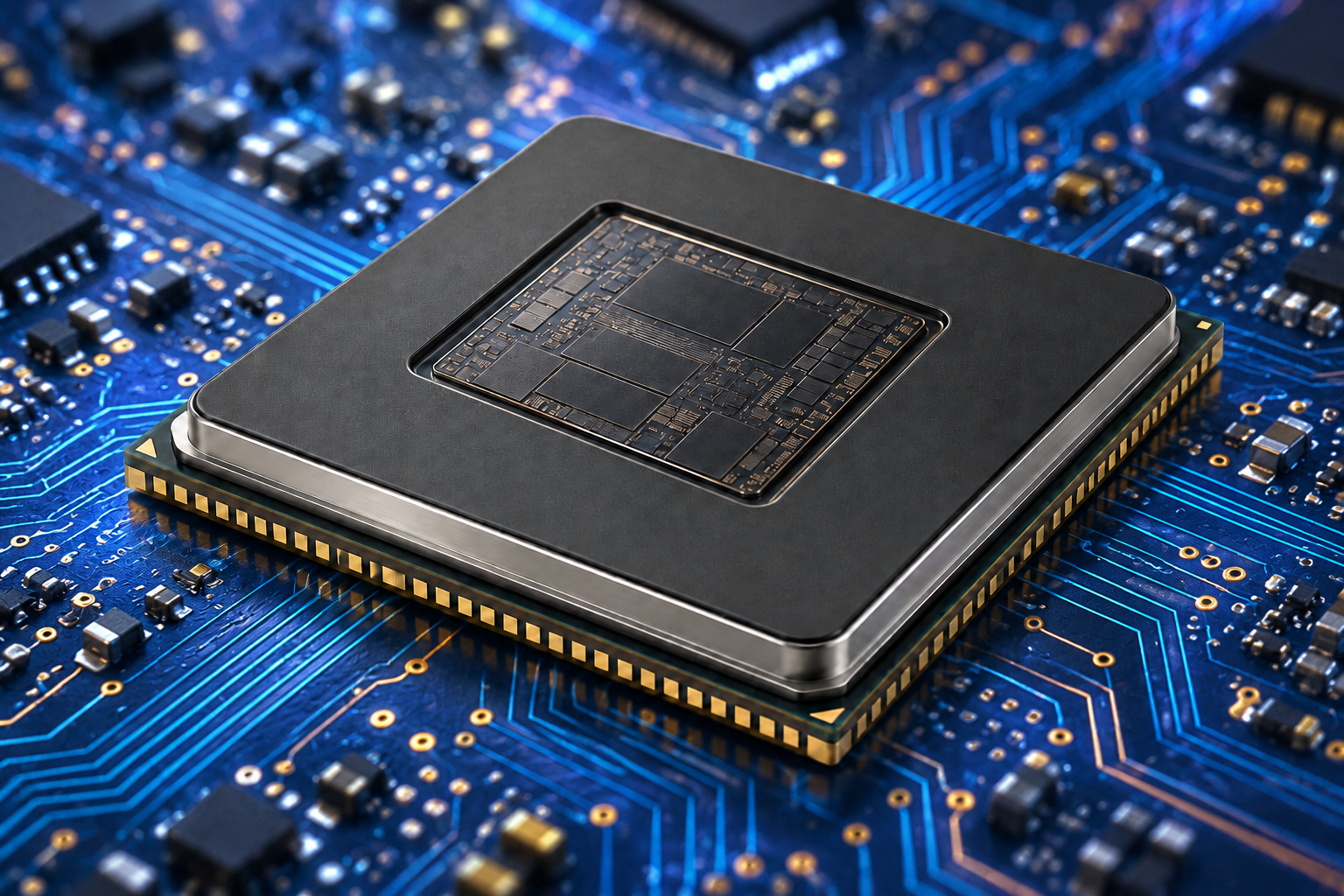
The right laptop processor depends on your software
Choose the platform first, then compare performance, battery priorities, graphics and compatibility within that platform.
Choose Intel Core Ultra for a familiar Windows laptop platform
Intel Core Ultra is Intel's AI PC family, bringing CPU, graphics and NPU compute together. It is a practical route when your work depends on standard Windows software, accessories or games.
- Compare the Core Ultra tier, generation and suffix rather than the family name alone
- Check whether the laptop uses integrated graphics or a dedicated GPU
- Look at the laptop's cooling and power settings for sustained workloads
Choose AMD Ryzen AI when you want Windows x86 with on-device AI hardware
Ryzen AI combines an x86 Windows processor with CPU, Radeon graphics on supported models and a dedicated NPU. The family covers different performance levels, so compare the exact Ryzen AI model and laptop design.
- Check the Ryzen AI tier, model number and configured power range
- Compare integrated Radeon graphics with a laptop that includes a separate GPU
- Check memory capacity if you use creative, technical or AI-assisted software
Choose Snapdragon X when portability matters and your apps are ready
Snapdragon X laptops run Windows on Arm64. Many x86 and x64 Windows apps can run through Microsoft's Prism emulation, but native Arm64 apps and compatible drivers are the safer route for specialist software, hardware and games.
- Check your everyday apps for native Arm64 support or confirmed Prism compatibility
- Confirm printer, scanner, dock, VPN and security software support
- Check games for graphics API and anti-cheat requirements before buying
Choose Apple M5 when you want a Mac laptop and macOS
Apple M5 is an Apple silicon platform for Mac laptops. It combines CPU, GPU, Neural Engine and unified memory in the Mac design, but it is not a Windows laptop processor family.
- Check that your key apps and plug-ins have a macOS version
- Compare M5, M5 Pro and M5 Max against the workload you actually run
- Consider unified memory capacity because it is shared across the chip
The processor features that change the decision
Processor labels are useful shorthand, but the platform, graphics and full laptop design decide how the machine feels in daily use.
Architecture
Intel and AMD laptops use the familiar x86 Windows software platform. Snapdragon X uses Arm64 Windows, while Apple M5 is designed for macOS.
AI processing
An NPU or Neural Engine can handle supported AI tasks efficiently. Check the app support and laptop specification rather than assuming every AI feature runs locally.
Graphics
Integrated graphics may suit everyday work and lighter creative tasks. Gaming and 3D work often need a separate GPU, regardless of the processor brand.
Power and cooling
The same processor family can behave differently in thin, quiet laptops and larger designs with more cooling. Check reviews and the complete specification where sustained performance matters.
Intel Core Ultra vs AMD Ryzen AI vs Snapdragon X vs Apple M5
Use this table as a starting point, then compare the exact laptop model and software support before you choose.
| Feature | Intel Core Ultra | AMD Ryzen AI | Snapdragon X | Apple M5 |
|---|---|---|---|---|
| Architecture | x86 Windows platform | x86 Windows platform | Arm64 Windows platform | Apple silicon for macOS |
| Operating system route | Windows 11 laptops, with Linux support depending on the device and software | Windows 11 laptops, with operating system support depending on the exact model | Windows 11 on Arm laptops | macOS laptops such as MacBook Air and MacBook Pro |
| AI hardware | CPU, integrated graphics and NPU work together in Core Ultra AI PC designs | CPU, graphics and dedicated NPU on Ryzen AI models | Qualcomm Oryon CPU, graphics and Hexagon NPU | CPU, GPU, Neural Engine and Neural Accelerators in the M5 family |
| App compatibility | Broad support for standard Windows x86 software | Broad support for standard Windows x86 software | Native Arm64 apps are preferred; many x86 and x64 apps can use Prism emulation | macOS versions are required; check specialist apps, plug-ins and games |
| Drivers and peripherals | Check the laptop manufacturer for device-specific drivers | Check the laptop manufacturer for device-specific drivers | Drivers must support Arm64 for full hardware and feature support | Check macOS support for printers, docks, plug-ins and specialist hardware |
| Gaming check | Check the dedicated GPU, game requirements and cooling | Check the Radeon graphics or dedicated GPU, game requirements and cooling | Check native support, Prism behaviour, graphics requirements and anti-cheat drivers | Check the macOS version, game port and controller support |
| Typical route | Windows work, study, gaming and general-purpose laptops | Windows multitasking, creation and AI PC use cases | Portable Windows productivity when compatibility checks are acceptable | macOS productivity, development and creative workflows |
Processor families cover several tiers and generations. Performance, battery life and graphics vary with the laptop chassis, power limits, cooling, memory, storage and software.
Snapdragon X vs Intel Core Ultra: Windows on Arm compatibility
Snapdragon X can be a strong fit for portable Windows use, but it needs a more careful software check than a conventional x86 laptop.
Apps
Look for a native Arm64 release first. Windows 11 can run many x86 and x64 apps through Prism emulation, but an app may behave differently or need an update if it relies on a plug-in, service or hardware component.
Drivers
Drivers are not handled like ordinary app code. Hardware and kernel drivers need Arm64 support, so check printers, scanners, docks, VPN tools, security software, audio interfaces and specialist devices before buying.
Games
Check each game's publisher and the Windows on Arm Ready Software information. Games that depend on unsupported graphics features, older launchers or anti-cheat drivers may not run, even when other Windows apps do.
Write down the exact apps, plug-ins, games and accessories you use. Check each one for Windows on Arm support, then confirm that the laptop has the memory, storage and graphics capability your workflow needs.
Ryzen AI vs Core Ultra: what should Windows shoppers compare?
Both families can provide a conventional Windows x86 route with AI hardware. The laptop design and the exact processor are more useful comparisons than the brand name alone.
CPU tier and generation
Compare the full model number, core and thread configuration, power range and generation. A higher family label does not describe every laptop's sustained workload result.
Integrated graphics
Check the named graphics solution and memory configuration if you edit photos, create content or play lighter games without a dedicated GPU.
NPU support
Confirm which AI features are supported by the processor, Windows version and application. NPU capability is useful only when software can use it.
Whole-laptop design
Compare screen, keyboard, battery capacity, cooling, RAM, SSD and ports alongside the processor. These features often affect the buying decision more than a small tier difference.
Which laptop processor should I choose?
Swipe through the four routes, then use the checklist to narrow your shortlist.
A practical laptop processor checklist
Use this checklist to keep the final comparison focused on your software, workload and preferred operating system.
0 of 6 checked
Laptop processor questions, answered
Is Intel better than AMD for a laptop?
There is no single answer for every laptop. Intel Core Ultra and AMD Ryzen AI both offer Windows x86 options with different tiers, graphics and power ranges. Compare the exact laptop, software, RAM, cooling and graphics for the work you do.
What is the difference between Snapdragon X and Intel Core Ultra?
Intel Core Ultra laptops use the conventional Windows x86 platform. Snapdragon X laptops use Windows on Arm64, where many x86 and x64 apps run through Prism emulation. Check drivers, specialist apps and games before choosing Snapdragon X.
What is the difference between Ryzen AI and Core Ultra?
Both are processor families for Windows laptops with AI hardware on supported models. Compare the exact CPU tier, generation, graphics, power range, cooling and application support rather than choosing from the family name alone.
Can Snapdragon X run normal Windows apps?
Many x86 and x64 Windows apps can run through Prism emulation on Windows on Arm, while native Arm64 apps are preferred. Apps that rely on unsupported drivers, plug-ins or hardware access may have limited functionality or fail to run.
Is Apple M5 a Windows laptop processor?
No. Apple M5 is Apple silicon for Mac laptops running macOS. If you need Windows software, compare a Windows x86 laptop or check the specific compatibility route before choosing a Mac.
What is the best laptop processor in the UK?
The right choice depends on your operating system, apps, graphics needs, battery priorities and budget. Intel Core Ultra and Ryzen AI suit conventional Windows software, Snapdragon X needs an Arm compatibility check, and Apple M5 suits shoppers who want macOS.
Continue your laptop search
Once you know which processor platform suits your software, compare the full laptop specification and current availability.
Ready to compare laptops?
Use your app list and daily workload to narrow the processor platform, then check the exact laptop specification before buying.
Further reading: Intel Core Ultra information, AMD Ryzen AI and Windows, Qualcomm Snapdragon X laptop processors, Microsoft Windows on Arm FAQ, Microsoft Prism compatibility guidance and Apple MacBook Pro technical specifications. Processor support and laptop availability can change.