











Apple tablet comparison guide
Compare iPads: iPad vs iPad mini vs iPad Air vs iPad Pro
Compare iPads by size, display, chip, Apple Pencil support and the way you plan to use your tablet. The standard iPad, iPad mini, iPad Air and iPad Pro each suit a different balance of portability, performance and price.
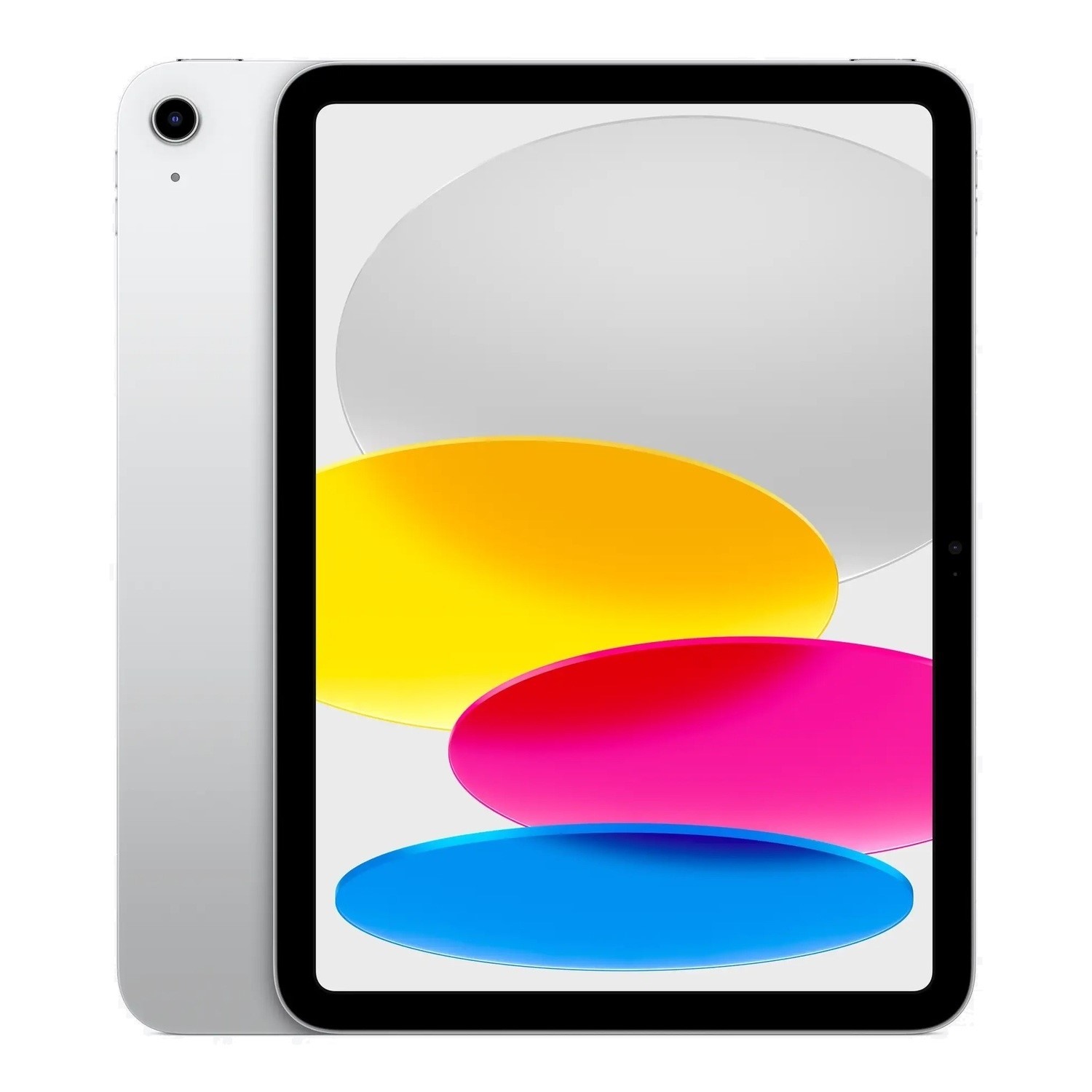
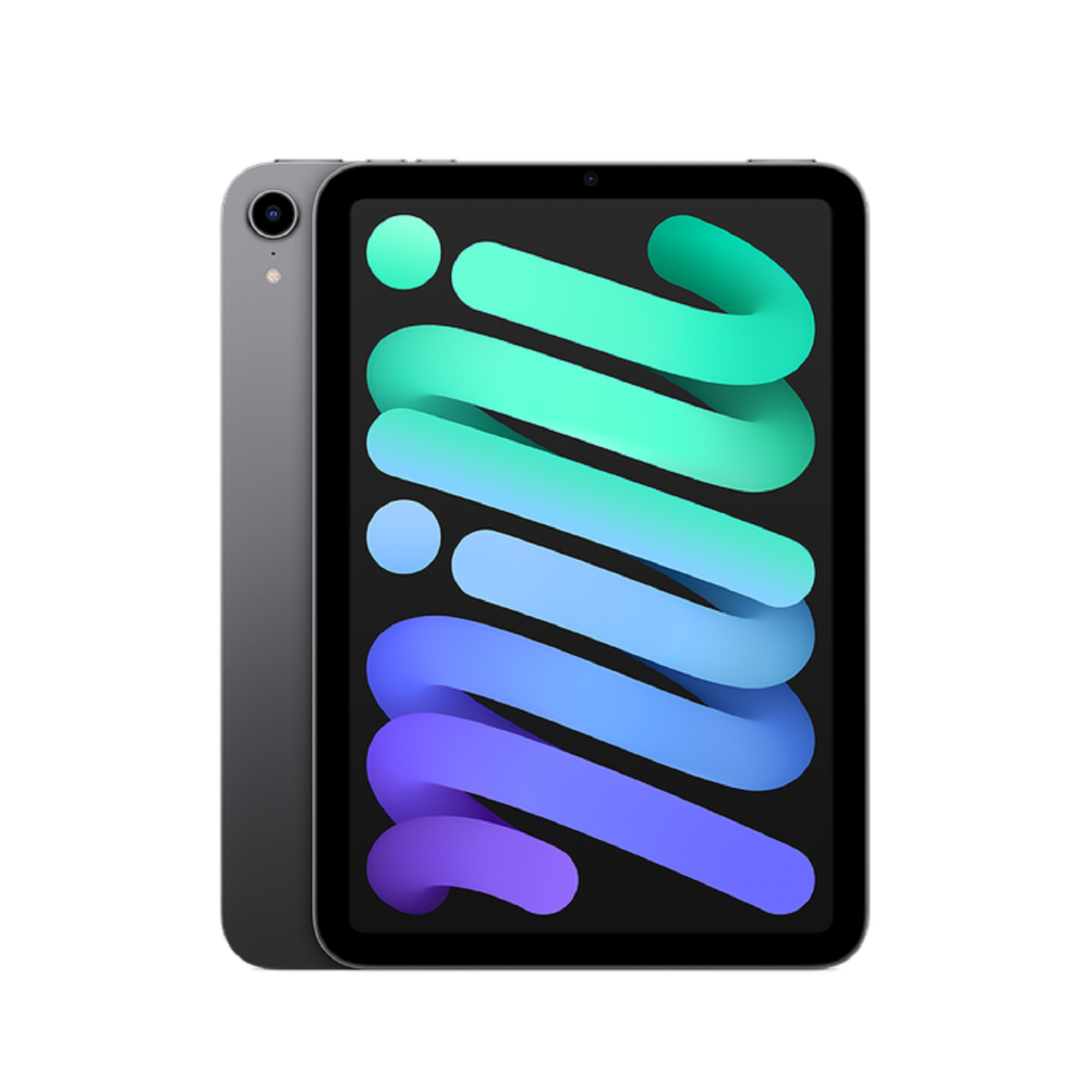
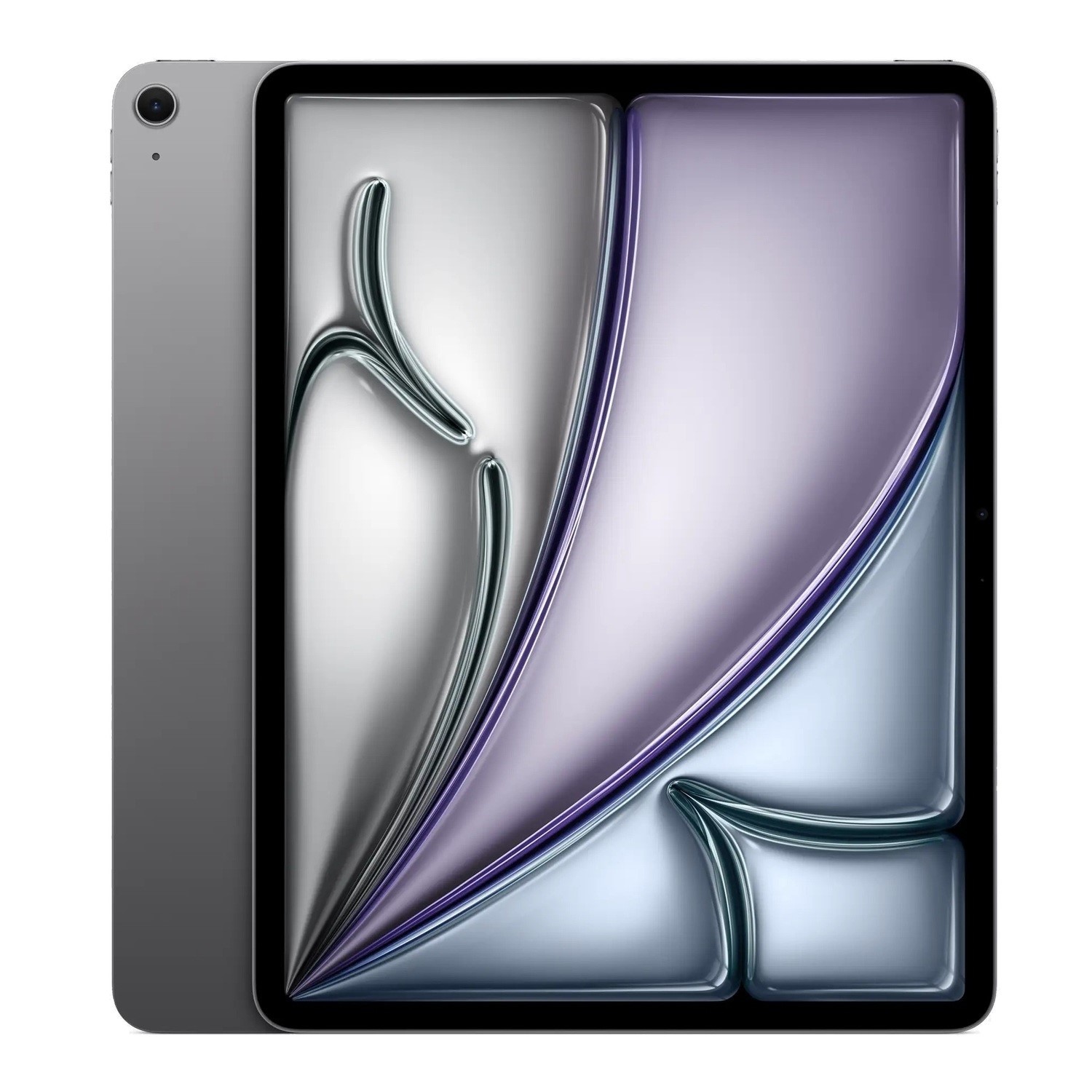
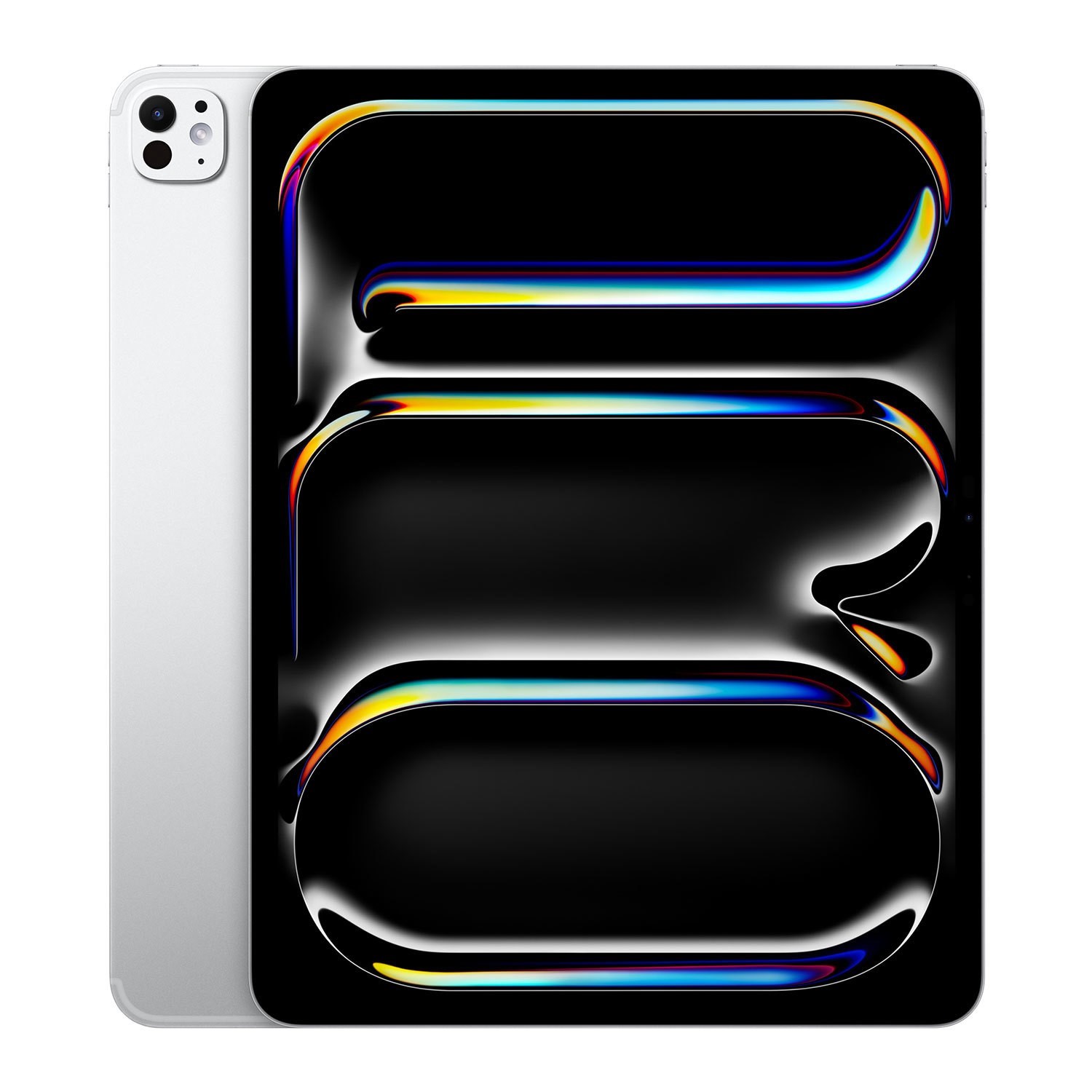
Which iPad suits your everyday use?
Start with the way you will carry, use and accessorise your tablet, then compare the chip and display details that matter to you.
Choose iPad for everyday tablet use
The standard iPad combines an 11-inch Liquid Retina display with the A16 chip. It suits browsing, streaming, note-taking, video calls, study and general family use.
- Check the 128GB, 256GB or 512GB storage option
- Choose Apple Pencil USB-C or check the first-generation Pencil requirement
- Compare Wi-Fi and Wi-Fi + Cellular versions if you need mobile data
Choose iPad mini for portability and one-handed use
iPad mini has an 8.5-inch display, a compact body and the A20 Pro chip. It is suited to reading, travel, handwritten notes, navigation and customers who prefer a smaller tablet.
- Check whether the smaller display suits split-screen and keyboard tasks
- Compare the 128GB, 256GB and 512GB storage options
- Check Apple Pencil Pro support if you sketch or take handwritten notes
Choose iPad Air for a flexible step up
iPad Air uses the M4 chip and comes in 11-inch and 13-inch versions. Its laminated Liquid Retina display, P3 colour and Apple Pencil Pro support make it a useful route for productivity and creative work.
- Choose 11 inches for easier carrying or 13 inches for more workspace
- Compare storage from 128GB up to 1TB
- Check the keyboard and Pencil accessories you plan to use
Choose iPad Pro for the most advanced display and chip
iPad Pro uses the M5 chip and a Tandem OLED Ultra Retina XDR display with ProMotion refresh rates from 10Hz to 120Hz. It is aimed at demanding creative work, high-end multitasking and customers who want the top iPad display specification.
- Compare 11-inch and 13-inch sizes
- Check 256GB to 2TB storage options
- Check Thunderbolt or USB 4 connectivity and Apple Pencil Pro support
The iPad features that change the decision
Family names help narrow the range, but these are the details that affect how each iPad fits into your day.
Size and display
iPad mini is the compact option. iPad and iPad Air offer an 11-inch route, while Air and Pro also have 13-inch versions for more workspace.
Chip and workload
A16 handles everyday tasks, A20 Pro gives iPad mini a high-performance platform, M4 suits demanding Air use and M5 leads the Pro range.
Pencil and keyboard
Check Apple Pencil compatibility and the keyboard connection before buying. Support varies by iPad family and can change how you take notes or create content.
Storage and connection
Choose storage for the apps, photos, video and documents you keep locally. Check USB-C speed and Wi-Fi or cellular connectivity for your workflow.
Compare iPads by specification
Use this table as a starting point, then check the exact size, storage and connectivity option on the product listing.
| Specification | iPad | iPad mini | iPad Air | iPad Pro |
|---|---|---|---|---|
| Current chip route | Apple A16 | Apple A20 Pro | Apple M4 | Apple M5 |
| Display sizes | 11-inch | 8.5-inch | 11-inch or 13-inch | 11-inch or 13-inch |
| Display type | Liquid Retina LED IPS, 500 nits | Super Retina XDR OLED, 600 nits SDR and up to 1,200 nits HDR peak | Liquid Retina LED IPS, 500 nits on 11-inch and 600 nits on 13-inch | Ultra Retina XDR Tandem OLED with ProMotion from 10Hz to 120Hz |
| Storage options | 128GB, 256GB or 512GB | 128GB, 256GB or 512GB | 128GB, 256GB, 512GB or 1TB | 256GB, 512GB, 1TB or 2TB |
| Apple Pencil support | Apple Pencil USB-C and Apple Pencil 1st generation | Apple Pencil Pro and Apple Pencil USB-C | Apple Pencil Pro and Apple Pencil USB-C | Apple Pencil Pro and Apple Pencil USB-C |
| Port route | USB-C with USB 2.0 data speeds | USB-C | USB-C with DisplayPort | Thunderbolt or USB 4 with DisplayPort |
| Typical route | Browsing, streaming, study and everyday tablet use | Reading, travel, notes and compact tablet use | Productivity, drawing, editing and multitasking | Demanding creative work, high-end display use and heavier workflows |
Apple offers Wi-Fi and Wi-Fi + Cellular variants across the range. Product configurations, software support and availability can change, so check the exact listing before buying.
iPad Air vs iPad Pro: what is the difference?
Both are designed for more demanding tablet use, but iPad Pro adds the more advanced display, higher chip tier and faster port specification.
Choose iPad Air
Choose iPad Air if you want the M4 chip, an 11-inch or 13-inch display, Apple Pencil Pro support and a flexible productivity or creative setup.
Choose iPad Pro
Choose iPad Pro if the Tandem OLED display, 10Hz to 120Hz ProMotion, M5 chip, higher storage ceiling or Thunderbolt and USB 4 connectivity matters to your work.
Check the full setup
Compare the tablet, Pencil, keyboard, storage and display size together. The right choice depends on which features you will use, not only the chip name.
Start with iPad Air if you need a capable tablet for work, study, drawing or editing. Move to iPad Pro when its display, storage, connection speed or M5 performance directly supports your workflow.
Which iPad should I buy?
Swipe through the four routes, then use the checklist to compare the exact configuration you need.
A practical iPad buying checklist
Use this checklist to keep the final comparison focused on the tablet you will actually use.
0 of 8 checked
iPad comparison questions, answered
Which iPad should I buy?
Choose iPad for everyday tablet use, iPad mini for portability, iPad Air for a flexible M4 productivity and creative setup, or iPad Pro for its M5 chip, Tandem OLED display, ProMotion and faster connectivity. Check the exact size and storage before buying.
What is the difference between iPad Air and iPad Pro?
iPad Air uses the M4 chip and a Liquid Retina display in 11-inch or 13-inch sizes. iPad Pro uses M5, a Tandem OLED Ultra Retina XDR display with ProMotion from 10Hz to 120Hz and Thunderbolt or USB 4 connectivity.
Is iPad mini powerful enough for everyday use?
iPad mini uses the A20 Pro chip and is suited to everyday apps, reading, notes, travel and compact tablet use. Check whether its 8.5-inch display gives you enough space for split-screen work or keyboard tasks.
Is the standard iPad good for study?
The standard iPad has an 11-inch display, A16 chip and support for Apple Pencil USB-C and first-generation Apple Pencil. Check the Pencil version and adapter requirement for the way you plan to take notes.
Do all iPads support Apple Pencil Pro?
Apple Pencil Pro is listed for iPad mini, iPad Air and iPad Pro in the current comparison. The standard iPad supports Apple Pencil USB-C and first-generation Apple Pencil, so check compatibility before buying the accessory.
Should I choose 11-inch or 13-inch iPad Air or iPad Pro?
Choose 11 inches when portability matters more. Choose 13 inches when you want more workspace for drawing, editing, documents or split-screen apps. Compare the complete tablet weight, keyboard and bag setup as well as the display.
Do iPads come with a keyboard?
Check the product listing and accessory bundle carefully. Keyboard accessories are separate options for many iPad setups, and compatibility varies by iPad family and size.
Continue your iPad search
Once you know which family and size suit your workflow, compare the live range and the exact configuration.
Ready to compare iPads?
Use your preferred size, workload and accessories to narrow the family, then check the exact iPad specification before buying.
Further reading: Apple iPad model comparison, iPad technical specifications, iPad mini technical specifications, iPad Air technical specifications and iPad Pro technical specifications. Manufacturer specifications and availability can change.