








Get sales advice from our team 7 days a week
0871 244 0934Get the laptops, devices and software your business needs with our subscription solution, delivering predictable payments, flexible terms, and our clear, costed end-of-term options. Subscriptions start at £1,000.00 ex VAT.
Slide from £1,000 to £25,000. For a bigger order, type your exact total in the price check.
How long for?£25.68a month ex VAT
for a £1,000.00 ex VAT order over 48 months
End of term: refresh, extend or return
Prefer to talk? Call our business team on 01484 481 360


Best for hybrid workers
Two for£29.96a month
ex VAT, over 48 months
Or buy one for £699.97 inc VAT
Our subscription models deliver a complete, future proof IT procurement solution. With a low rental and maximum flexibility, plus a range of end-of-term options, your business is better equipped to respond to new challenges and enable growth.
Bundle laptops, devices and essential add-ons into one agreement, built around how your teams work.
Go for brand-new performance, refurbished value, or a blended approach that balances budget, sustainability and spec.
Choose monthly, quarterly or annual payments that align with your budgeting cycles.
From day one, you’ll understand what your end-of-term choices look like, so you can refresh, extend or return with confidence.
Move quickly when projects can’t wait.
*Subscriptions are available on orders from £1,000.00 ex VAT. Fast decisions apply to eligible applications where all required information is provided. Credit subject to status and approval.
A longer subscription lowers each payment, and you pay more in total. Here’s each term for a £1,000.00 ex VAT order. Tap one to choose it.
Your order valueWhat the subscription adds over the term
| Term | Each month | Total of payments |
|---|---|---|
| 24 months | £46.92 | £1,126.08 |
| 36 months | £32.73 | £1,178.28 |
| 48 months | £25.68 | £1,232.64 |
Your monthly payment is your order value ex VAT, divided by 1,000, times the rate for your term.
So £3,000.00 over 36 months is 3 × £32.73:
£98.19 a month ex VAT
Schools, colleges and academies pay every quarter instead, at their own rates. Choose “A school or academy” at the top to see yours.
Different agreements suit different cashflow and refresh plans. You can choose the best fit based on your needs.
Pay monthly, quarterly or annually across a set term, with flexible options at the end.
Pay over time, with an option to retain use of devices indefinitely via a nominal retention fee (subject to contract terms).
Options designed for transparency, with end-of-term costs and routes made clear from day one.
We’ll talk you through the differences and what you can include. Call our business team on 01484 481 360.
Any two of these laptops take you past the £1,000.00 ex VAT minimum. The subscription prices are for two, and follow the term you pick above.

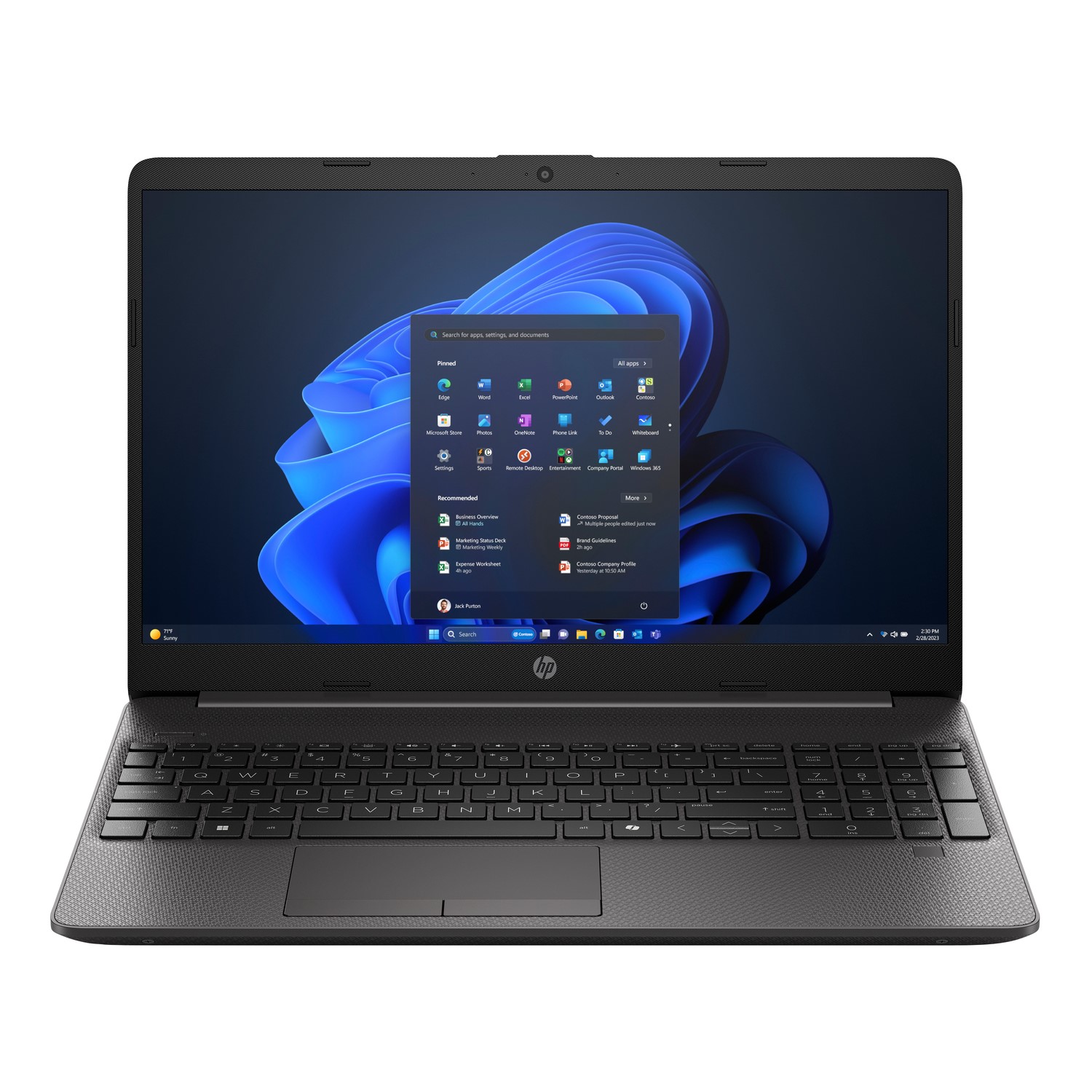
Intel Core 5, 16GB RAM, 512GB SSD, 15.6-inch screen, Windows 11 Pro
Two for£29.96a month
ex VAT, over 48 months
Or buy one for £699.97 inc VAT
View HP 250R G9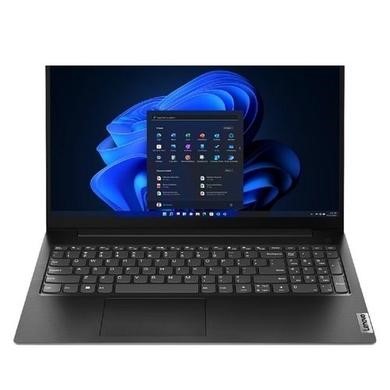
AMD Ryzen 5, 16GB RAM, 512GB SSD, 15.6-inch screen, Windows 11 Pro
Two for£27.82a month
ex VAT, over 48 months
Or buy one for £649.97 inc VAT
View Lenovo V15 G4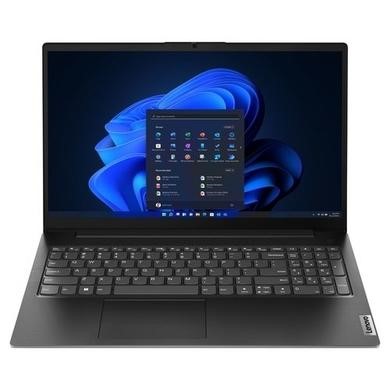
Intel Core i7, 16GB RAM, 512GB SSD, 15.6-inch screen, Windows 11 Pro
Two for£34.24a month
ex VAT, over 48 months
Or buy one for £799.97 inc VAT
View Lenovo V15 G5Or browse by how you work:Thin and light laptopsUSB-C laptopsLaptops with a webcam2-in-1 laptops
Subscription prices are indicative, for two laptops at the prices shown, ex VAT, paid by Direct Debit and subject to status. Product pages show prices including VAT.
From classrooms to building sites, a subscription keeps your team on current kit without a big bill up front.

Built for education budgets and refresh cycles, with quarterly payments.

Equip new starters and whole teams without tying up cash.

Reliable kit across jobs, sites and changing teams.

Technology for front of house and back office, as demand changes.
Subscriptions are for organisations, on orders from £1,000.00 ex VAT. Here are the rules, and you can check yours in three taps.
Trading for 3 years or more. Trading for 2 to 3 years works too, with 2 years of filed accounts and an order of up to £5,000.00 ex VAT.
No trading history needed. Payments are made every quarter.
No trading history needed.
Subscriptions aren’t available. You can pay by card or PayPal, or call our B2B team on 01484 481 360 to talk about other ways to buy.

Laptops Direct is part of the Buy It Direct Group. We supply your laptops and introduce you to our finance partner, CF Corporate Finance Limited, who provide your agreement.

Use the price check on this page or on the laptop’s page, then send your details.
We confirm the specification and send you a quote with term and payment options.
Eligible applications can be decided the same business day when all the information needed is provided.
Once you’re approved, your agreement arrives for electronic signature.
Your laptops arrive. At the end of the term you can refresh, extend or return them.
Limited companies, PLCs, LLPs and registered charities trading for 2 years or more, plus schools, colleges, academies and public sector bodies. Sole traders and partnerships can’t subscribe. Business credit is subject to status and formal written approval.
3 years or more. If you’ve traded for 2 to 3 years, you’ll need 2 years of filed accounts and the order can be up to £5,000.00 ex VAT. Schools, colleges, academies and public sector bodies don’t need a trading history.
Subscriptions are available on orders from £1,000.00 ex VAT. Any two of the laptops above take you past that.
24, 36 or 48 months. The longer the term, the lower each payment and the higher the total you pay.
Your order value ex VAT, divided by 1,000, times the rate for your term: £46.92 for 24 months, £32.73 for 36 months or £25.68 for 48 months. Schools, colleges and academies pay quarterly at their own rates.
Yes, subscription prices are shown ex VAT. Ask your accountant how VAT applies to your business.
Yes. You can choose new, refurbished or a mix of both.
Your end-of-term options are clear from the start: refresh to new laptops, extend your subscription or return them.
Eligible applications can be decided the same business day when all the information needed is provided.
CF Corporate Finance Limited. Buy It Direct Ltd acts as an introducer for CF Corporate Finance Limited and does not receive a commission for the introduction.
Example: £1,000.00 ex VAT over 48 months at £25.68 a month ex VAT, total of payments £1,232.64 ex VAT. Prices on this page are indicative, for payment by Direct Debit, and subject to status.
Buy It Direct Ltd will share your information with our finance partner CF Corporate Finance Limited and provide you with CF Corporate Finance Limited's leasing plan details. We act as an introducer for CF Corporate Finance Limited and do not receive a commission for this introduction. These agreements are unregulated. Business credit is subject to formal written approval.
Finance is provided by CF Corporate Finance Limited (authorised and regulated by the Financial Conduct Authority for credit-related regulated activities, including hiring). Registered office: Reading International Business Park, Reading, RG2 6AA. Company number: 05414774.
Business subscription · Step 1 of 2
Subscriptions start at an order value of £1,000.00 ex VAT. Type in your own order total.
£25.68a month ex VAT
Indicative price for payment by Direct Debit, subject to status. Finance is provided by CF Corporate Finance Limited.
Subscriptions start at £1,000.00 ex VAT
·
Thanks, we’ve got your application
£25.68a month ex VATover 48 months
Buy It Direct acts as a broker and offers credit from a panel of lenders. Subject to status. UK businesses only.



