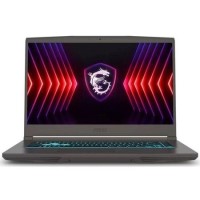





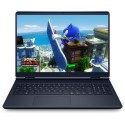
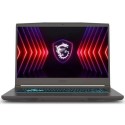


Excellent cosmetic condition - looks like new and saves you money.


Save money
Enjoy significant savings without compromising on quality.

Reduce waste
Reduce electronic waste and lower your carbon footprint.

Extensively Tested
Every refurbished device is rigorously tested and repaired by certified technicians.

Warranty included
This device is protected with a warranty covering both parts and labour.
Stand out features
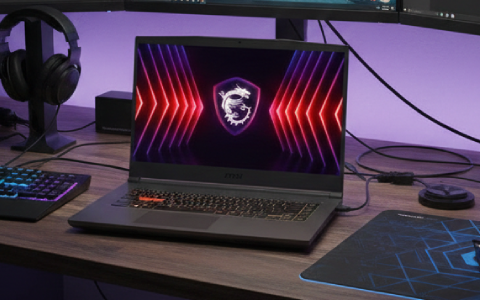
Intel Core i7 Power: High-Speed Processing
Powering this gaming machine is a high-performance Intel Core i7 processor. This sophisticated CPU provides excellent speed and efficiency, making it ideal for the intensive demands of modern gaming titles, content creation, and heavy multitasking. The i7 architecture ensures your system handles complex calculations and physics engines with ease, providing a smooth and responsive backbone for all your digital pursuits.
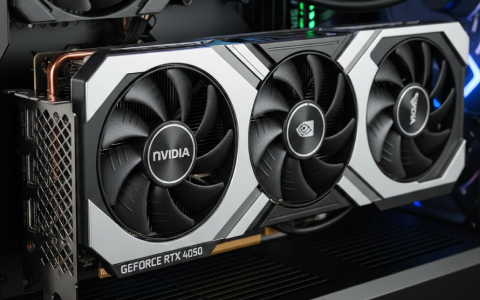
NVIDIA GeForce RTX 4050: Next-Generation Graphics
Equipped with the NVIDIA GeForce RTX 4050 GPU, the MSI Thin delivers stunning visuals and cutting-edge features like DLSS 3 and ray tracing. This dedicated graphics card allows you to experience your favourite games with realistic lighting and smooth frame rates. Whether you are exploring vast open worlds or editing high-resolution video, the RTX 4050 provides the graphical horsepower needed for a truly immersive visual experience.
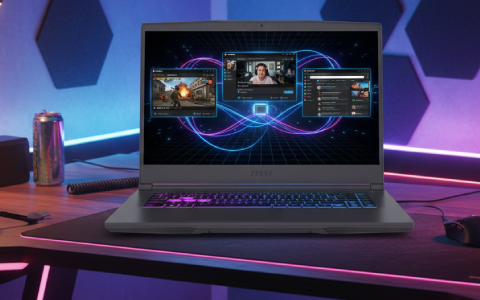
16GB DDR4 Memory: Seamless System Responsiveness
Equipped with 16GB of high-speed RAM, the MSI Thin ensures a fluid user experience. This generous memory capacity allows for the efficient running of multiple applications, background processes, and demanding games concurrently. You can switch between gaming, streaming, and web browsing instantly, preventing frustrating system lag and keeping your performance consistent during intense sessions.
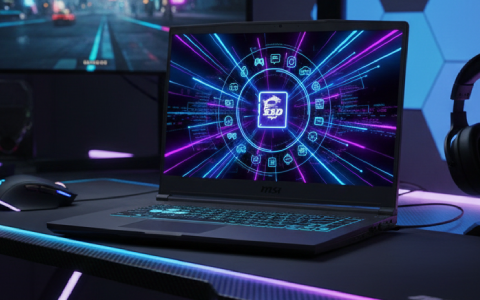
Rapid Access with 512GB SSD Storage
Featuring a fast 512GB NVMe SSD, this laptop provides rapid boot-up times and quick loading for your entire game library and professional software. The solid-state drive architecture offers superior durability and silent operation compared to traditional drives, protecting your data while significantly reducing waiting times from the moment you hit the power button.
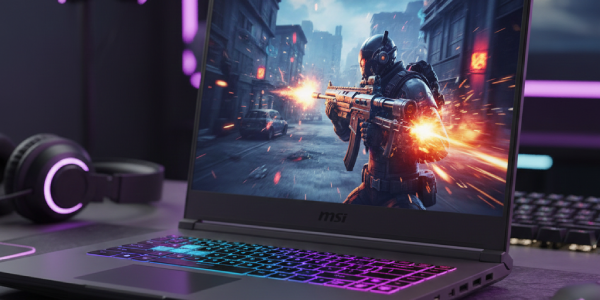
15.6-inch 144Hz Display: Fluid Motion and Clarity
The 15.6-inch Full HD display features a 144Hz refresh rate, designed specifically for fast-paced action. This high refresh rate minimises motion blur and input lag, providing a competitive edge in shooters and racing games where every millisecond counts. The thin-bezel design maximises your viewing area, while the vibrant panel ensures sharp details and vivid colours for both work and play.
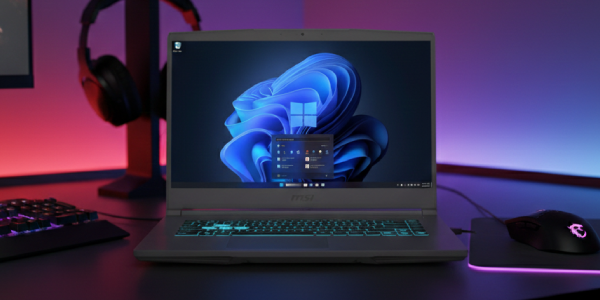
Windows 11 and Versatile Connectivity
The MSI Thin comes with Windows 11, offering a modern, intuitive interface with enhanced gaming features like Auto HDR and DirectStorage. Connectivity is comprehensive to support all your peripherals, featuring high-speed Wi-Fi and Bluetooth for wireless freedom. The laptop includes a versatile array of ports, including USB Type-C, USB Type-A, and HDMI, ensuring you can easily connect external monitors, gaming mice, and headsets.