














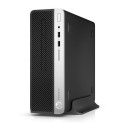



Excellent cosmetic condition - looks like new and saves you money.


Save money
Enjoy significant savings without compromising on quality.

Reduce waste
Reduce electronic waste and lower your carbon footprint.

Extensively Tested
Every refurbished device is rigorously tested and repaired by certified technicians.

Warranty included
This device is protected with a warranty covering both parts and labour.
Stand out features

Why Choose This AMD Beast?
Elevate your digital life with a desktop that packs AMD's legendary punch into a sleek, affordable package. Built for the modern multitasker, casual gamer, and creative soul, it's the upgrade you've been craving—without the premium price tag. And with its open architecture, it's primed for growth: swap in a powerhouse GPU, crank up the RAM, or expand storage whenever you're ready to level up.
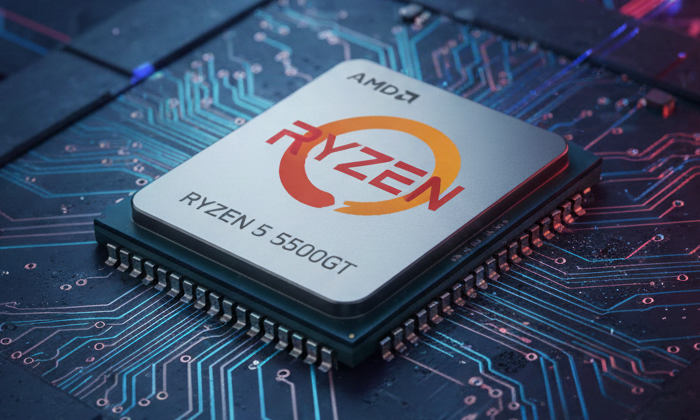
Power Meets Precision Dominate your day with the AMD Ryzen 5 5500GT processor:
6 high-octane cores and 12 threads fuelling everything from spreadsheet marathons to video edits. Hit that 4.4GHz turbo boost for lightning-fast performance that keeps up with your hustle, all while sipping power efficiently. Future-proofed for upgrades, this CPU slots into AM4 motherboards that support next-gen expansions with ease.
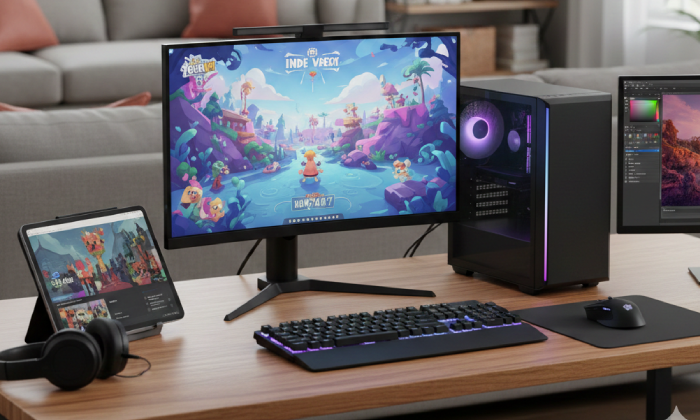
Casual Gaming & Media Mastery No discrete GPU?
No problem—yet. The integrated Radeon Vega 7 graphics deliver buttery-smooth frames for indie adventures, 1080p streaming, and photo/video tweaks. It's your all-in-one ticket to fun today... but leave room for tomorrow: the PCIe slots are wide open for a dedicated graphics card to turbocharge your 4K dreams.

Blazing Speed, Zero Lag
Say goodbye to endless loading screens. The 512GB PCIe Gen3 NVMe SSD catapults you into action with near-instant boots and app launches. Teamed with 16GB of DDR4-3200 RAM (in dual-channel slots for easy doubling), it juggles tabs, tracks, and timelines like a seasoned pro. Need more? Pop in extra sticks or swap for DDR4 beasts up to 128GB—no sweat.
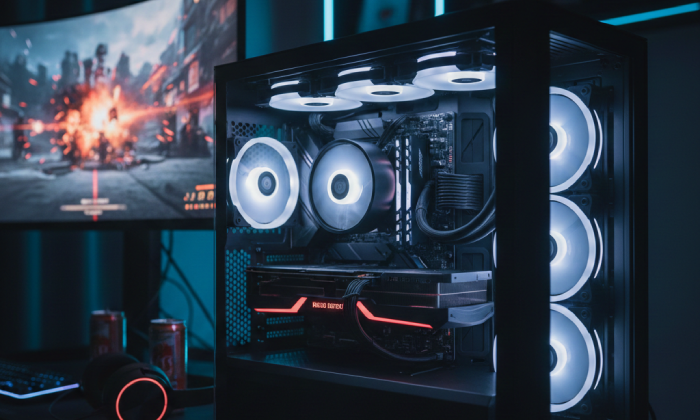
Cool Under Fire
When the action heats up, the AMD Wraith Stealth cooler whispers into action—delivering whisper-quiet efficiency and rock-solid temps. Game on without the roar or the worry, and as you upgrade, the spacious case airflow scales effortlessly to handle hotter components.

Perfect For:
• Students crushing assignments, remote pros owning deadlines, and casual gamers chasing thrills.
• Budget-savvy creators turning ideas into masterpieces.
• Anyone craving a head-turning, future-proof desktop that's as upgrade-friendly as it is reliable—start small, scale epic, and keep evolving with plug-and-play ease.
A1 Refurbished Grading
- Product as good as new
- Often just opened and returned with zero use
What's In The Box
- Desktop
- Power Cable


