

















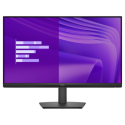

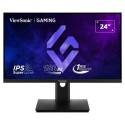
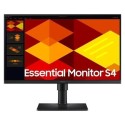
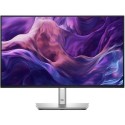
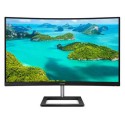
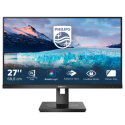
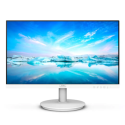
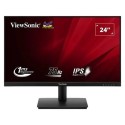

Excellent cosmetic condition - looks like new and saves you money.


Save money
Enjoy significant savings without compromising on quality.

Reduce waste
Reduce electronic waste and lower your carbon footprint.

Extensively Tested
Every refurbished device is rigorously tested and repaired by certified technicians.

Warranty included
This device is protected with a warranty covering both parts and labour.
A durable, anti-glare touchscreen for flexible use, with articulating stand to angle as you need. Advanced In-Cell Touch (AIT) offers a slimmer look, superior touch sensitivity for quick response, outstanding and clearer visibility.
SmoothTouch
This Philips display uses Projected capacitive 10-point touch technology for fluid response. You can fully utilise the new capabilities of touch-based applications and bring your older applications to life. Touch-type with 10 fingers or play exciting interactive games with your friends. Collaborate with colleagues interactively at work or school environment and increase your productivity and efficiency.
SmartStand
Philips SmartStand allows for flexible adjustment of the screen. Its Z-type structure with smooth tilt, height adjustment and folding capabilities enables you to use it in various ergonomic positions. You can set the stand in upright position for better touch control or recline it backwards, making it easy for you to draw or annotate. It even allows you to put the screen almost flat on the table for some applications when required.
16:9 Full HD display for crisp, detailed images
Picture quality matters. Regular displays deliver quality, but you expect more. This display features enhanced Full HD 1920 x 1080 resolution. With Full HD for crisp detail paired with high brightness, incredible contrast and realistic colours, expect a true-to-life picture.
SmartContrast for rich black details
SmartContrast is a Philips technology that analyses the contents you are displaying, automatically adjusting colours and controlling backlight intensity to dynamically enhance contrast for the best digital images and videos or when playing games where dark hues are displayed. When Economy mode is selected, contrast is adjusted and backlighting fine-tuned for just-right display of everyday office applications and lower power consumption.
LowBlue Mode for easy-on-the-eyes productivity
Studies have shown that just as ultra-violet rays can cause eye damage, shortwave-length blue light rays from LED displays can cause eye damage and affect vision over time. Developed for wellbeing, the Philips LowBlue Mode setting uses a smart software technology to reduce harmful shortwave blue light.

