


















Very good condition - may display light cosmetic marks


Save money
Enjoy significant savings without compromising on quality.

Reduce waste
Reduce electronic waste and lower your carbon footprint.

Extensively Tested
Every refurbished device is rigorously tested and repaired by certified technicians.

Warranty included
This device is protected with a warranty covering both parts and labour.
Surface Pro 9: Unleash Your Creative Power Anywhere
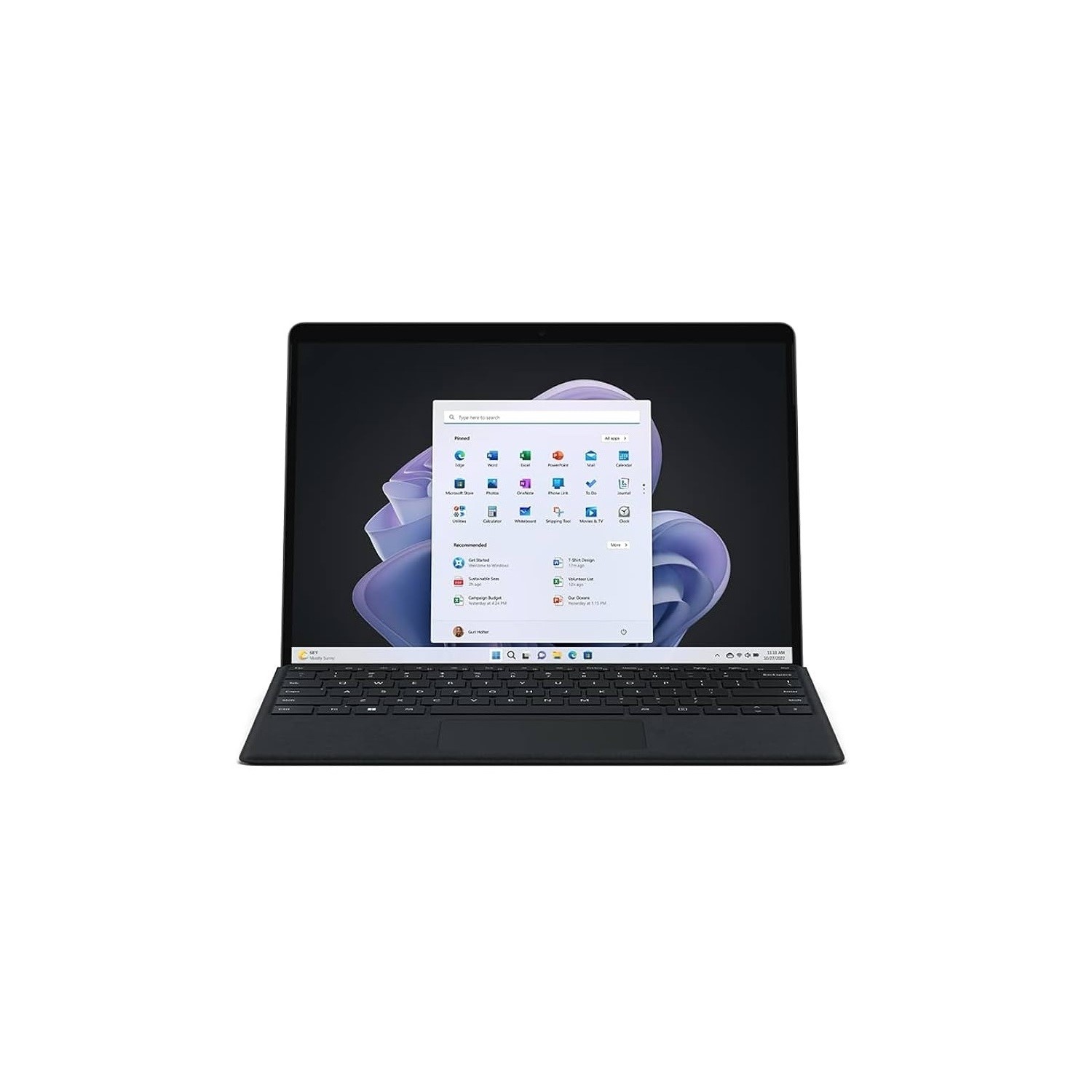
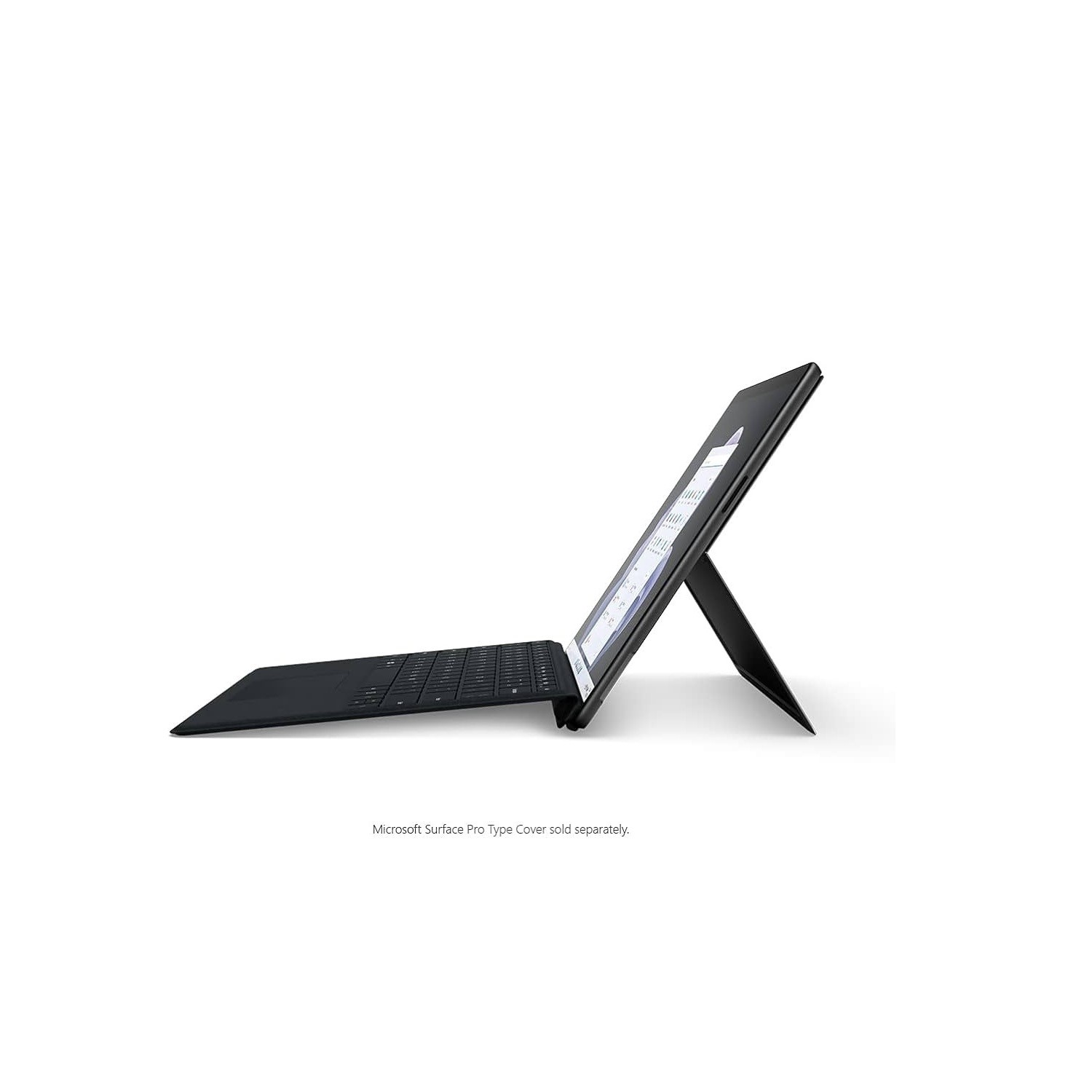
Introducing the Surface Pro 9, a tablet that defies limits by encapsulating the power of a laptop within its sleek frame. Fueling your productivity is the 12th gen Intel Core i7, ensuring that no task is too formidable. Create documents, conduct online research, edit photos – do it all simultaneously, and the Surface Pro 9 won't break a sweat. Weighing less than 1 kg, it's your portable powerhouse that goes wherever you go, transforming any location into your personal workspace with the versatile kickstand.
Stunning 3K PixelSense Touchscreen
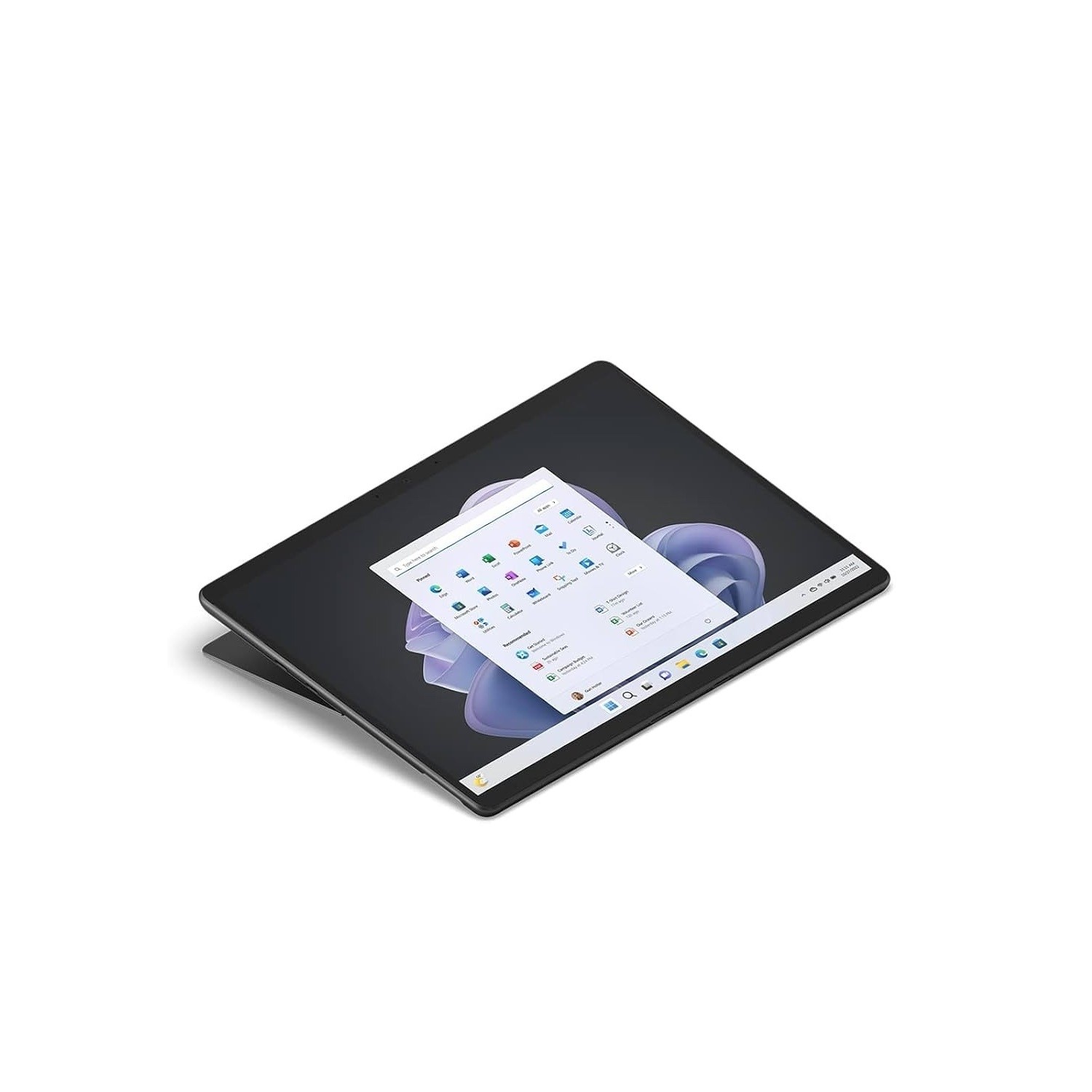
Immerse yourself in brilliance with the 3K PixelSense touchscreen. Every detail comes to life, from family photos to your favorite TV shows. Even the most mundane spreadsheets are given a touch of elegance on this captivating display, making work and leisure a visual feast.
Intel Iris Xe Graphics: Extra Power Unleashed
Empower your creative endeavors with Intel Iris Xe integrated graphics. Whether you're editing photos, crafting videos, or indulging in gaming, the Surface Pro 9 delivers extra power to bring your visions to life with stunning clarity.
Seamless Multitasking with 16 GB DDR5 RAM
Multitasking reaches new heights with 16 GB of DDR5 RAM, ensuring smooth and responsive performance even when you're juggling multiple tasks. The Surface Pro 9 adapts to your workflow, making every operation effortless.
Windows Hello: Smile and Sign In
Bid farewell to passwords with Windows Hello. A simple smile at the camera is all it takes to effortlessly sign in, adding a touch of futuristic convenience to your daily routine.
Thunderbolt 4 Ports: Connect Without Limits
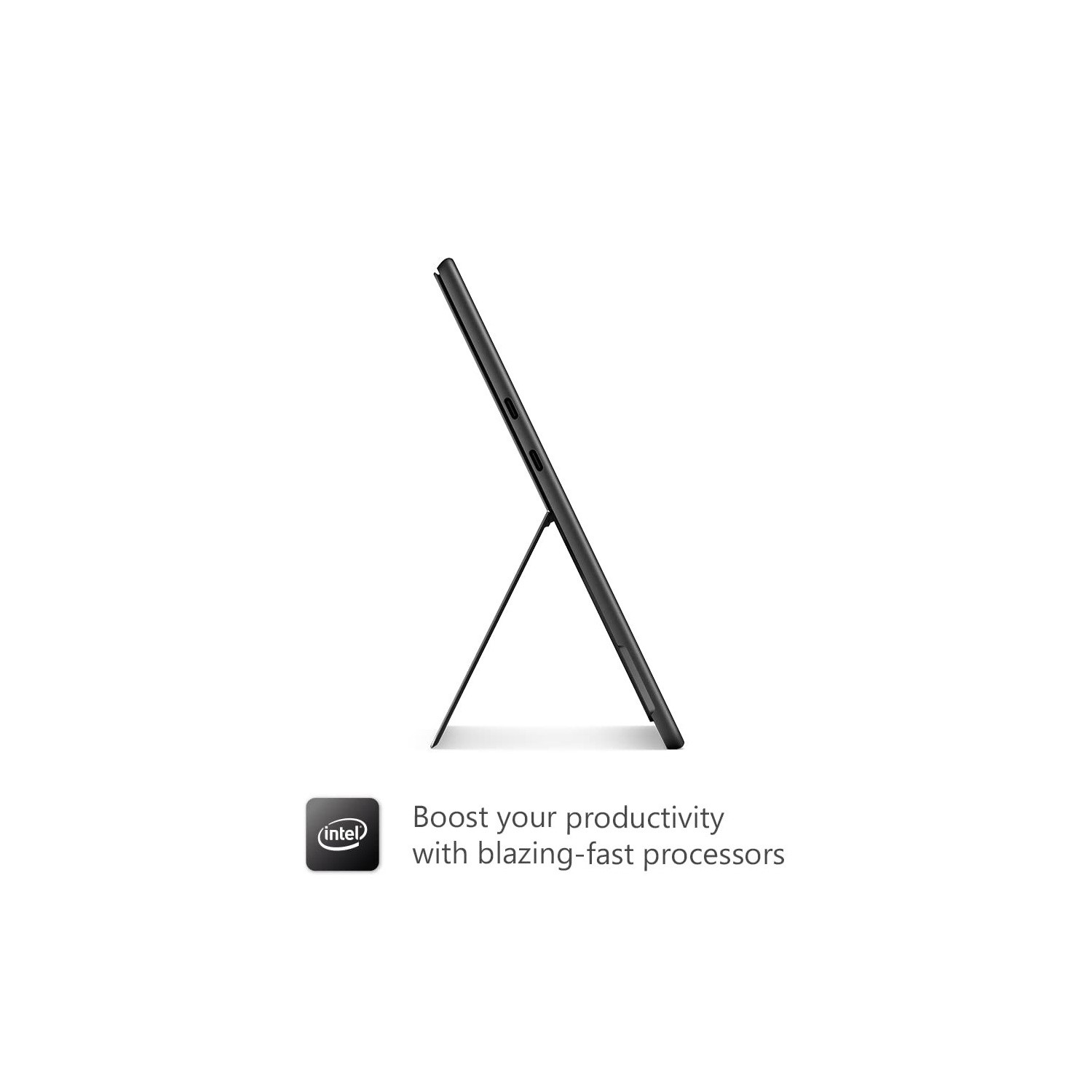
Versatility at its peak – the 2 Thunderbolt 4 ports can handle everything, from connecting to 4K monitors to lightning-fast SSDs. Say goodbye to connectivity concerns and embrace a world of possibilities.
WiFi 6: Lag-Free Connectivity
Stay ahead of the curve with WiFi 6, ensuring a fast and steady internet connection that banishes the dreaded loading circle. Whether you're at the office or a beach bar, the Surface Pro 9 keeps you seamlessly connected.
Dual Cameras for Exceptional Video Calls
Engage in crystal-clear video calls with dual cameras – a 10 MP on the back and a 5 MP on the front. Whether it's business meetings or catching up with loved ones, the Surface Pro 9 ensures you're seen in the best light.
256 GB SSD: Lightning-Fast Storage
The 256 GB SSD not only provides ample space for your files but also ensures a lightning-fast system, reducing load times and enhancing overall system responsiveness.
Unleash your creative power anywhere with the Surface Pro 9. Elevate your digital experience, embrace the freedom of portability, and redefine the boundaries of what a tablet can achieve.



