







Very good condition - may display light cosmetic marks


Save money
Enjoy significant savings without compromising on quality.

Reduce waste
Reduce electronic waste and lower your carbon footprint.

Extensively Tested
Every refurbished device is rigorously tested and repaired by certified technicians.

Warranty included
This device is protected with a warranty covering both parts and labour.
Stand out features
Seamless Multitasking with 24GB RAM
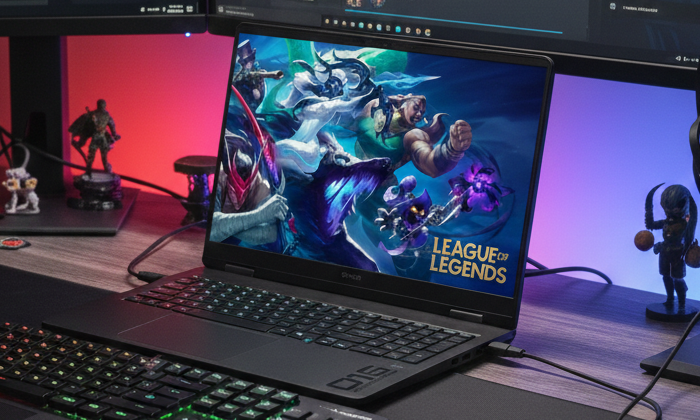
Equipped with a generous 24GB of RAM, this gaming laptop offers an ideal balance for heavy multitasking and performance-driven tasks. You can game at high settings while streaming your gameplay, chatting with teammates, and running multiple applications in the background—all without slowdown. This makes the OMEN perfect for both gamers and content creators who need extra memory for their workflows.
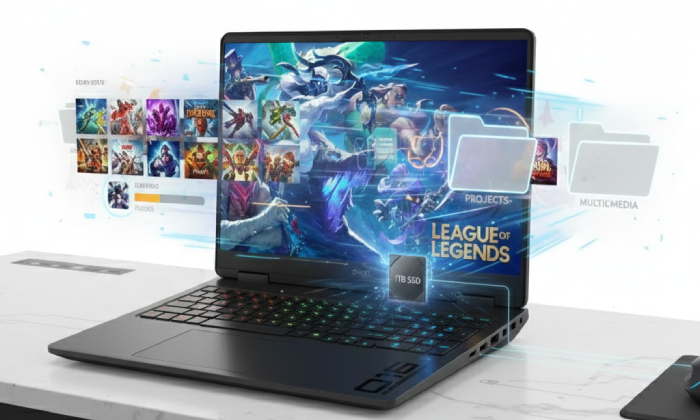
High-Speed Storage with 1TB SSD
With its 1TB SSD, the HP OMEN provides ample space for your expanding game library, large projects, and multimedia files. More importantly, the solid-state drive offers lightning-fast boot times, near-instant game loading, and rapid access to files. This means less time waiting and more time gaming, creating, or working on what matters most.
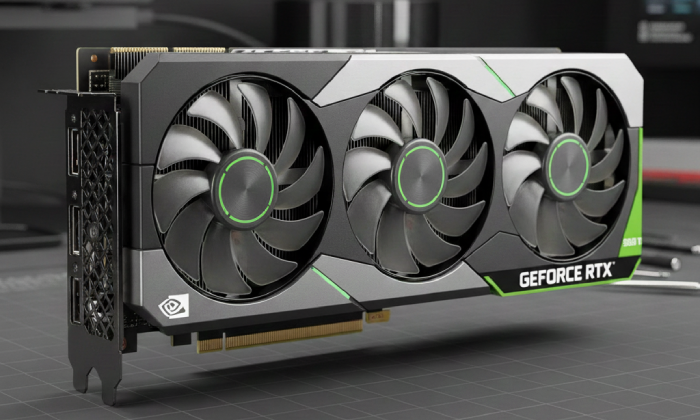
Next-Level Graphics with RTX 5060
At the heart of the OMEN’s gaming power is the NVIDIA GeForce RTX 5060 GPU. Built with cutting-edge ray tracing and DLSS 3 technology, it delivers lifelike lighting, shadows, and reflections while maintaining fluid frame rates. From competitive shooters to expansive open-world adventures, the RTX 5060 ensures every gaming experience is smooth, detailed, and immersive.
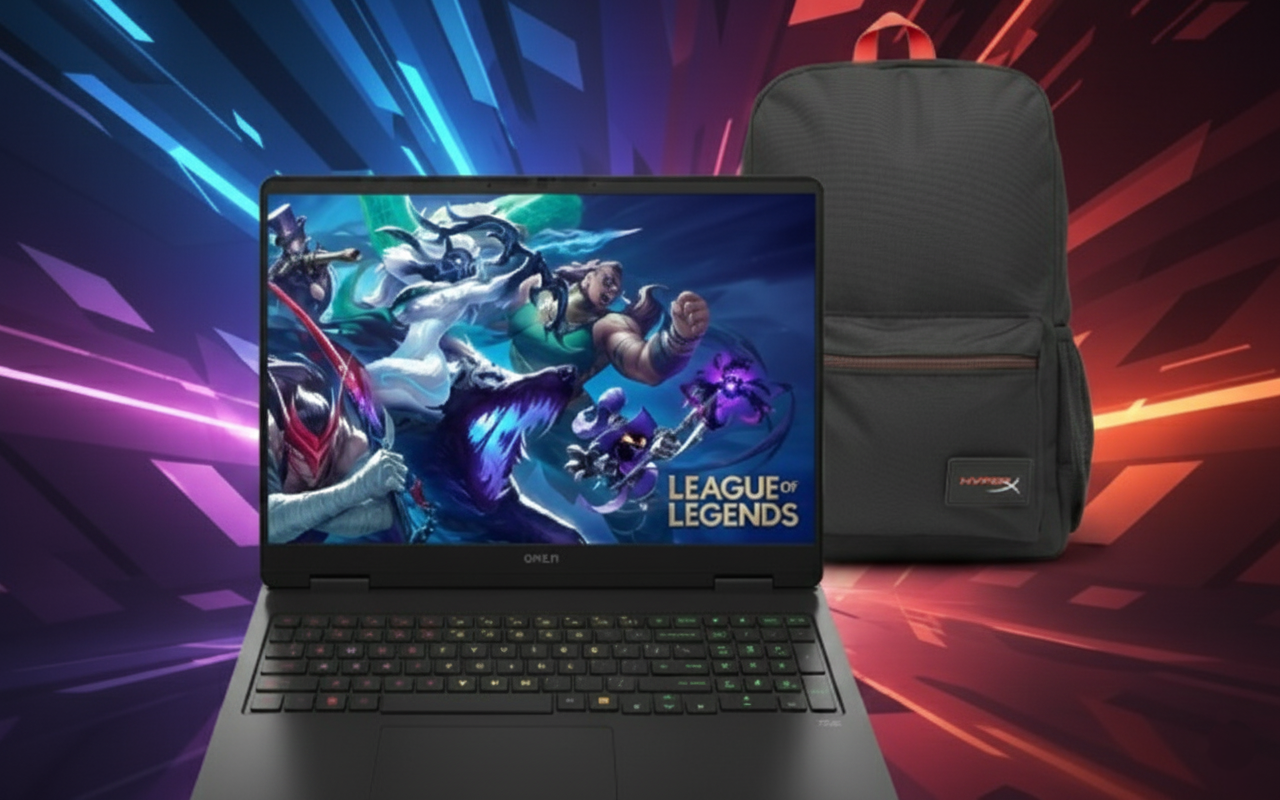
Complete Gaming Accessories for Mobility
The Delta Backpack provides a durable, spacious, and stylish way to carry your OMEN laptop and gaming gear, making it easy to game on the go.
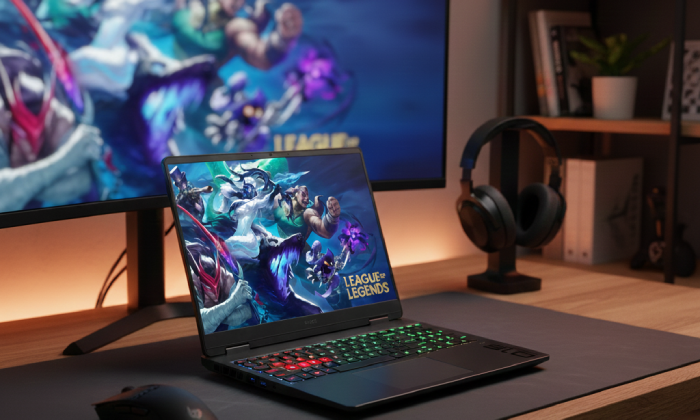
Designed for Gaming Lifestyle
The HP OMEN blends a sleek and modern design with durability and comfort, making it a true gaming lifestyle laptop. Its RGB backlit keyboard is customizable for both performance and style, while Windows 11 ensures a streamlined interface and advanced gaming optimizations. From marathon gaming sessions to productivity tasks, the OMEN is built to keep up with your pace.
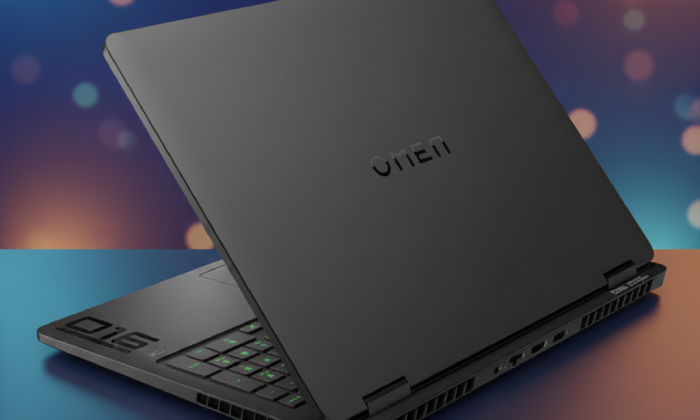
A Complete Gaming Package
With its Intel Core i7 power, RTX 5060 graphics, generous memory, and high-speed storage, the HP OMEN is a performance-driven laptop built for the modern gamer. Paired with the Delta Backpack, it becomes more than just a laptop—it’s a complete gaming solution for both home and travel. Whether you’re a competitive gamer or a versatile creator, this OMEN package delivers the performance, portability, and accessories you need.
This bundle includes:
- x1 HyperX Delta Backpack