







Excellent cosmetic condition - looks like new and saves you money.


Save money
Enjoy significant savings without compromising on quality.

Reduce waste
Reduce electronic waste and lower your carbon footprint.

Extensively Tested
Every refurbished device is rigorously tested and repaired by certified technicians.

Warranty included
This device is protected with a warranty covering both parts and labour.
GRADE A1
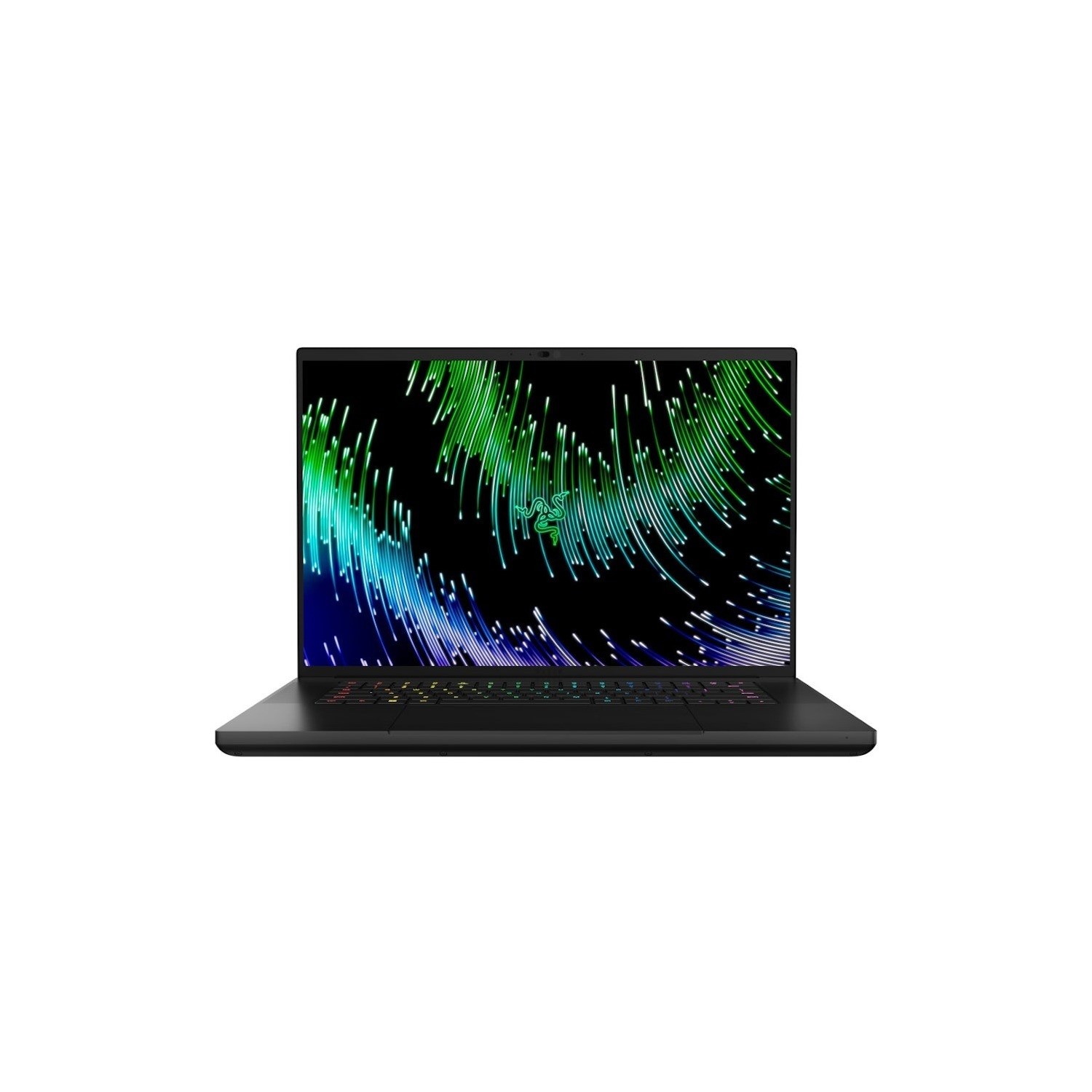
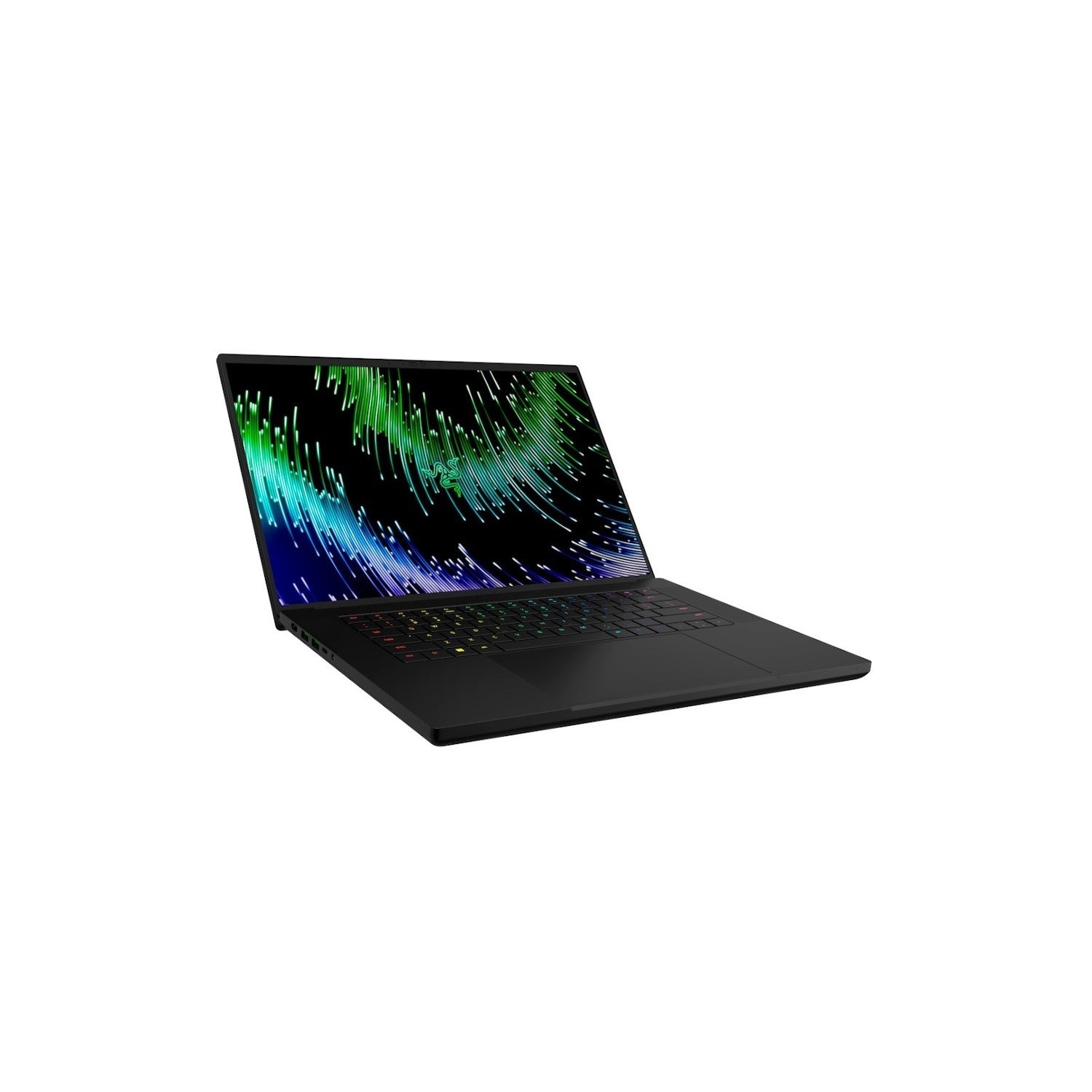
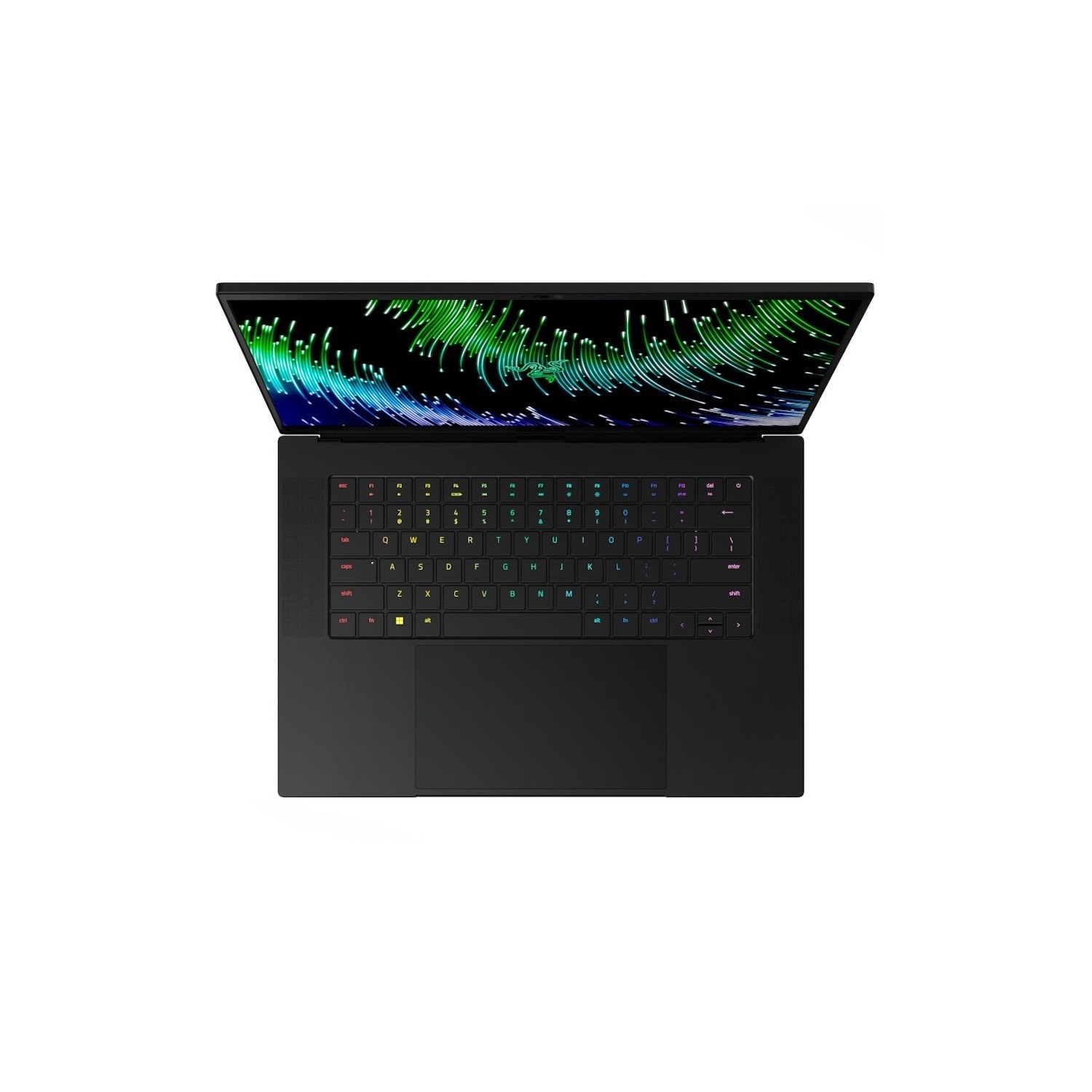
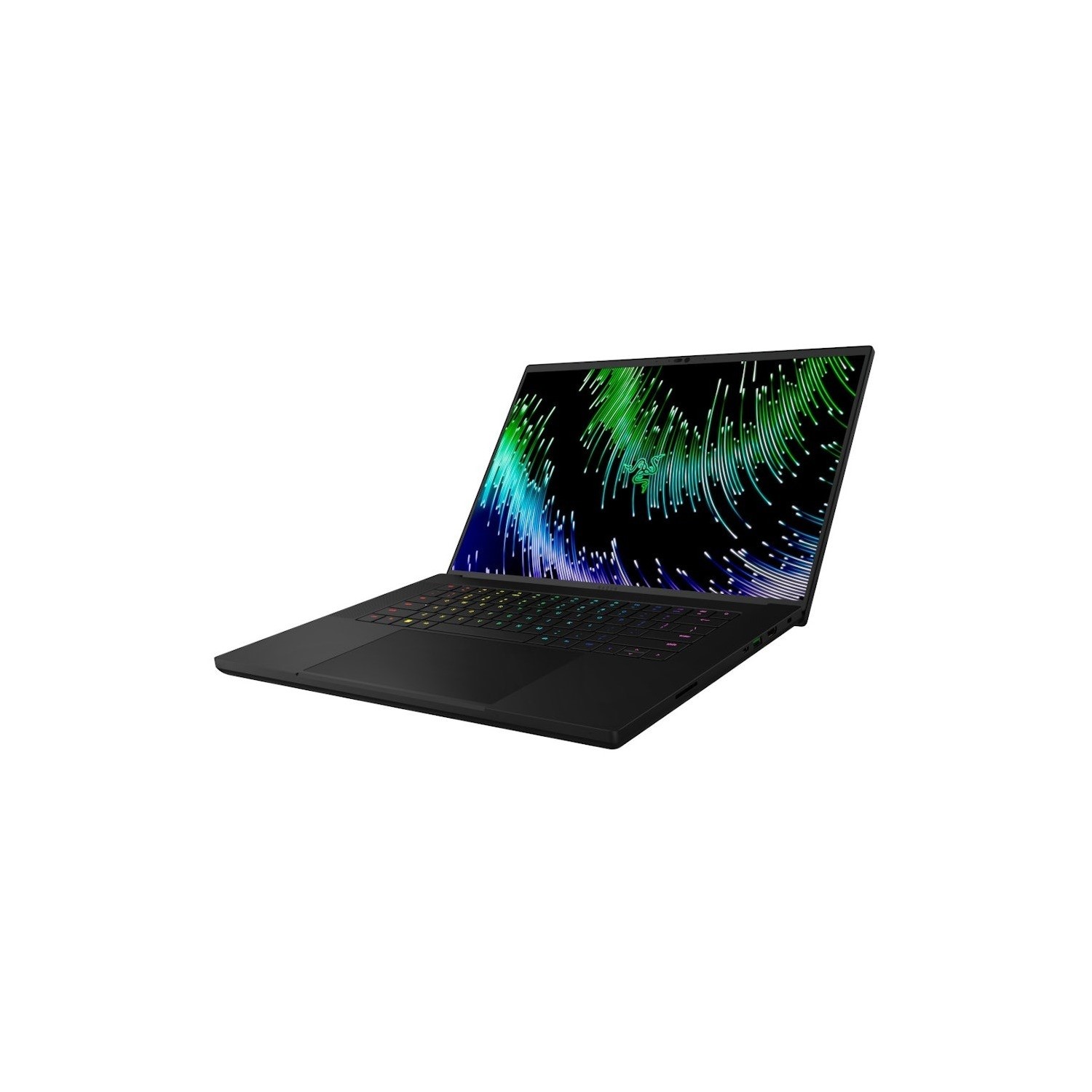
he Razer Blade 16 is a cutting-edge gaming laptop that combines power, versatility, and innovation. It features a revolutionary dual-mode Mini-LED display, allowing users to switch between two resolutions: 3840 x 2400 at 120Hz for ultra-detailed visuals and 1920 x 1200 at 240Hz for lightning-fast gaming performance.
Ultra-Fast & Clear | More Accurate Hits | Faster Trigger Times
Enjoy ultra-sharp 4K quality for creative work and ultra-fast refresh rates for silky-smooth gameplay, backed by 100% DCI-P3 colour accuracy that’s Calman Verified for the most lifelike visuals.
Beyond Fast
NVIDIA® GeForce RTX™ 40 Series GPUs are beyond fast for gamers and creators. They're powered by the ultra-efficient NVIDIA Ada Lovelace architecture which delivers a quantum leap in both performance and AI-powered graphics. Experience lifelike virtual worlds with ray tracing and ultra-high FPS gaming with the lowest latency. Discover revolutionary new ways to create and unprecedented workflow acceleration.
AI-Powered Performance
Get a quantum leap in performance in games and creative apps with AI-powered DLSS 3 and enable lifelike virtual worlds with full ray tracing.
Hyper realistic Ray-Tracing
The Ada architecture unleashes the full glory of ray tracing, which simulates how light behaves in the real world. With the power of RTX 40 Series and third-gen RT Cores, you can experience incredibly detailed virtual worlds like never before.
Optimised Performance
NVIDIA Max-Q is an advanced suite of AI-powered technologies that optimize your system for peak efficiency. This enables blazing-fast laptops that are thin, quiet, and have amazing battery life.
Overclock Ready
Game and create flawlessly with the most powerful mobile processor leveraging desktop-grade silicon. Push performance even further with Overclock Mode in Razer Synapse.
World’s Thinnest Exhaust Fins
Enjoy optimal thermal performance with a unique single-piece vapor chamber design, featuring 0.5 mm exhaust fins and special NASBIS® insulating sheets that cool keyboard temperatures by up to 12%.
100% Pure Titanium Anti-Flex Plate
Meticulously crafted with over a decades’ worth of refinement, the Razer Blade pushes the boundaries of performance and design, to provide users with an experience that is truly one of a kind.
More Charging Power
Keep the Razer Blade 16 ready to go with a charger that’s not only faster and more power-efficient than standard adapters, but also up to 60% smaller.
FHD Webcam And Dual Array Mic
With solid 1080p quality and a voice clarity to match, be seen and heard clearly for every video call as you stay connected with family, friends, and colleagues.