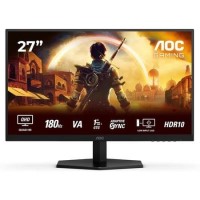
Stand out features
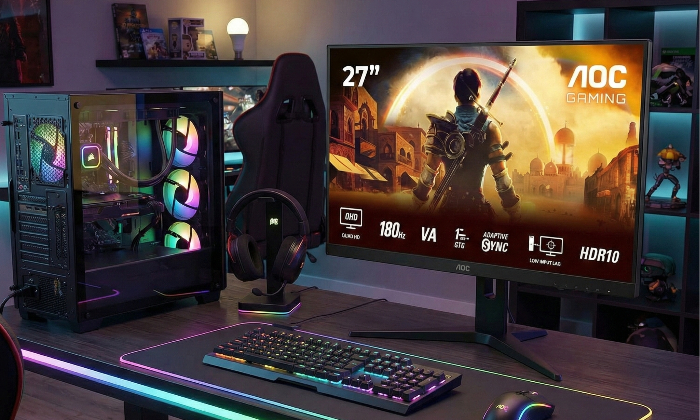
QHD Resolution
With 2560 x 1440 resolution, Quad HD (QHD) offers superior picture quality and sharp imagery that reveals the finest details. The widescreen 16:9 aspect ratio provides plenty of space to spread out and work, plus allows you to enjoy games or films in their original size.
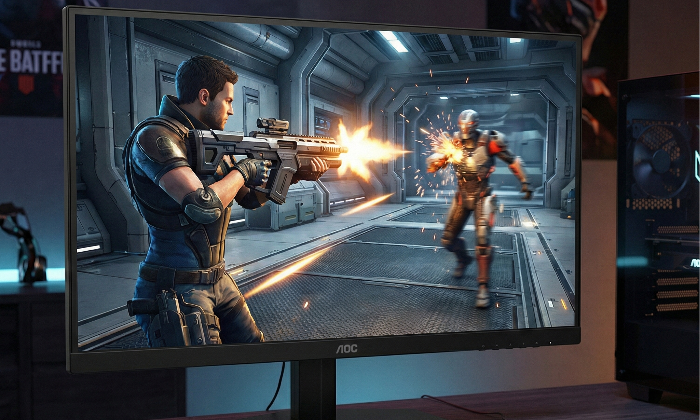
180Hz Refresh Rate
Competitive and intense gaming demands the best technology to ensure lag-free, smoother gaming. This AGON by AOC monitor features a 180Hz refresh rate, making it 3x faster than a standard display. A lower frame rate can make enemies appear to jump from spot to spot on the screen, making them very difficult targets to hit. A 180Hz frame rate restores those critical missing images back onto the screen, revealing enemy movements in ultra-smooth motion, letting you more easily target. With this AGON by AOC gaming monitor, you won't have to put up with input lag and screen tearing.
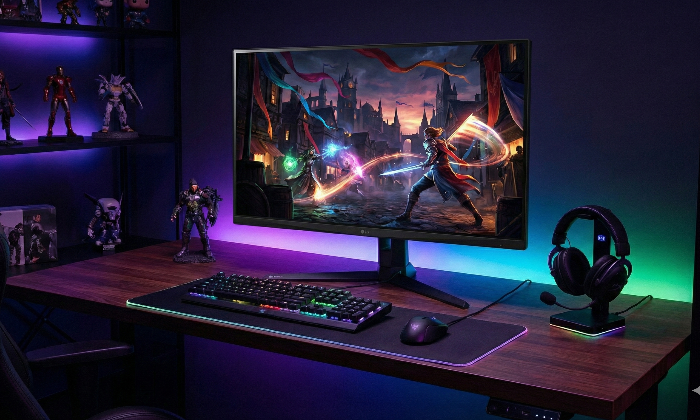
Fast VA
Experience the visuals like never before with the AGON BY AOC monitor. Its deep blacks and high contrast ratios make the visuals pop, especially in darker game scenes. The fast VA is not just about visuals, it's about precision. With its fast response times, the action remains fluid and clear, even during the most intense gameplay, leaving you impressed and satisfied. From FPS action games to the immersive worlds of atmospheric RPGs, the AGON by AOC monitor is your gateway to a heightened gaming experience. The monitor's swift performance and rich colours will elevate your gameplay.
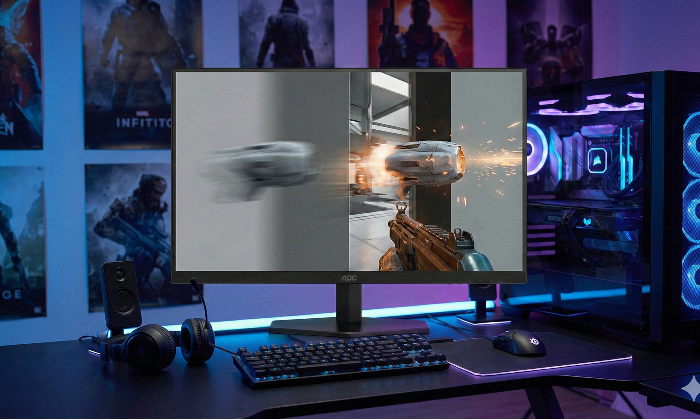
1ms Response time GTG - Grey-to-Grey
GtG stands for Grey-To-Grey and represents how long it takes for one pixel to change between one grey level to the next. In gaming, every millisecond counts and can be the differentiator between hitting or missing a shot. Fast response time also eliminates ghosting and motion blur.
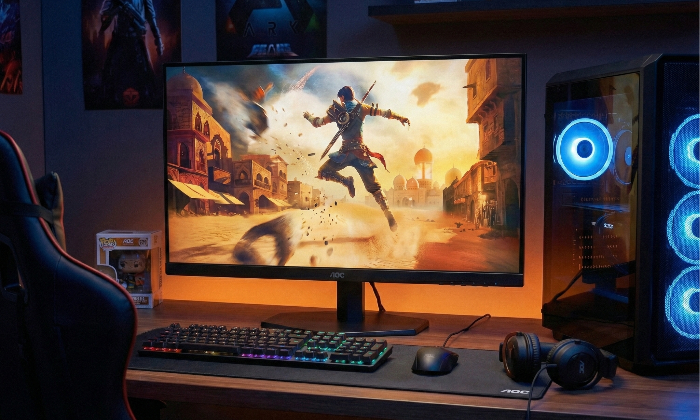
Adaptive sync
Adaptive Sync aligns your monitor's vertical refresh rate with the frame rate delivered by your GPU, making your gameplay and casual gaming experience even more fluid by eliminating stuttering, tearing and judder. This feature is also useful when enjoying videos and other visual media, for a smoother entertainment.
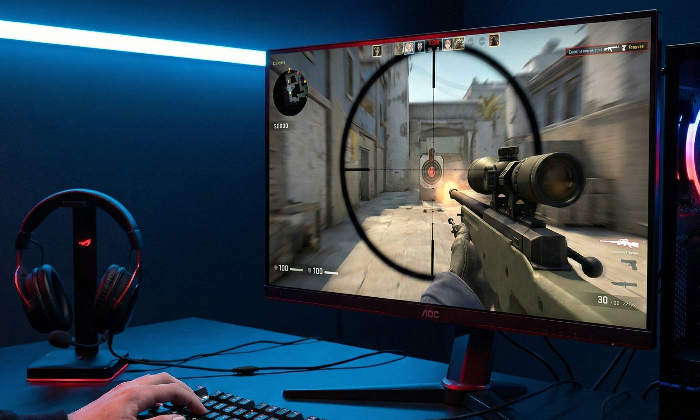
Low Input Lag
Unleash your reflexes by switching to the AOC Low Input Lag mode. Forget graphical frills: this mode rewires the monitor in favour of raw response time, giving the ultimate edge in hair trigger stand-offs.
Live the game at its best with HDR10
HDR10 is here to enhance picture quality even further, improving the synchronization of your GPU or your console with the monitor. This creates a more realistic, immersive, and smooth gaming experience: You’ll feel like stepping in the game, frame by frame.