












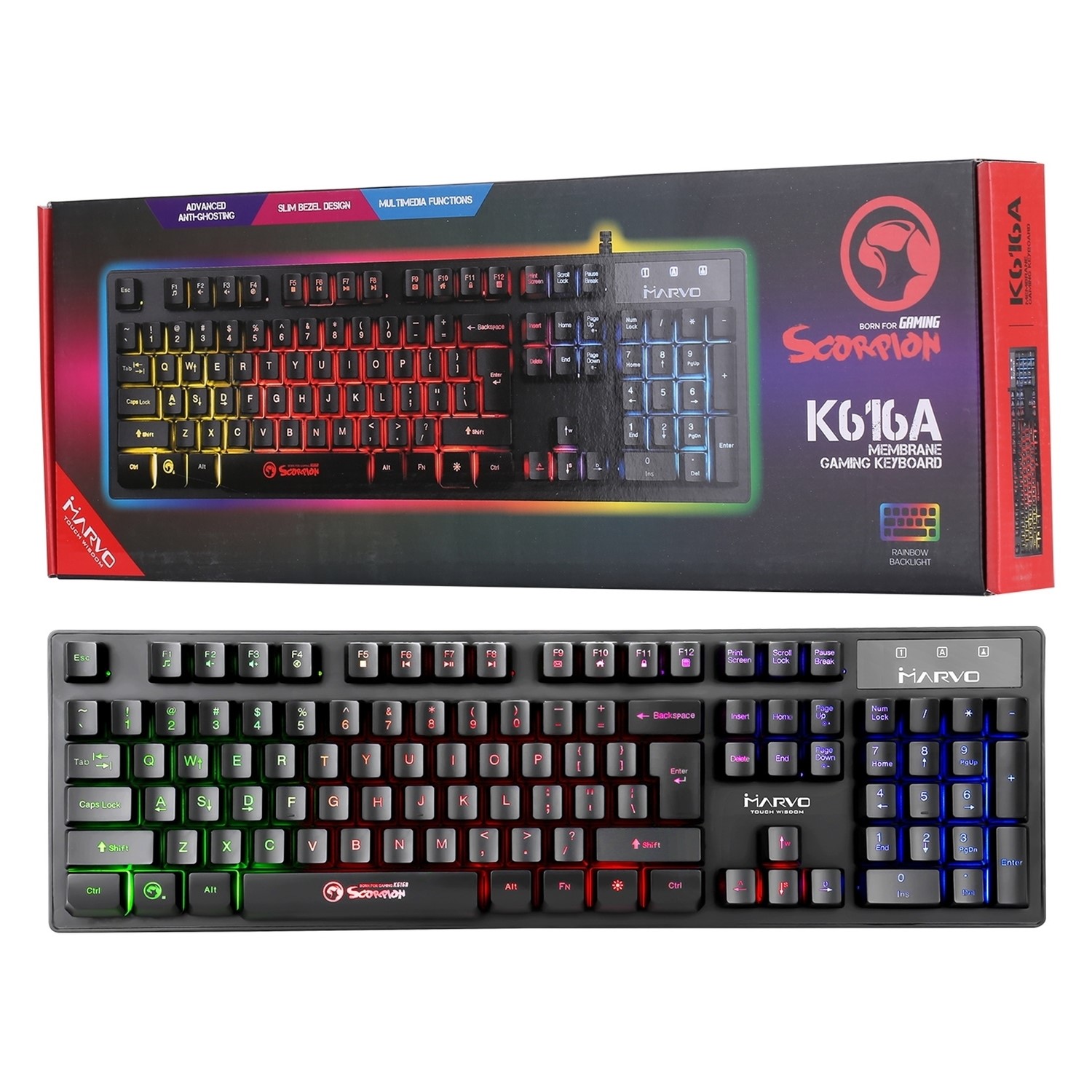




DESIGN FOR GAMING
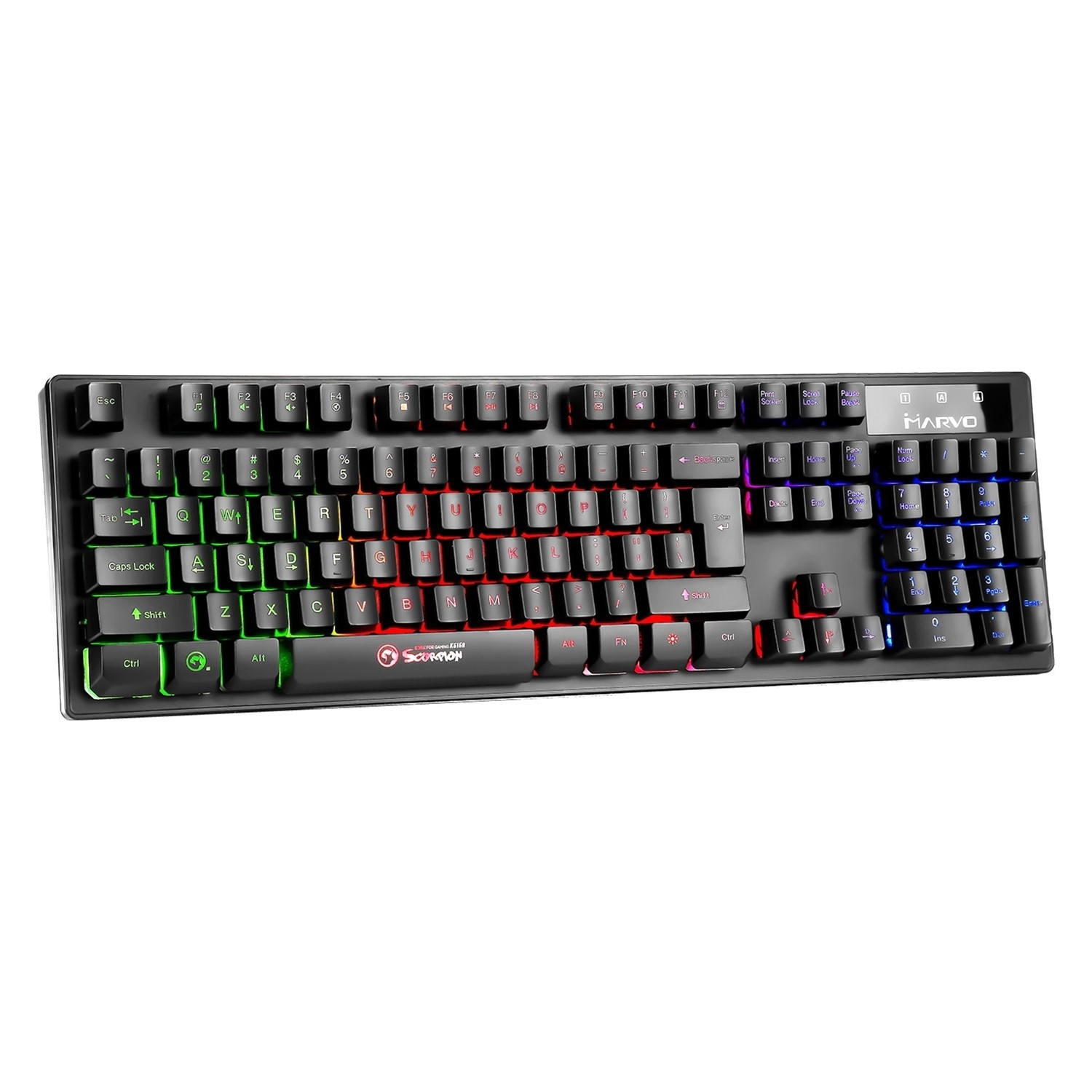
The K616A is an excellent choice for PC gaming enthusiasts who are looking for an affordable keyboard and can tick most of the requirements on the short list of any gamer. Thus K616A offers anti-ghosting support that allows the simultaneous pressing of up to 19 keys with the correct registration of all orders. The Rainbow type lighting system (multicolored) ensures an elegant integration with the rest of the peripherals, being responsible at the same time and for ensuring the optimum visibility in the dark or semi-darkness.
MULTIMEDIA FUNCTIONS
Using various key combinations, common functions such as volume modification, media player control or electronic mail verification can be accessed quickly and conveniently.
ERGONOMY AND RELIABILITY
Thanks to the compact frame, the K616A integrates more easily with the rest of the peripherals on a desk, helping to achieve optimum ergonomics of the space. The whole assembly is resistant to accidental spillage of liquids, and the type of membrane used promises a reliability of the keys of up to 5 million hits, guaranteeing hours of uninterrupted gameplay in the favorite game.


Question from Tom: Asked on 27/07/2025 How to acess # on keyboard K616A.
Not at key 3
Hi, For the Marvo Scorpion K616A keyboard (SKU: K616A-UK), the # (hash) symbol is not accessed by pressing Shift + 3. Instead, on this UK layout keyboard, you can type the # symbol by pressing the key immediately to the left of the Enter key (usually the key with
\and|symbols). Make sure your computer's keyboard layout is set to English (UK) to match the keyboard correctly. If you want the # symbol to appear when pressing Shift + 3, you may need to adjust your keyboard settings or remap keys. Thanks!