



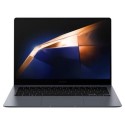

Excellent cosmetic condition - looks like new and saves you money.


Save money
Enjoy significant savings without compromising on quality.

Reduce waste
Reduce electronic waste and lower your carbon footprint.

Extensively Tested
Every refurbished device is rigorously tested and repaired by certified technicians.

Warranty included
This device is protected with a warranty covering both parts and labour.
Standout features
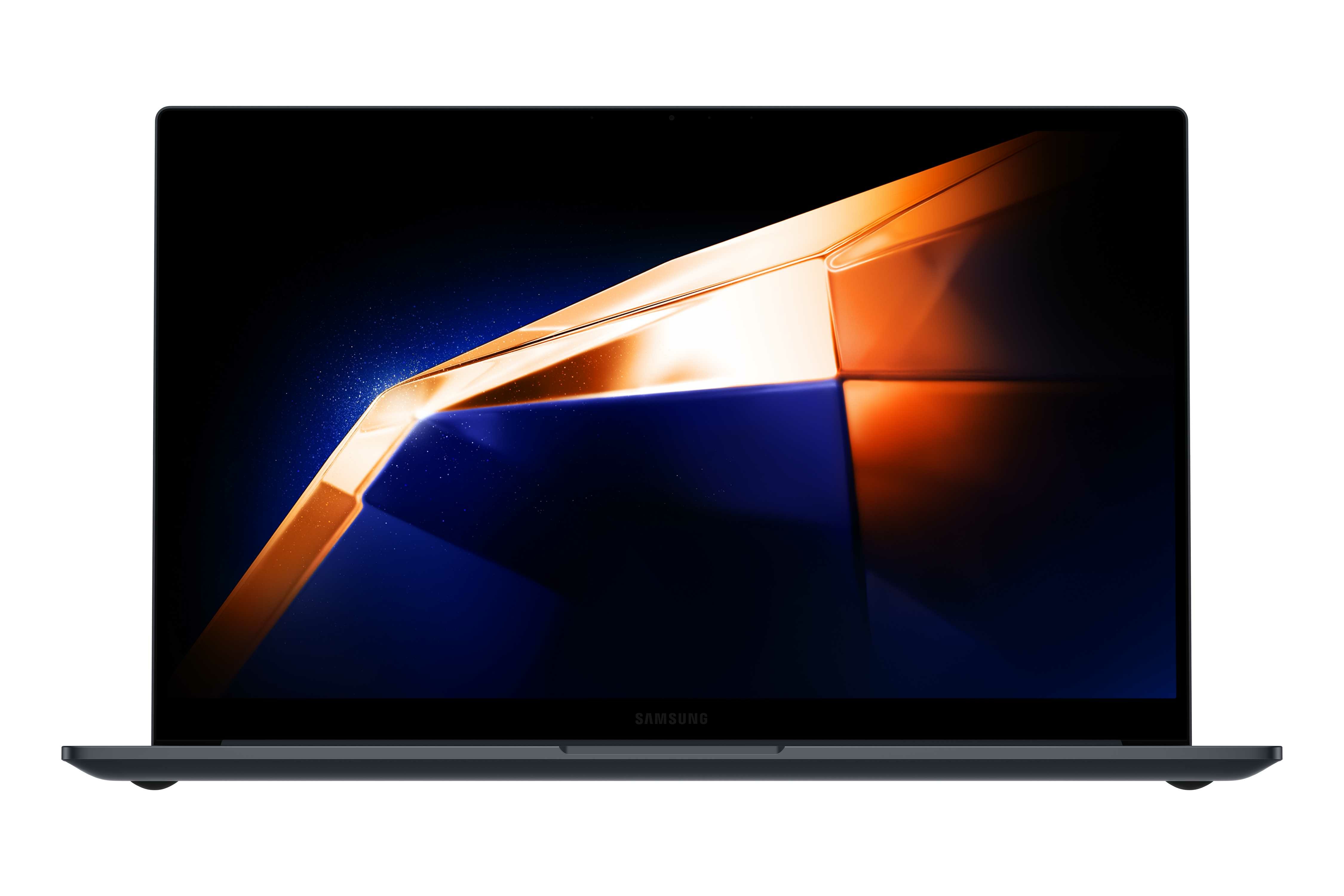
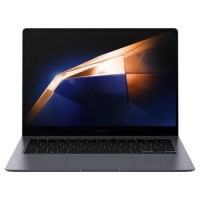
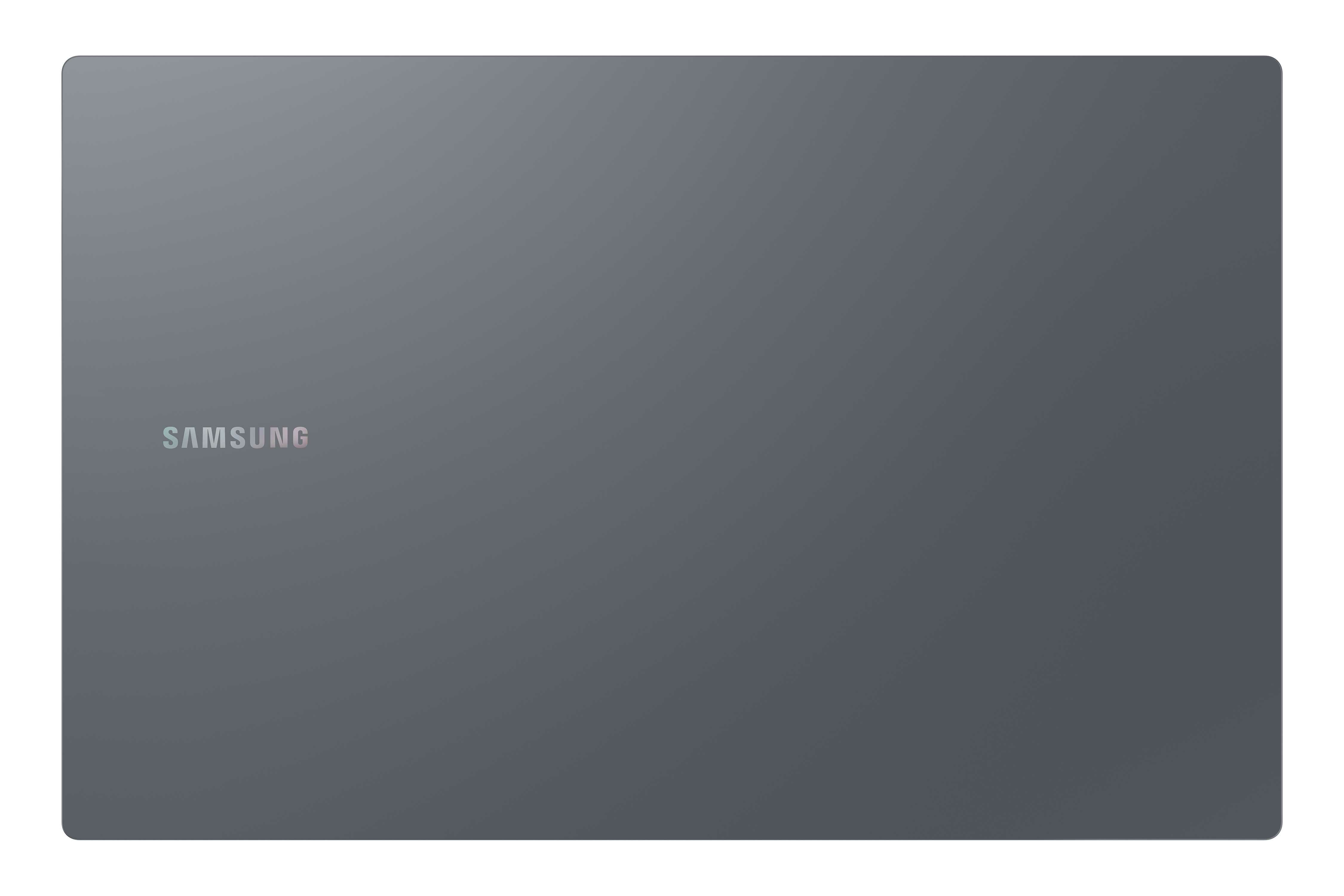
The Samsung Galaxy Book 4, powered by an Intel Core 5 processor and featuring 16GB of RAM and a spacious 256GB SSD, offers exceptional performance for productivity and multitasking. Its 15.6-inch display provides immersive visuals, while Windows 11 Pro ensures a secure and efficient operating system experience. With its sleek design and powerful specifications, this laptop is ideal for professionals and users who demand high-performance computing on the go.
Powerful Performance
The Samsung Galaxy Book 4 with Intel Core 5 processor delivers robust computing power for smooth multitasking, seamless productivity, and enhanced performance. With 16GB of RAM, it effortlessly handles demanding tasks, allowing users to breeze through work, creative projects, and entertainment without slowdowns or lag.
Ample Storage
Featuring a spacious 256GB SSD, the Galaxy Book 4 provides ample storage for files, applications, and multimedia content. The solid-state drive not only offers rapid data access and swift boot times but also ensures reliability and durability, making it ideal for storing important documents, photos, videos, and more.
Sleek Design and Portability
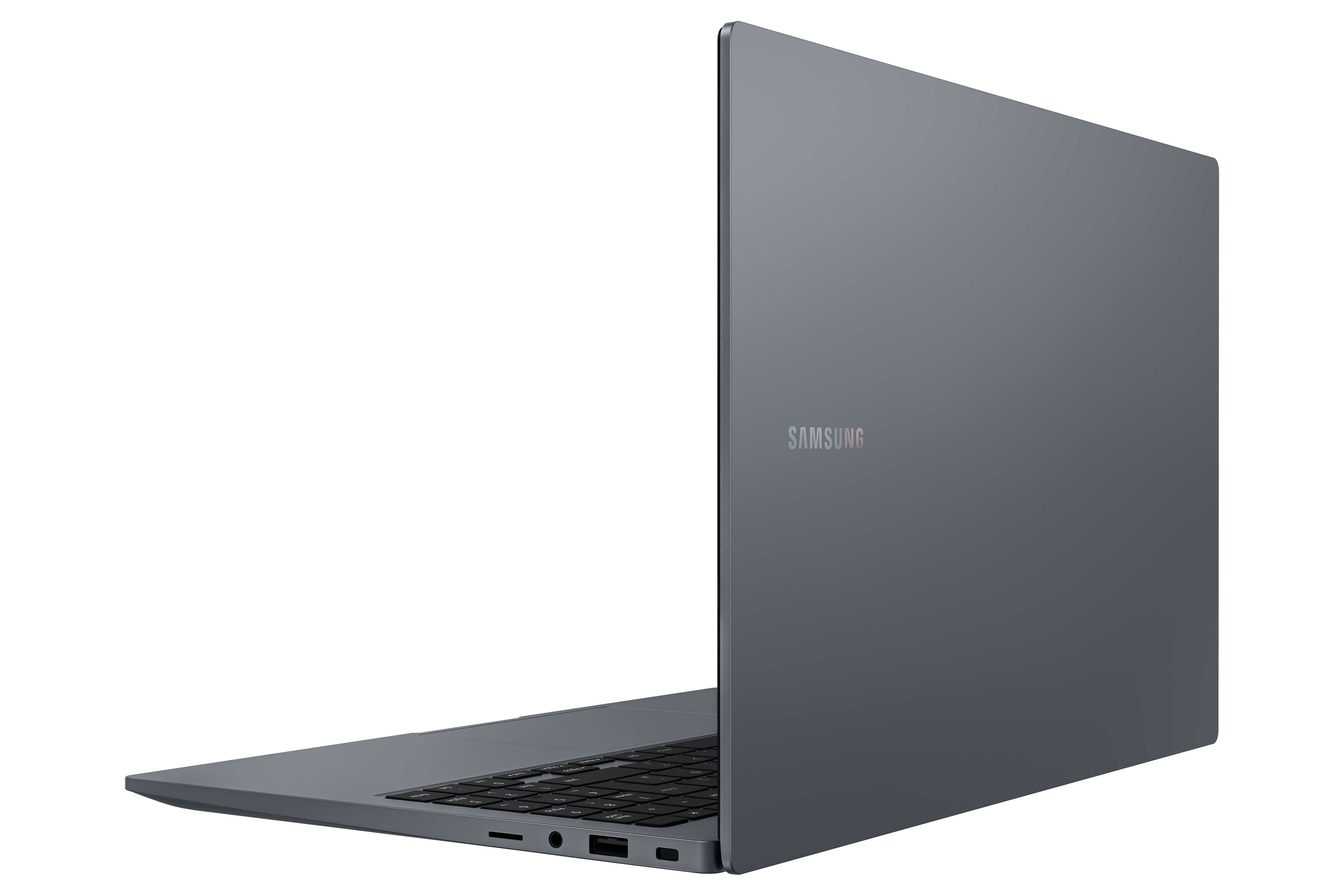
The Samsung Galaxy Book 4 combines sleek aesthetics with portability, making it a stylish and convenient companion for on-the-go use. Its slim profile and lightweight design ensure easy portability, allowing users to carry it effortlessly wherever they go, whether it's to the office, a café, or during travel.
Immersive Display
Boasting a vibrant 15.6-inch screen, the Galaxy Book 4 showcases visuals in stunning clarity and detail. Whether you're editing photos, streaming movies, or working on presentations, the Full HD display with Windows 11 Pro brings content to life with vibrant colors, crisp text, and wide viewing angles, enhancing the overall viewing experience.
Enhanced Connectivity and Productivity
Equipped with Windows 11 Pro, the Galaxy Book 4 offers a host of features designed to boost productivity and connectivity. From the seamless integration with Microsoft Office applications to the enhanced security features, users can enjoy a streamlined workflow and efficient collaboration while staying connected to their digital world with Wi-Fi and Bluetooth capabilities.
It's all under control with Multi Control
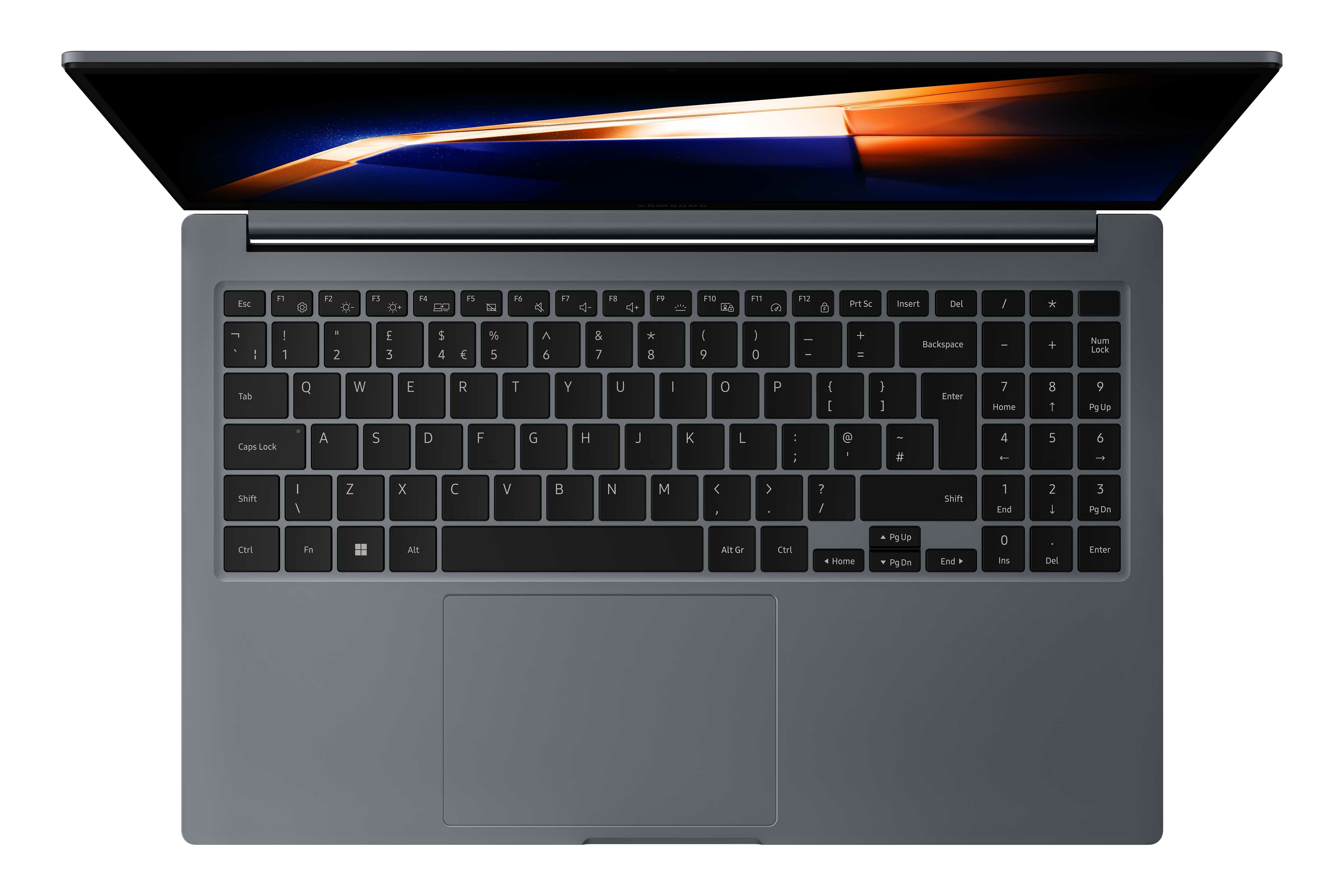
Enhance your work productivity across your Samsung Galaxy devices with Multi Control. Use Galaxy Book4's (2024) keyboard with a mouse to easily navigate your smartphone or Galaxy Tab. Drag and drop or copy and paste text, images and files between devices for quick, intuitive transfers.
Quick Share. File transfer at your fingertips
Quick Share lets you exchange large files, presentations and final works between Samsung Galaxy devices in a flash via direct wireless pairing. If you need to share something confidential, the private sharing feature protects your sensitive data by encrypting it with blockchain technology.