


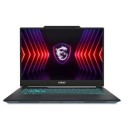
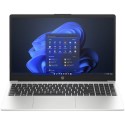

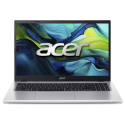

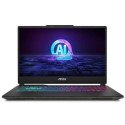



Excellent cosmetic condition - looks like new and saves you money.


Save money
Enjoy significant savings without compromising on quality.

Reduce waste
Reduce electronic waste and lower your carbon footprint.

Extensively Tested
Every refurbished device is rigorously tested and repaired by certified technicians.

Warranty included
This device is protected with a warranty covering both parts and labour.
READY FOR ANYTHING
Windows 11 gaming powered by up to AMD Ryzen 9 7940HS processor GEAR UP AND GAME
Up to an NVIDIA GeForce RTX 4070 Laptop GPU, support for NVIDIA Advanced Optimus and DLSS 3. Keep your cool with 84-blade Arc Flow Fans, 4 exhaust vents, and up to 5 heatpipes.
IMMERSE YOURSELF
Immerse yourself in the latest games with up to a QHD 165Hz panel with G-SYNC support, and slimmer bezels that provide an impressive 80% screen-to-body ratio.
FULL UPGRADEABILITY
Enjoy next generation hardware support with USB 4.0, up to 2TB PCIe Gen 4x4 storage, and DDR5 4800MHz RAM. All RAM and storage slots are fully accessible.
STAYING POWER
A large 90Wh battery and USB-C power delivery power this sleekly designed, yet MIL-STD-810H standard compliant, gaming machine.
CRYSTAL CLEAR COMMS
Dolby Atmos support means you get the most out of your movies and games, and Two-Way AI Noise Cancelation technology ensure clear comms for all parties.
BRAND NEW DESIGN
The chassis has been redesigned for 2023, now 4.5% smaller than the previous design. The two color options each have a different logo location, with the Jaeger Gray edition featuring a large laser-sculpted design, and the Mecha Gray edition showing off an embossed logo on the lid. The four-way indicators can be seen even while the clamshell is closed, and the touchpad features a mech-inspired TUF logo in the corner.