















Appliances Direct
Laptops Direct
Drones Direct
Better Bathrooms
Furniture 123
Dehumidifiers
Outdoor Living
Aircon
Buying for Business?

Get sales advice from our team 7 days a week

0871 244 0934

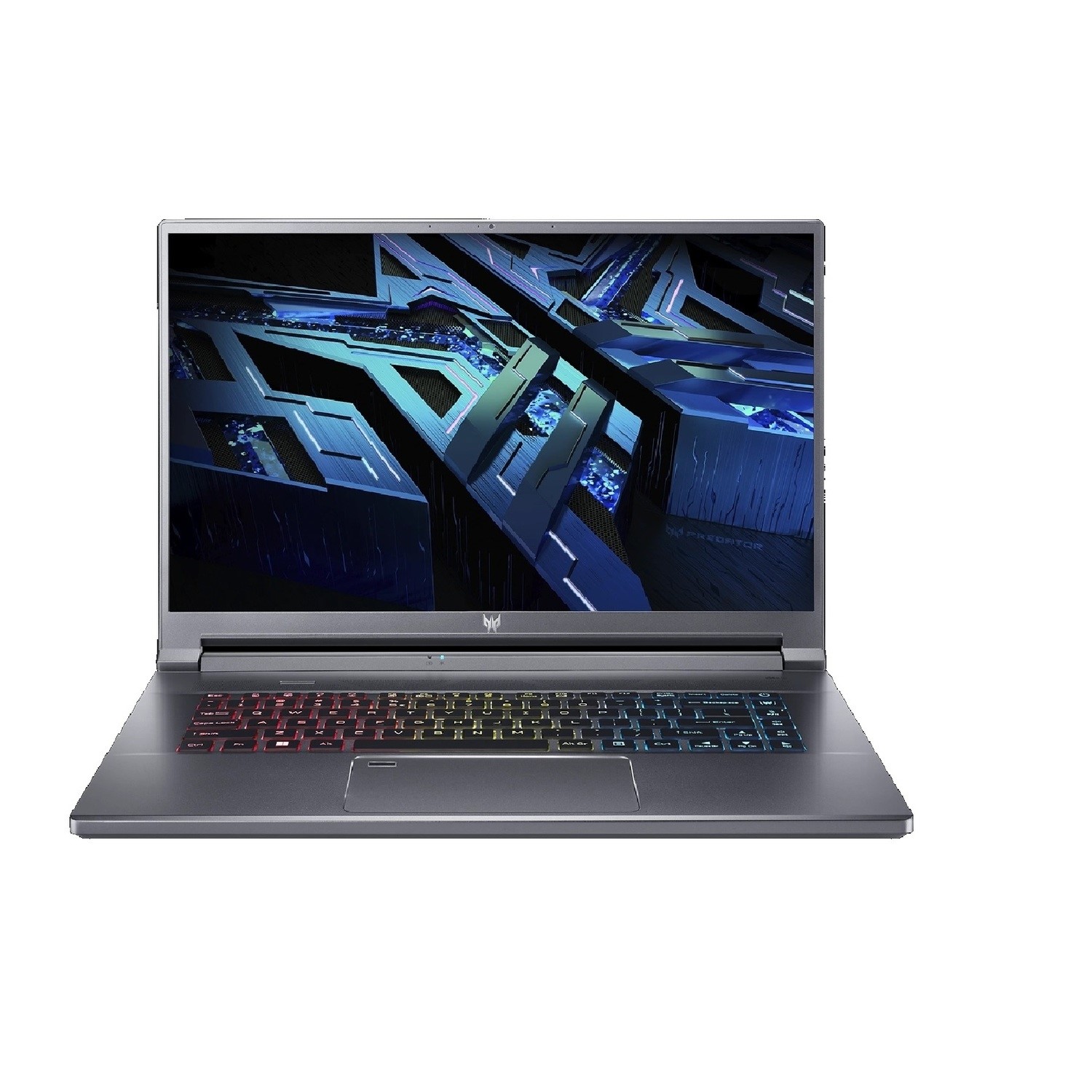
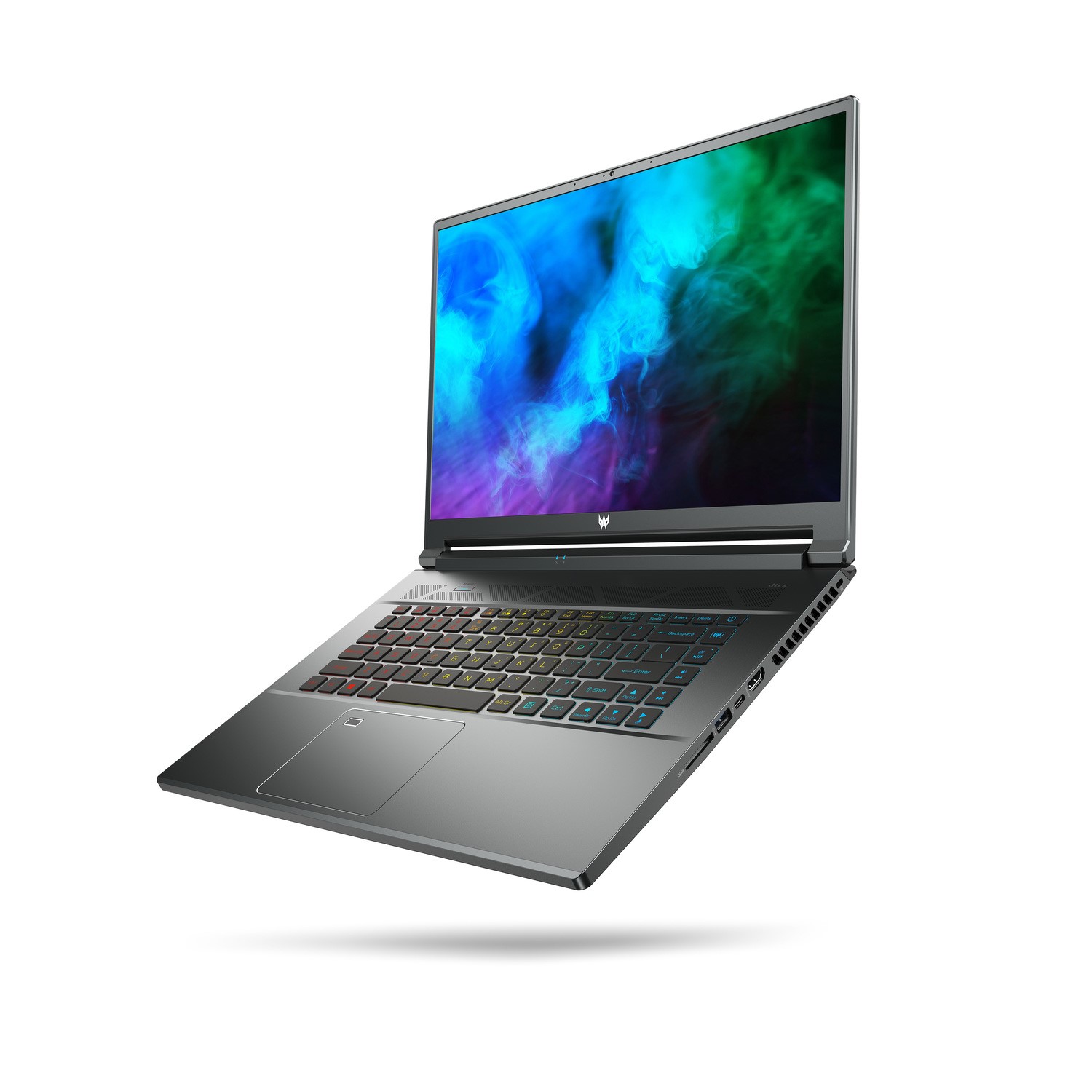
Refurbished Acer Predator Triton 500SE Core i9-12900H 32GB 1TB SSD RTX 3080Ti 16 Inch Windows 11 Gaming Laptop

SKU: A1/NH.QFREK.002 Quickfind Code: 1831681
SAVE 49%
Low Stock

SELLING FAST! Less than 10 remaining

Excellent Condition »

What is GO Refurb?

GO Refurb is our trusted range of professionally refurbished IT equipment. From laptops to desktops, every item goes through a robust quality assurance process to ensure reliable performance - so good, you won't believe it's a refurb.

Why buy GO Refurb?

Cost savings

Opting for refurbished products offers a fantastic opportunity to save considerably compared to purchasing brand new items.

Reduced waste

Purchasing refurbished tech helps divert electronics from landfills, effectively shrinking your carbon footprint and creates a more sustainable consumption cycle.

Extensive testing

Our refurbished technology is meticulously inspected and repaired by certified technicians, ensuring that you receive a reliable and high-quality product.

BSI Kitemark™ Certified

British Standards Institute (BSI) certified refurbished standards on a huge range of products.

Included warranty

You can shop for refurbished products with peace of mind, as they come with a warranty that provides coverage for up to 12 months.

Our grades explained

Excellent

These products come in excellent cosmetic condition. From fully refurbished machines to unwanted returns, you can enjoy a device that looks like-new for an incredible price. Our expert engineers have checked and tested every product to ensure they're in exceptional working order.

Very Good

These devices arrive in very good cosmetic condition. They may display very light cosmetic marks like light scratches or dents but are in full working order. All very good graded products are rigorously tested by our expert engineers.

Good

These products are in good cosmetic condition. Some have scratches and dents, which is reflected in the price. But they do not affect how each device performs. These products have been thoroughly tested by our expert engineers and are in full working order.

Look out for our Pre-Loved range and discover incredible savings on your favourite brands like Apple, HP and Lenovo. All our Pre-Loved devices come from customer trade-ins, with full details on condition included, so you can be confident when you buy.

These products are limited, so once they’re gone, they’re gone.

You save: £950.01
£999.97

Why buy me

Excellent Condition

Excellent cosmetic condition - looks like new and saves you money.

Cost Saving
Save money

Enjoy significant savings without compromising on quality.

Reduced Waste
Reduce waste

Reduce electronic waste and lower your carbon footprint.

Extensive Testing
Extensively Tested

Every refurbished device is rigorously tested and repaired by certified technicians.

Included Warranty
Warranty included

This device is protected with a warranty covering both parts and labour.

This slim, spartan-styled Triton has one place - at your side, at all times. Infused with an Intel Core processor and GeForce RTX 30 Series graphics, this thin PC was forged to obliterate your games, empower your creativity and inspire envy from friends and family alike.

Powered up performance

Within its metallic shell is all you'll ever need: an Intel Core processor, GeForce RTX 30 Series graphics, a large memory and plenty of high speed PCIe storage to fill up with from your game library.

5th gen AeroBlade 3D Technology

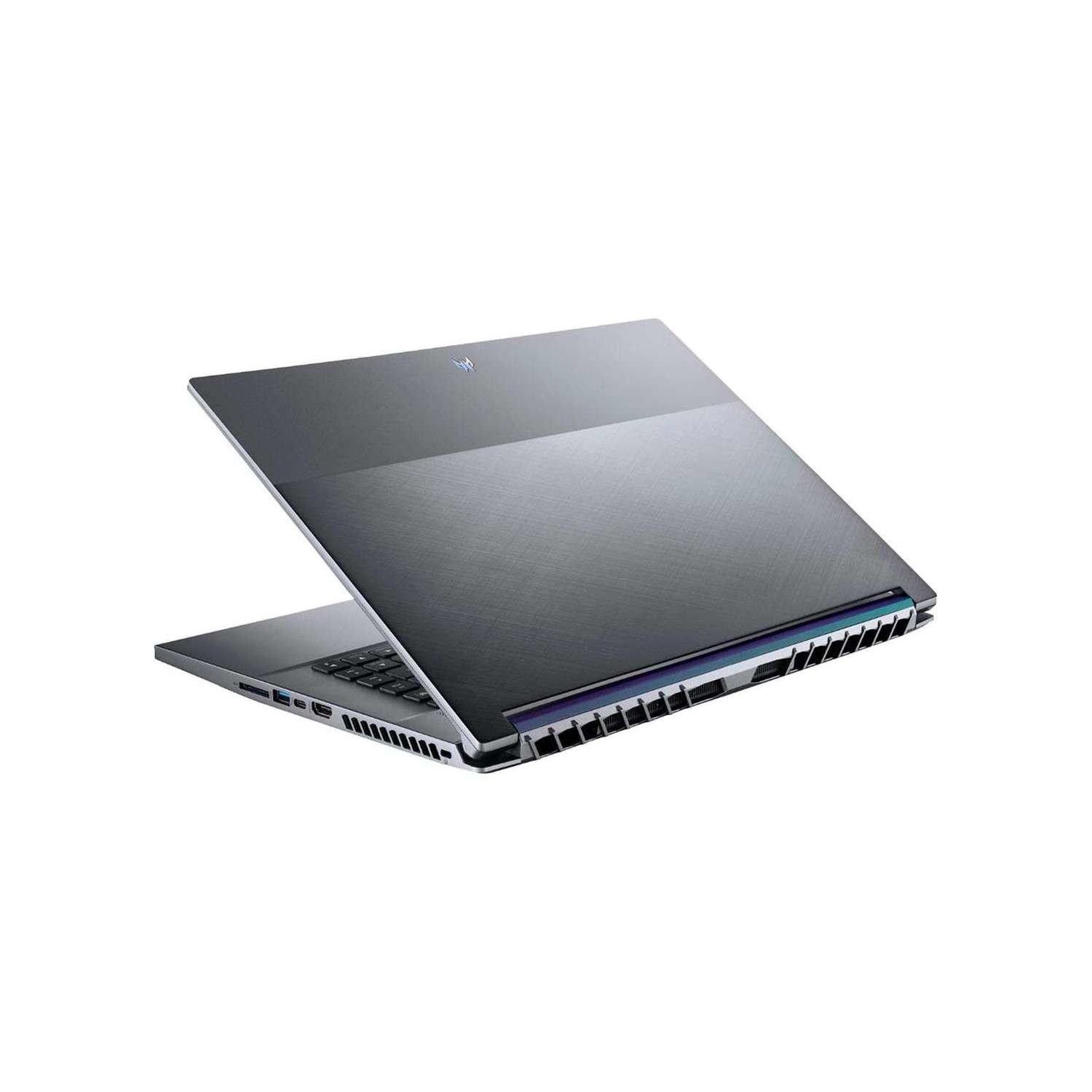
The cooling is streamlined with the 5th Gen AeroBlade 3D Fan Technology and the wind-guiding Vortex Flow to increase airflow and refine the entire system from intake to exhaust - allowing you to maximize your performance, no matter the task.

Triple-fan cooling with Vortex Flow

Through strategically placed thermal foam, the airflow of the Triton 500 SE is optimized to increase overall cooling and reduce the skin temperature of the device.

It's ok to stare

This display deserves all your attention. With a 16:10 aspect ratio, the WQXGA 500 nits panel clocks in with a 240Hz refresh and fast response time. Top it off with support for the frame-syncing power of NVIDIA G-SYNC and NVIDIA Max-Q Technologies for peak performance and efficiency.

NVIDIA Optimus Technology

Through dynamic display switching, Advanced Optimus improves battery life without impacting the immersive, tear-free, stutter-free gameplay of G-SYNC. In short, the system will intelligently determine when apps need the dedicated GPU or integrated graphics.

Take it with you

The easily portable, all-metal Triton 500 SE is ready for travel and plenty of mayhem.

Intel Killer AX1650i

Powered by Wi-Fi 6 technology using 160MHz channels, the Killer AX1650i delivers 2.4 Gbps of theoretical throughput and cutting-edge performance.

DTS:X Ultra

Turn any pair of headphones or speakers into a 360° surround sound system - enabling you to experience your favorite movies, music and games with real-world spatial sound.

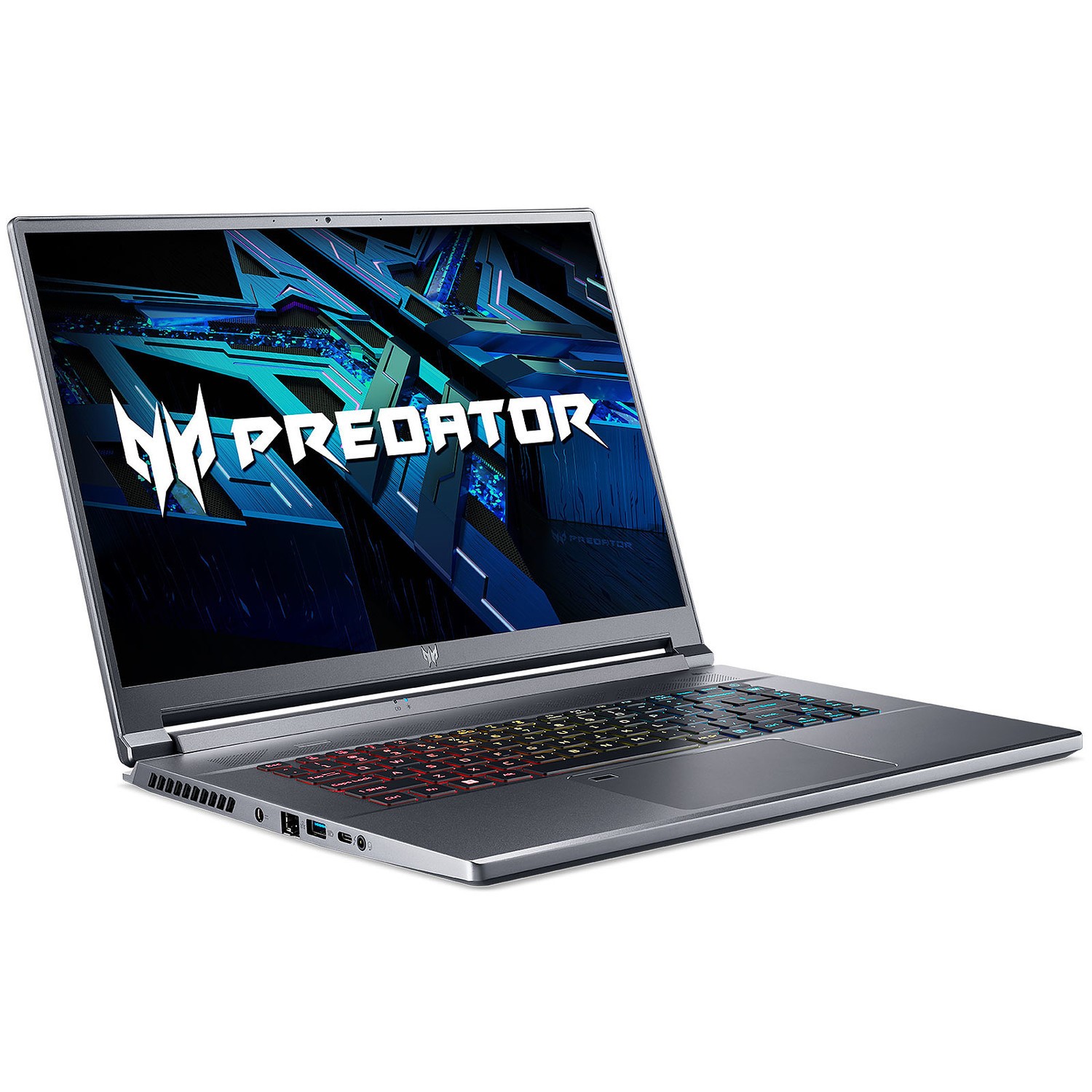
Ports aplenty

Offload photos via the SD 7.0 card reader and plug all your peripherals into the full range of USB 3.2 Gen 2. The HDMI 2.1 specification also allows you to easily plug into an external display such as 4K at 120Hz.

 

Some devices may come with Windows 11 pre installed, but some may need manually updating to the latest version of Windows from Windows 10, 10s or 11s. It's easy and free to do in just 3 easy steps. Find out how by clicking here »

How To Easily Update Your Windows Laptop

Some devices may come with Windows 11 pre installed, but some may neeed manually updating to the latest version of Windows from Windows 10, 10s or 11s. It's easy and free to do in just 3 easy steps.

Windows 11 the most productive and secure version of windows yet with easy Navigation, easy organisation and faster performance. Windows 11 has all the power and security of past Windows verisions but with a redesigned and refrshed look. With new tools, sounds and apps that all come together to bring a new refreshing Windows experience.

1. Settings > On your device Select the start button, then click on settings.

2. Updates & Security > Click on Updates & Security.

3. Windows Update > Select check for updates. If updates are available, click instal to get the latest version of Windows.


You may also like

Recently viewed


Back to top

