











Appliances Direct
Laptops Direct
Drones Direct
Better Bathrooms
Furniture 123
Dehumidifiers
Outdoor Living
Aircon
Buying for Business?

Get sales advice from our team 7 days a week

0871 244 0934

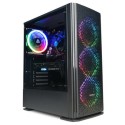
Refurbished PC Specialist Vortex ST-R Core i7-11700 16GB 2TB & 512GB RTX 3060 Ti Windows 11 Gaming Desktop - Original Casing Replaced

SKU: 78291994/1/A1/PCS-D2163673 Quickfind Code: 1802207

This product is no longer available.

Still need help?

For help finding something similar, just give us a call on 0871 244 0934*

* Calls cost 13p per min plus your network access charge

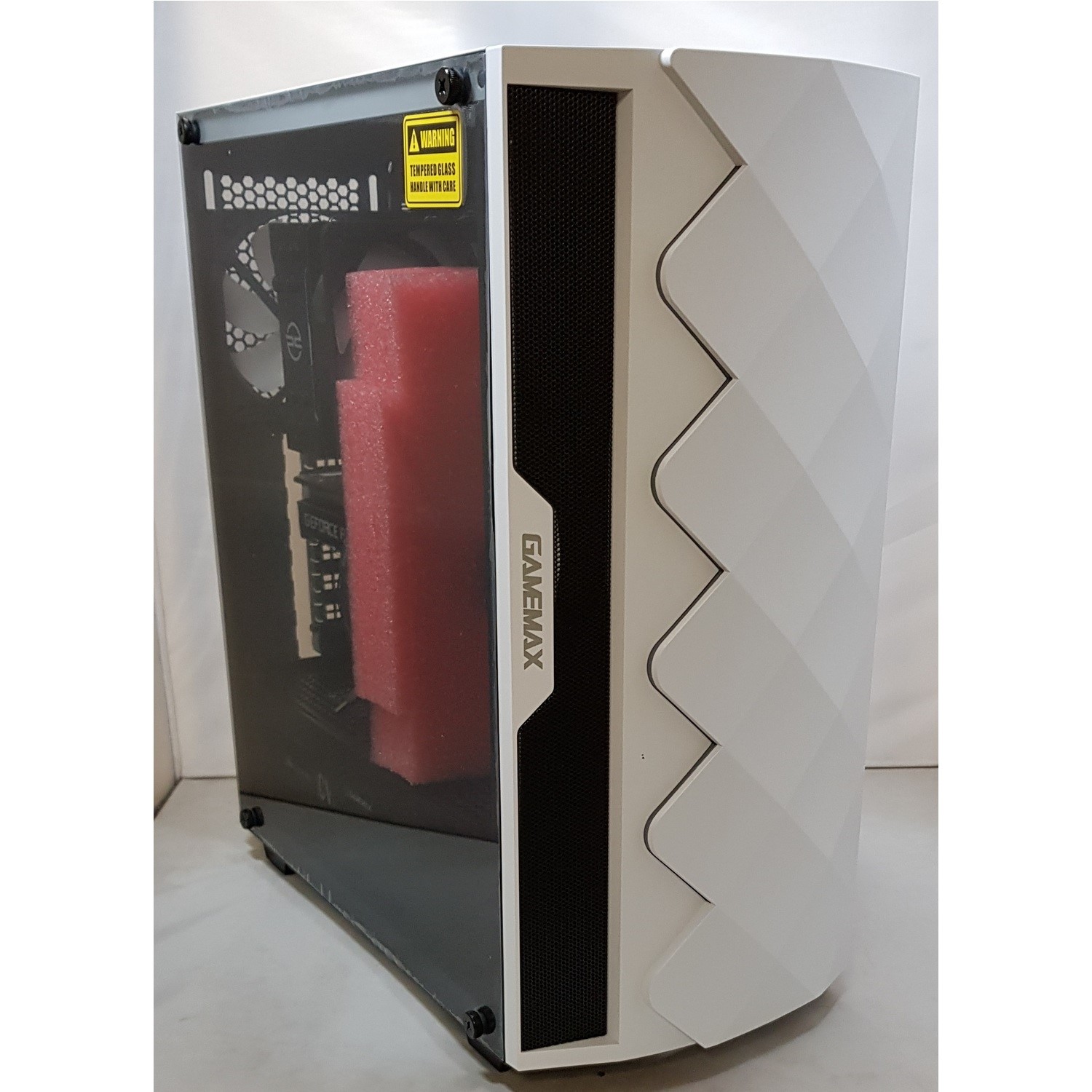
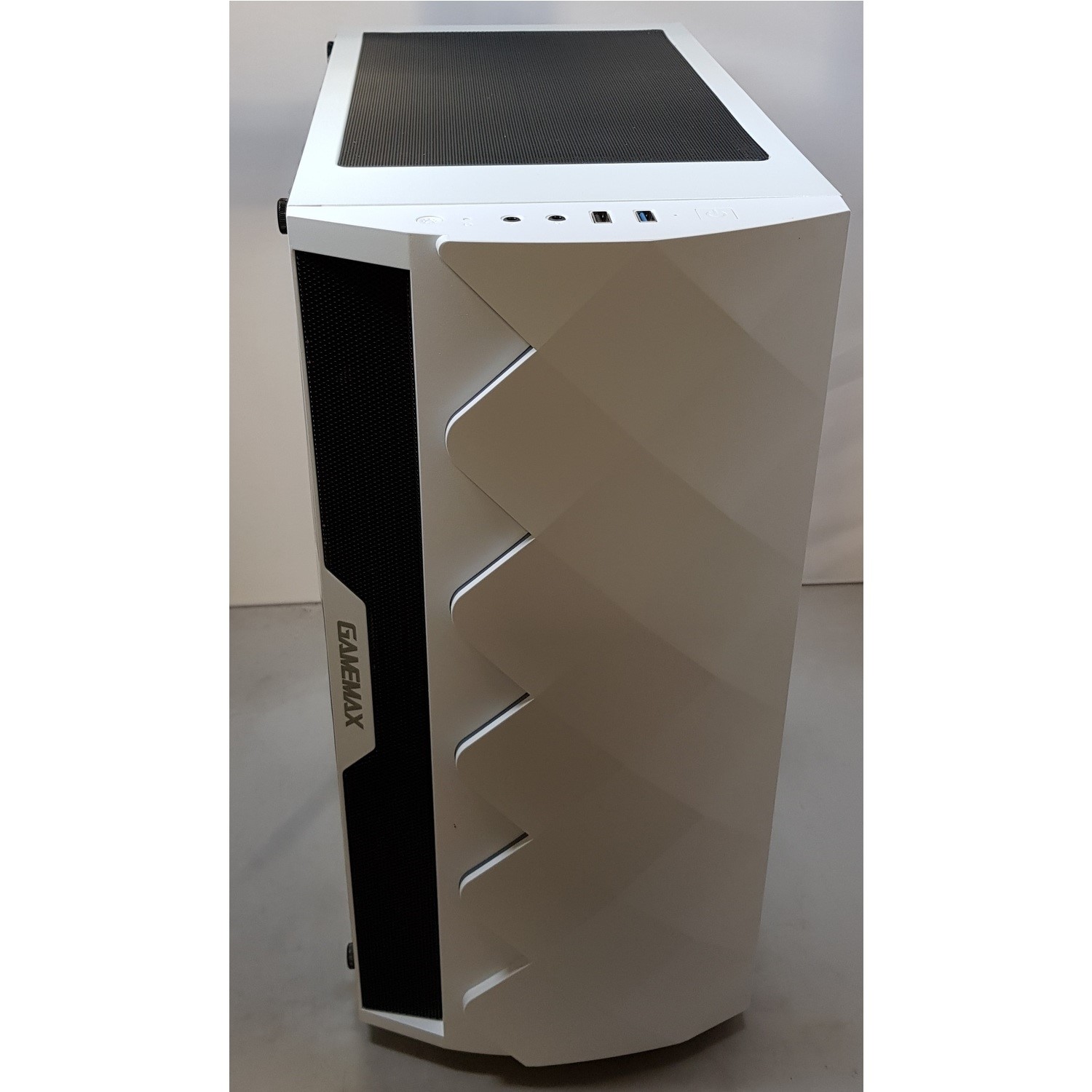
**Please be aware the original casing has been changed to a Gamemax Diamond White due to previous damage however the unit is still in Grade A1 condition.

Eight-cores of processing power

Run the latest releases with the PCSpecialist Vortex ST-R Gaming PC. Offering eight-cores of processing power, easily multitask with the 11th generation Intel i7 processor. Quickly switch back and forth between a game of DOTA, streaming music and browsing the web - all lag-free.

RTX 3060 Ti

Race through the next generation of games with the GeForce RTX 3060 Ti, powered by Ampere, NVIDIA's 2nd gen RTX architecture. Featuring AI performance and enhanced ray tracing as well as a massive 8 GB of memory, it's designed to deliver the ultimate gaming performance.

And because the RTX 3060 Ti is built for streaming, you'll have stutter-free live gaming with improved audio and visuals.

Room for all your games

With a whopping 2 TB of hard drive storage, you won't have to delete old games to make space for new ones. Plus, with an extra 512 GB SSD drive on top, your saves will load in an instant. So you can get right back to playing.


Some devices may come with Windows 11 pre installed, but some may need manually updating to the latest version of Windows from Windows 10, 10S or 11S. It's easy and free to do in just 3 easy steps. Find out how by clicking here »

How To Easily Update Your Windows Laptop

Some devices may come with Windows 11 pre installed, but some may need manually updating to the latest version of Windows from Windows 10, 10S or 11S. It's easy and free to do in just 3 easy steps.

Windows 11 the most productive and secure version of windows yet with easy Navigation, easy organisation and faster performance. Windows 11 has all the power and security of past Windows verisions but with a redesigned and refrshed look. With new tools, sounds and apps that all come together to bring a new refreshing Windows experience.

1. Settings > On your device Select the start button, then click on settings.

2. Updates & Security > Click on Updates & Security.

3. Windows Update > Select check for updates. If updates are available, click instal to get the latest version of Windows.


You may also like

Recently viewed


Back to top